A wintry, nostalgic save the date
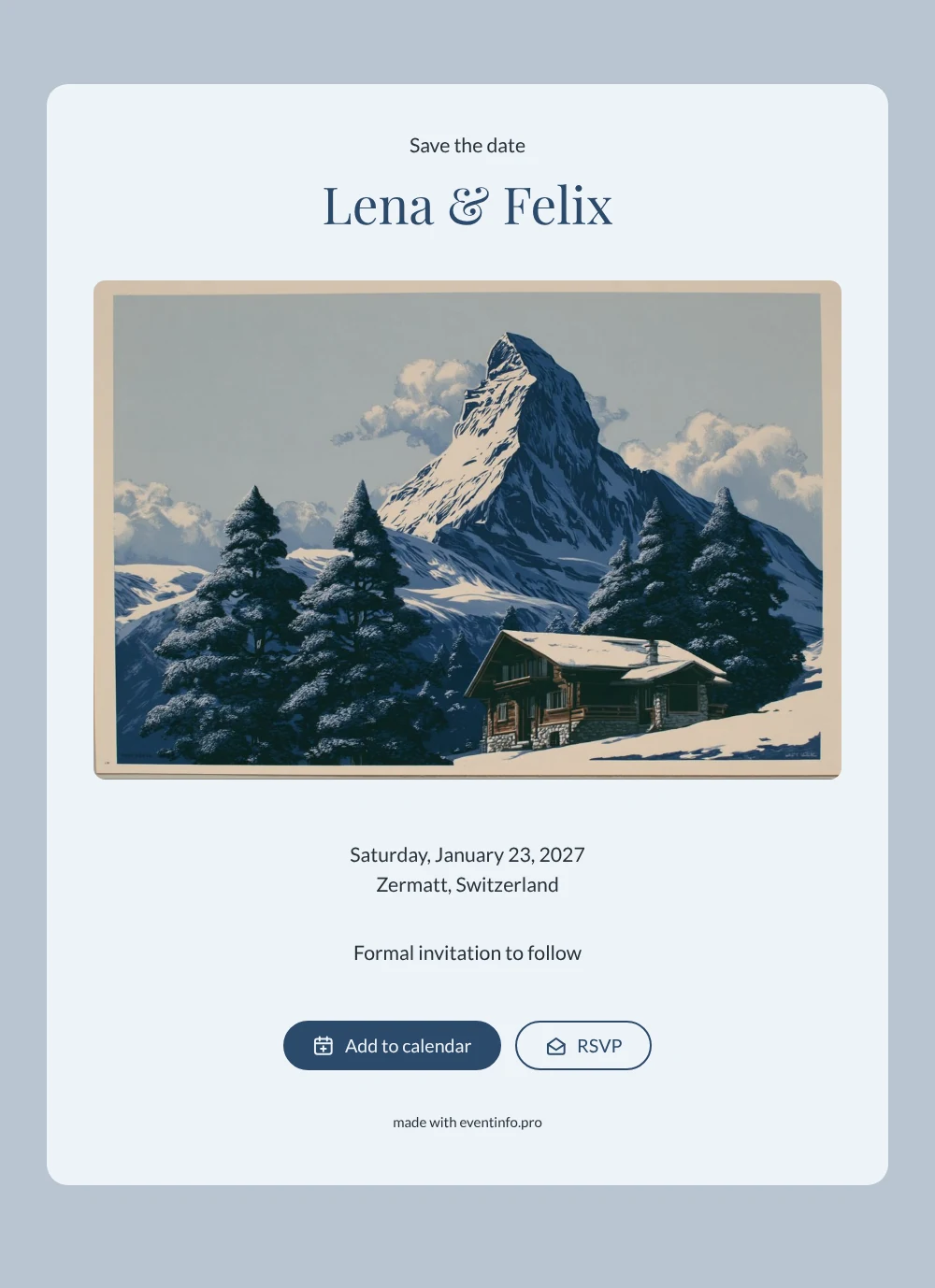
An online save the date is a short digital announcement that tells guests the date and place of your celebration long before the invitation follows, so they can keep that day free. This design does it in the style of a vintage travel poster: the Matterhorn rises above a wooden chalet and a dark pine forest, drawn in soft alpine blues. It is made for couples who are marrying in Zermatt or elsewhere in the Swiss Alps and want their very first message to feel like the start of a journey.
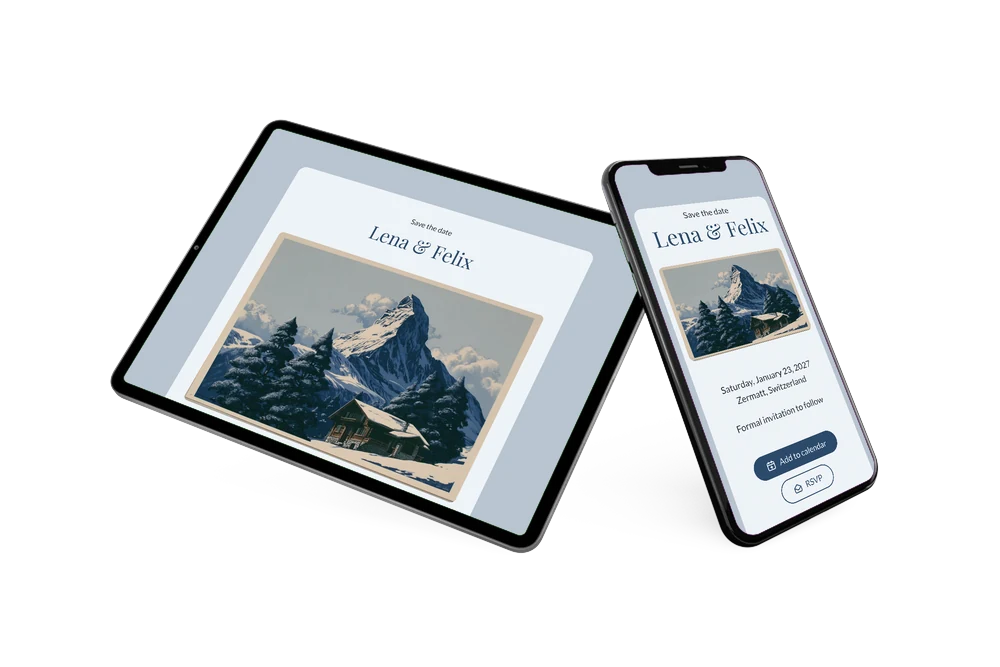
A wedding in the mountains asks a lot of your guests: flights or a long train ride, days off work and a hotel in a popular resort. The sooner they know, the easier it gets. Share the save the date with one link and guests can put the day straight into Google, Apple or Outlook, open Zermatt on the map and use the RSVP button to tell you early whether they expect to come. Our tips for a destination wedding save the date help you decide how far ahead to announce.
Create your own online save the date
Use this design as a starting point and create a fitting save the date within minutes.
Frequently asked questions
How quickly can I make this save the date?
Usually within a few minutes. Open the design, type your names, the date and the place, and check the preview. The poster, the colours and the layout are already in place, so you only add what belongs to your own wedding before you copy the link.
What can guests do with it?
They see your names, the date and Zermatt as the location. With one tap they add the day to their calendar, open the route on a map and give an early yes or no through the RSVP button. You follow every reply in your dashboard.
Does this poster suit a winter wedding?
Very well. The cool blue palette, the chalet and the pine trees fit a wedding in the ski season, like the example on a Saturday in January. For a summer wedding in the Alps it works just as nicely, because the mountain looks impressive in every season.
Can I change the text and the picture?
Yes. The names, the date, the location and the line “Formal invitation to follow” are all editable, and you can swap the poster for a photo of your own venue. When the details are settled, you create the full online wedding invitation on Eventinfo.pro.
Is it free?
Yes. Making and sharing a save the date on freesavethedate.online is free, and you can keep updating the page on the same link after you have sent it.
All example invitations are fictional. Photos of people are AI-generated; illustrations are licensed or AI-generated.