A hearty, warm save the date
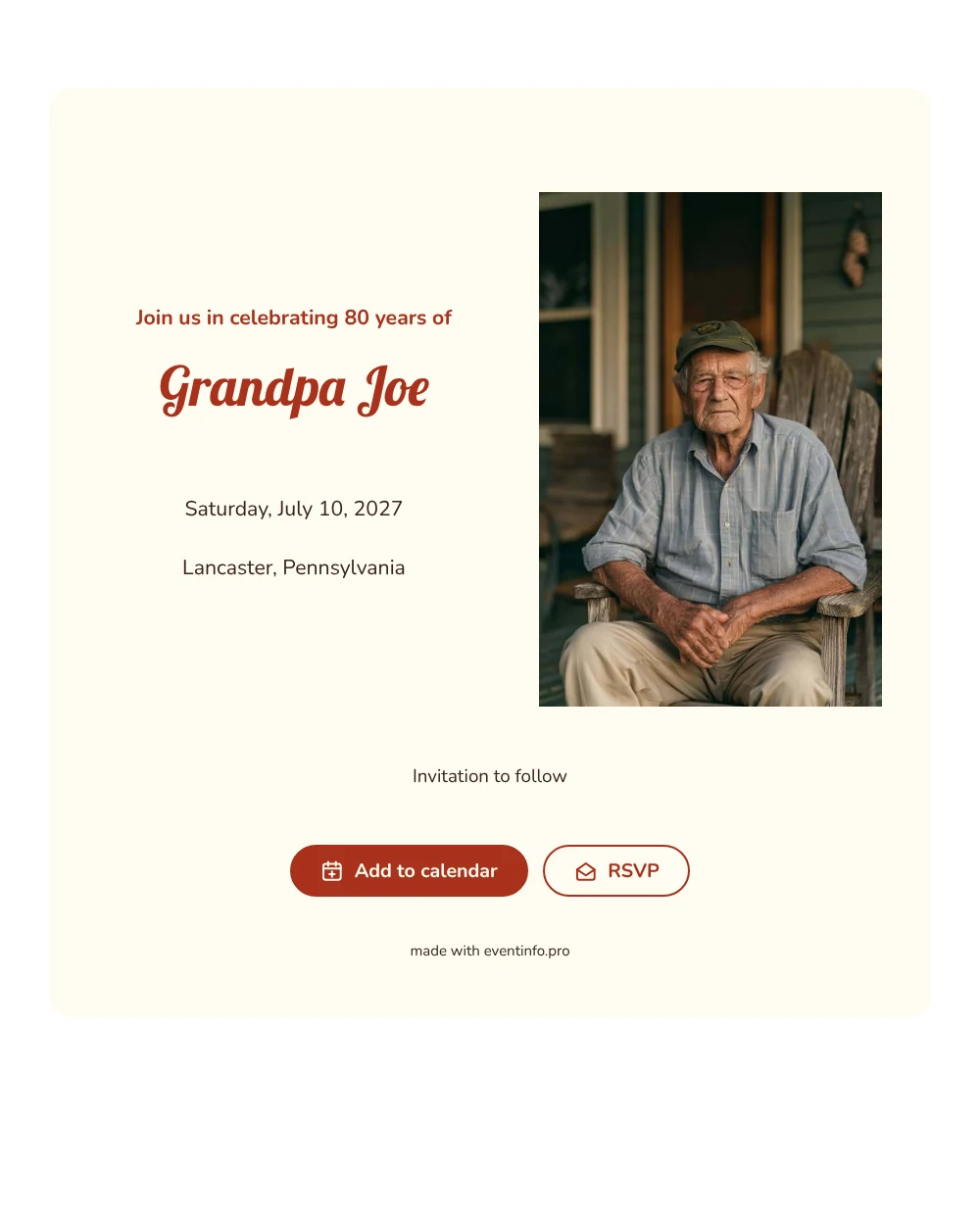
A birthday save the date is a short web page that tells family and friends when and where a milestone birthday will be celebrated, well before the real invitation goes out. For an 80th, that early notice matters: children, grandchildren and old friends often live far apart. This design opens with a portrait photo on the left of an older man with glasses, relaxing in a wooden rocking chair on a porch. On the right, the line ’Join us in celebrating 80 years of’ leads into the name in a round, brick red script, with the date and place in plain dark brown text on a cream card.
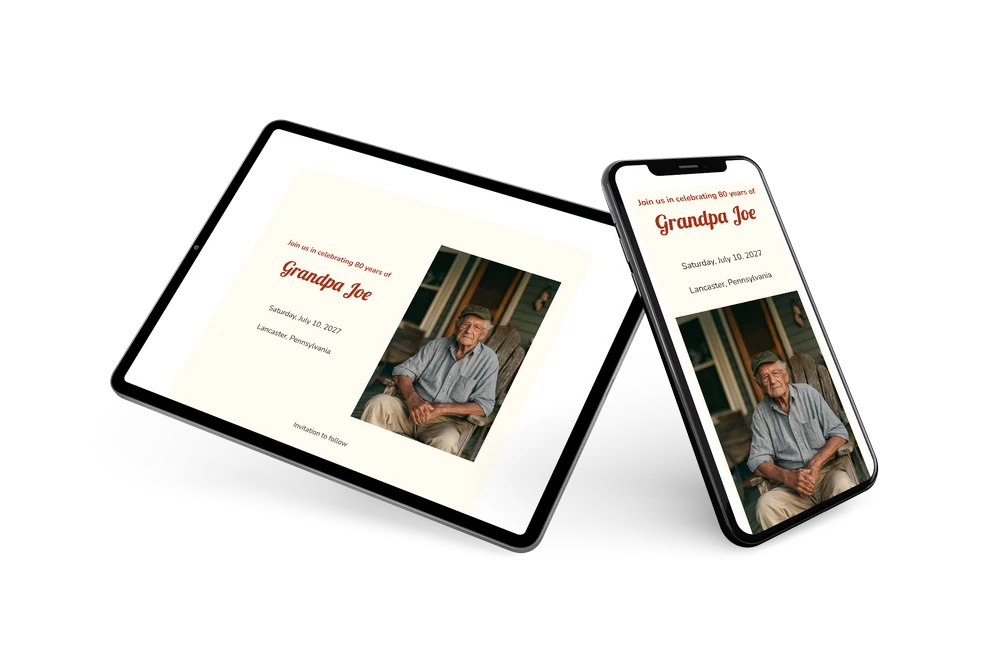
It suits a family that is planning a party or a big lunch for a father or grandfather and wants everyone to set the day aside. You send one link by text, email or a family group chat. Guests open it on their phone, add the date to their calendar and tell you early whether they can come, so you can book the right room or restaurant. Once the program is settled, you can send a full online birthday invitation in the same style.
Create your own online save the date
Use this design as a starting point and create a fitting save the date within minutes.
Frequently asked questions
How quickly can I send this save the date?
Within a few minutes. Enter the name of the birthday guest, the date and the town, check the preview and share the link.
What can guests do when they open it?
They can add the date to Google, Apple or Outlook calendar with one tap and send an early reply through the RSVP button. All replies come together in your dashboard. Here is more on how to add an event to a calendar.
Can I replace the rocking chair photo with a picture of our own grandparent?
Yes, and that is what most families do. The portrait spot on the left takes any photo you upload, so a favorite picture of the birthday guest fits right in. A photo in portrait format works best and keeps the text on the right easy to read.
Can I change the text and colors?
Yes. You can rewrite the heading and the closing line, and change the red and the cream card in the editor. The date and place are filled in automatically from your details, and you can still edit after sending. The venue can also be shown with a shared event location in the full invitation.
Is this save the date free?
Yes, creating and sharing the save the date is free. The full birthday invitation can be made later on Eventinfo.pro if you want more options.
All example invitations are fictional. Photos of people are AI-generated; illustrations are licensed or AI-generated.