A warm, lively save the date
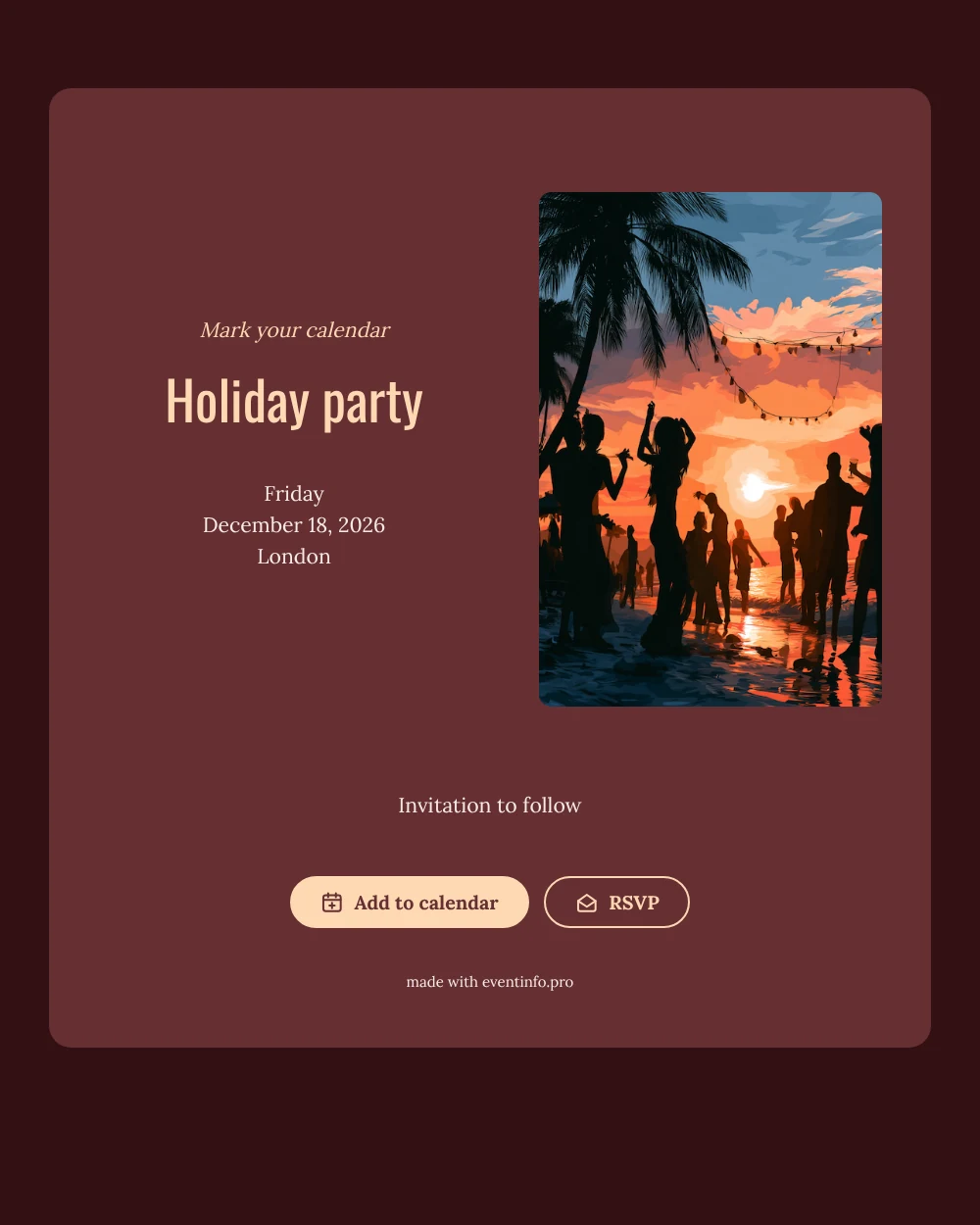
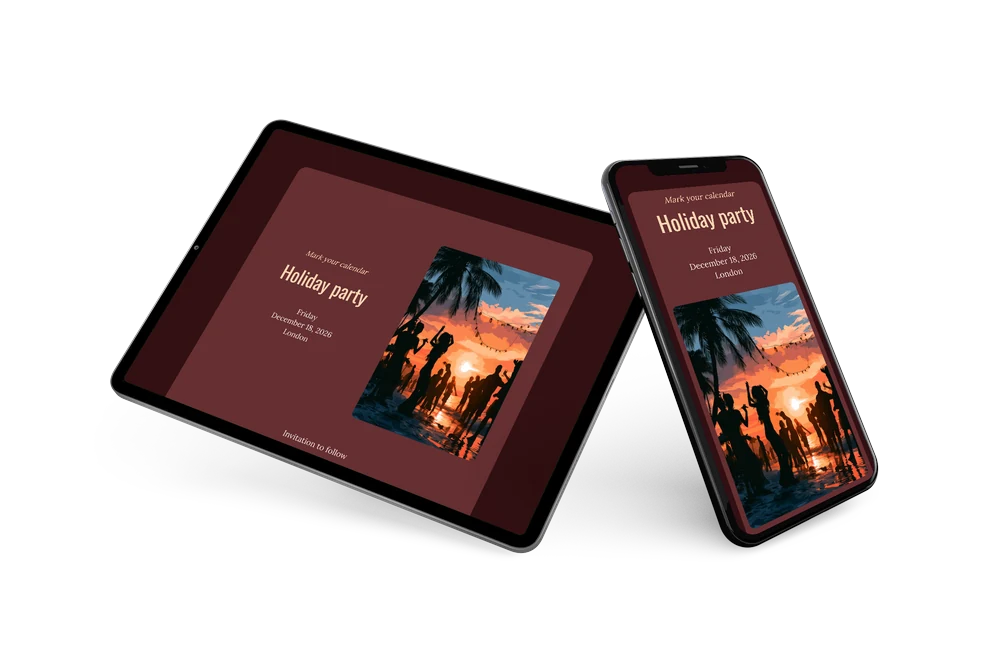
An online save the date announces the date and place of a party weeks ahead. A deep burgundy card sits beside an illustration of people dancing at a beach party at sunset, in orange and teal. The name stands in tall, condensed capitals under a peach “Mark your calendar”.
It suits a Christmas dinner with friends or an end-of-year club party. Send the link in October or early November. Guests save the date and reply early. Then follow up with an online party invitation in the same style.
Create your own online save the date
Use this design as a starting point and create a fitting save the date within minutes.
Frequently asked questions
How fast can I send this holiday save the date?
In a few minutes. Enter the name of your party, the date and the city, check the preview and share the link by text, email or WhatsApp.
What can my guests do when they open it?
They can add the party to Google, Apple or Outlook calendar with one tap and send a quick reply with the RSVP button. All replies show up in your dashboard, so you know early how many people to expect.
Is the light text easy to read on the dark burgundy card?
Yes. The heading is set in a pale peach and the details in a soft blush tone, both with strong contrast against the deep red card. The text stays sharp on a phone screen, even in a dim room.
Can I change the illustration or the colors?
Yes. You can swap the beach party illustration for your own photo, rewrite the heading and closing line, and adjust the colors in the editor. The date and place are filled in from your details, and you can still make changes after sending. Start from the free save the date editor.
Is this save the date free?
Yes, creating and sharing this save the date is free. If you want a full invitation later, you can make one on Eventinfo.pro in the same design.
All example invitations are fictional. Photos of people are AI-generated; illustrations are licensed or AI-generated.