A sunny, sophisticated save the date
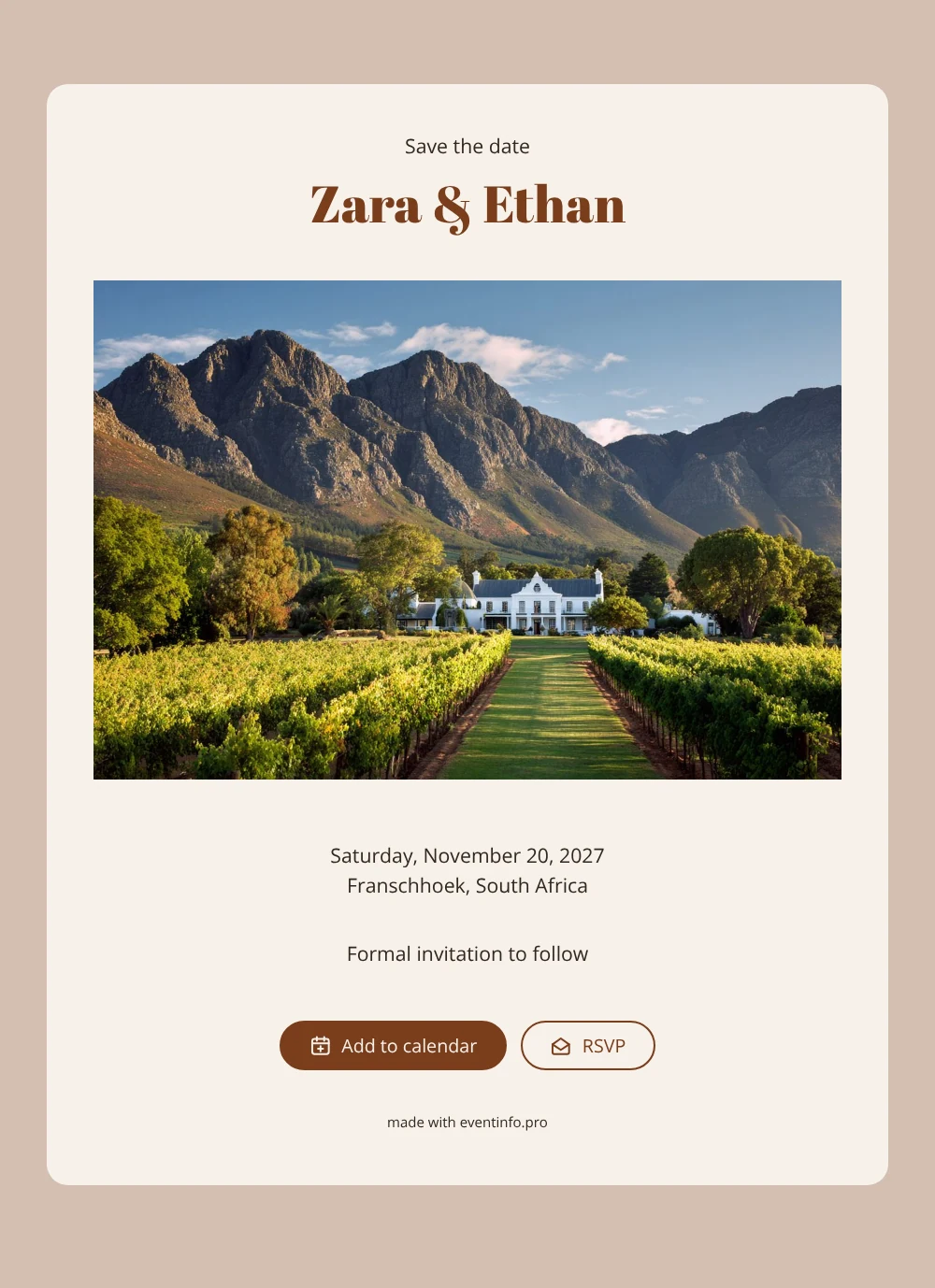
An online save the date is a short digital announcement that tells your guests the day and place of your wedding long before the full invitation arrives. This design opens with a photo of a whitewashed Cape Dutch manor set among vineyards, with rugged mountains rising behind it. Soft cream and rusty brown keep the page calm, so your names and the date stand out. It suits couples marrying in the Cape winelands, or anyone who simply loves that landscape.
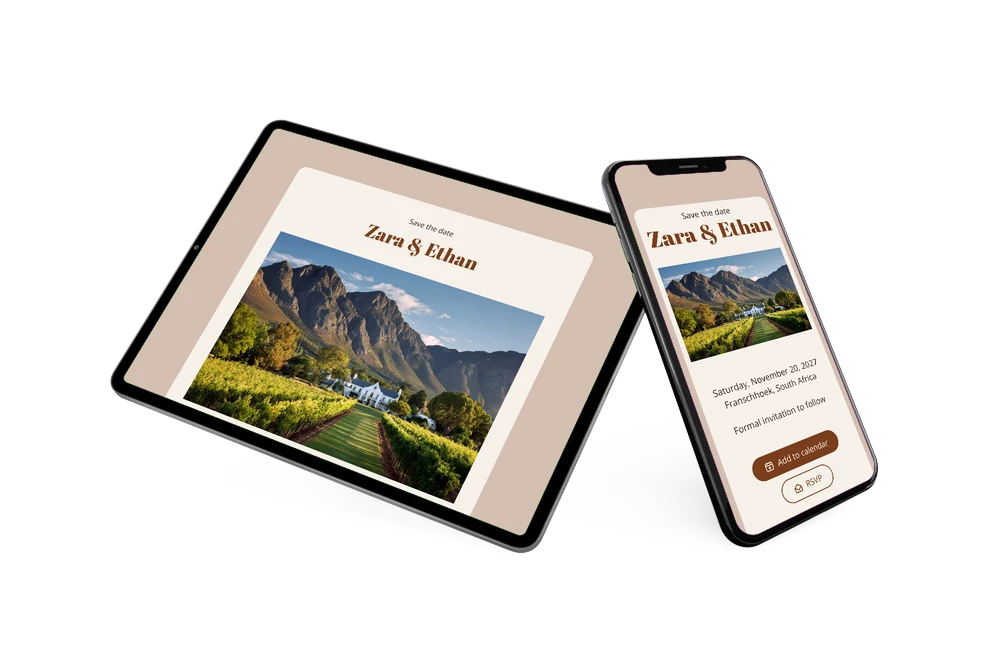
For most guests, a wedding in Franschhoek means a long flight, annual leave and somewhere to stay, so an early heads-up really helps. Share the link and they can add the date to Google, Apple or Outlook, open the location on a map and use the RSVP button to tell you early whether they hope to come. Our tips for a destination wedding save the date explain how to plan it.
Create your own online save the date
Use this design as a starting point and create a fitting save the date within minutes.
Frequently asked questions
How quickly can I make this save the date?
Most couples are done in a few minutes. Replace the sample names Zara & Ethan with your own, set your date and venue, and the page is ready to share. You don’t need a designer or an app, just a browser on your phone or laptop.
What can our guests do with it?
They can save the day straight into their calendar, open the estate or town on a map for directions, and send you an early RSVP through the button on the page. You see every reply in your dashboard, which helps when you are booking a venue for a set number of people.
Does the vineyard photo work if we are not marrying in South Africa?
It is clearly a Cape winelands scene, so it fits best for weddings around Franschhoek, Stellenbosch or Paarl. If your venue looks different, upload your own photo and keep the cream and rust colours, which suit any wine estate or countryside setting.
Can I change the text and colours?
Yes. Every line, the colours and the image can be adjusted in the editor, and after sharing you can still update the page on the same link. Unsure what to mention? Read what to include on a save the date before you finalise it.
Is it free?
Creating and sharing this save the date on freesavethedate.online is free. When it is time for the formal invitation, you can build that on Eventinfo.pro with more features for the big day.
All example invitations are fictional. Photos of people are AI-generated; illustrations are licensed or AI-generated.