A moody, windswept save the date
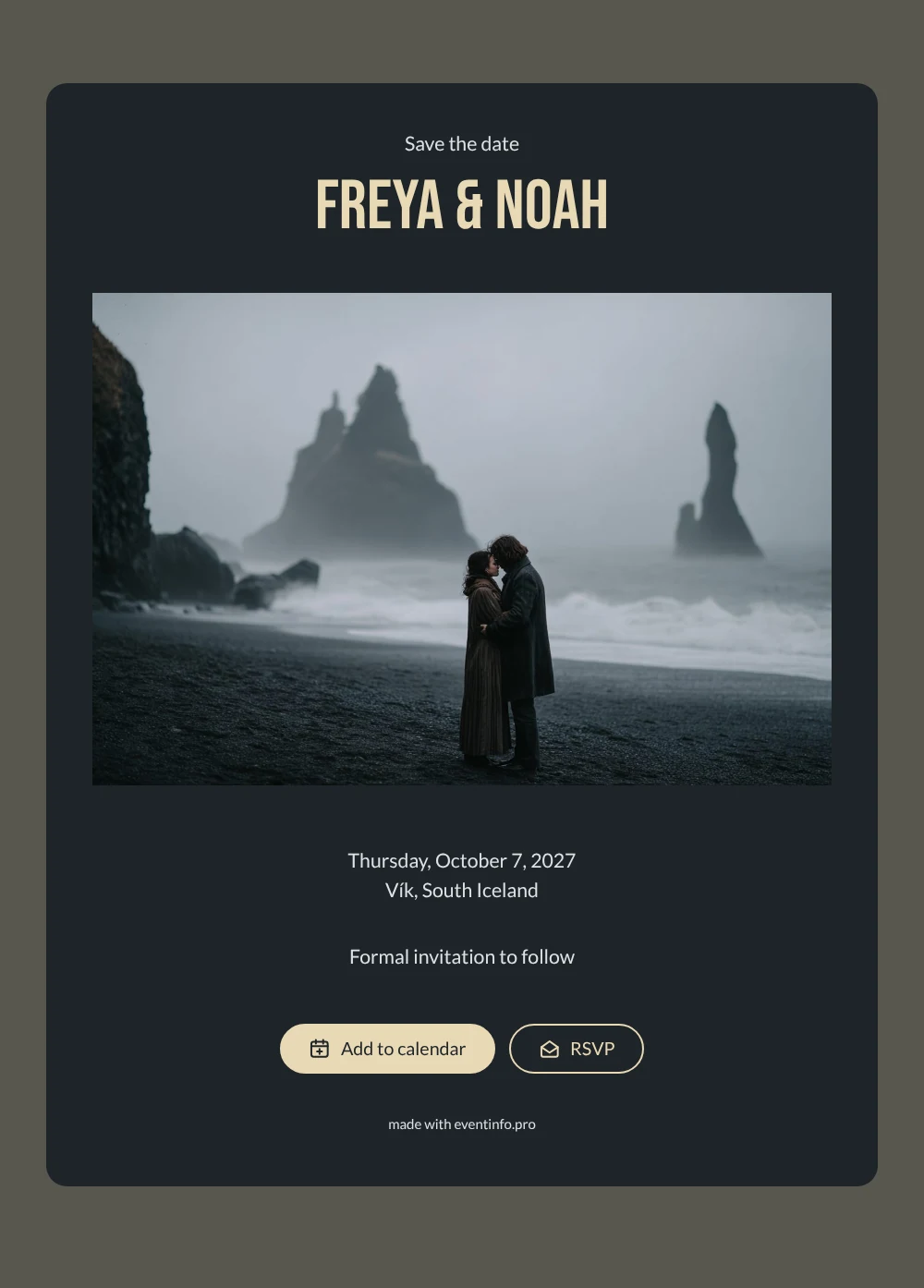
An online save the date is a short digital announcement that tells your guests the wedding date and place long before the full invitation arrives. This one sets the scene in South Iceland: a couple wrapped in wool coats stands on a black sand beach, with basalt columns behind them and the sea fading into mist. Deep charcoal, warm cream lettering and cool grey text keep it calm and understated, which suits an elopement or a very small wedding far from home.
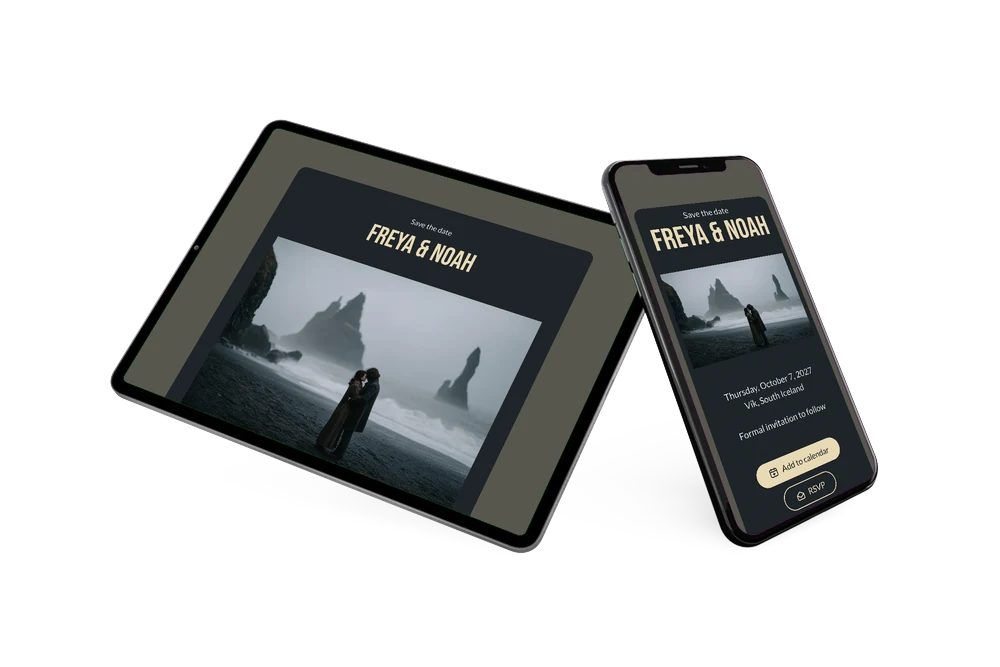
Iceland is not a weekend hop for most people, so the earlier your loved ones know, the better. They need time for flights, days off and somewhere to stay near Vík. Send the link as soon as you have a date and a place; guests open it on their phone, save the day in their calendar and can tap the RSVP button to say early on whether they can make the trip. Our tips for a destination wedding save the date cover what else helps people plan ahead.
Create your own online save the date
Use this design as a starting point and create a fitting save the date within minutes.
Frequently asked questions
How quickly can I make this save the date?
In a few minutes. Open the design, type your names, the date and the place, and the page is ready to share. There is no printing or posting, so you can send it the same evening you pick your date.
What can my guests do with it?
They can add the date to Google, Apple or Outlook calendar, open the location on a map for directions, and reply through the RSVP button. You see every answer in your dashboard, which gives you an early idea of who will actually fly out.
Does the dark style work for a small elopement?
Yes. The card says little: save the date, your names, the date, the place and a line that a formal invitation will follow. That restraint fits an intimate ceremony where only a handful of people are invited, or where you mainly want to share the news.
Can I use my own photo instead of the beach?
You can. In the editor you replace the image with your own picture and adjust the text and colours. Even after sharing, changes appear on the same link. For the wedding day itself you can later create a full online wedding invitation on Eventinfo.pro.
Is it free?
Yes, making and sharing a save the date on freesavethedate.online is free. You only need an account to save your design and see the replies.
All example invitations are fictional. Photos of people are AI-generated; illustrations are licensed or AI-generated.