A crisp, modern save the date
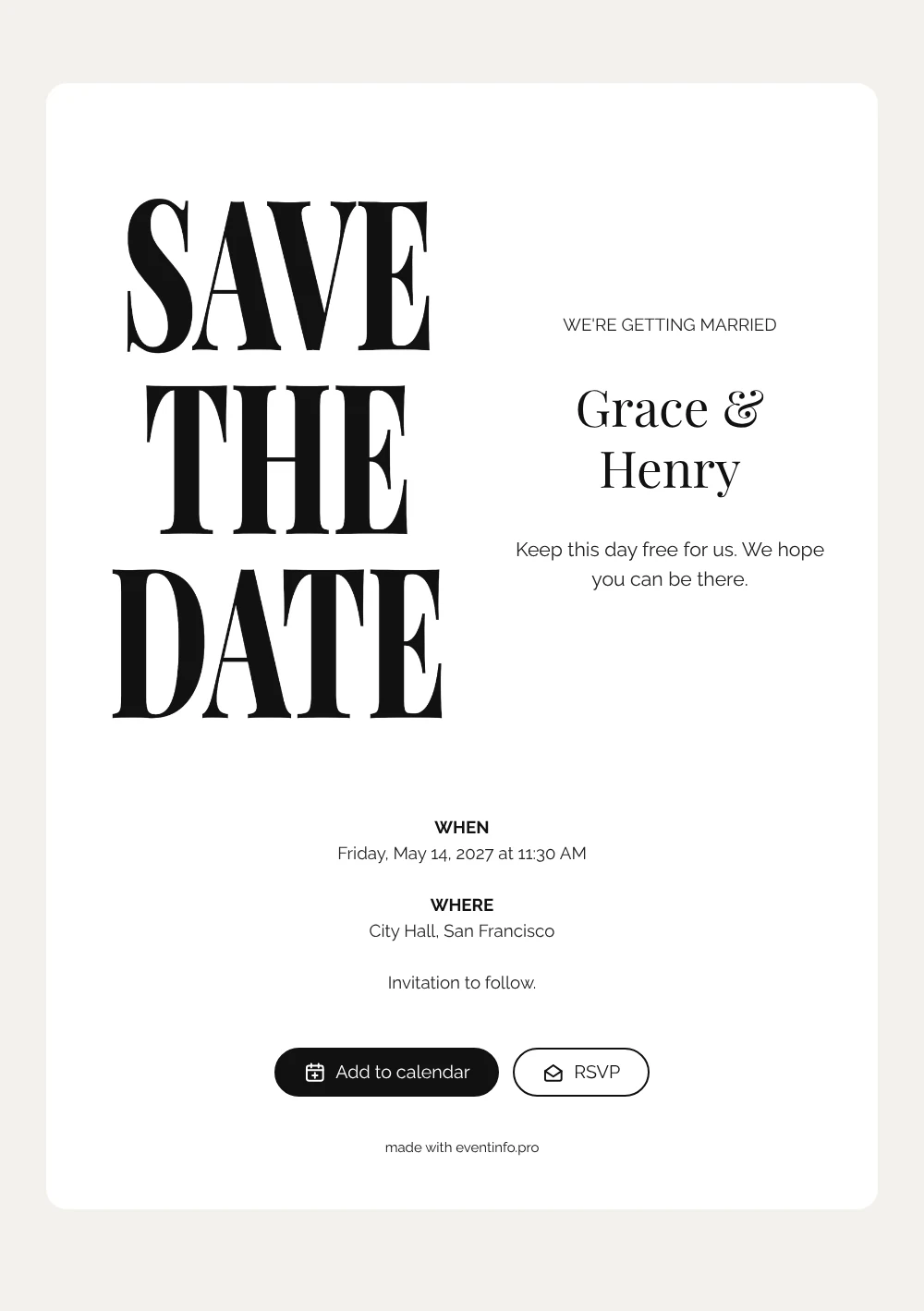
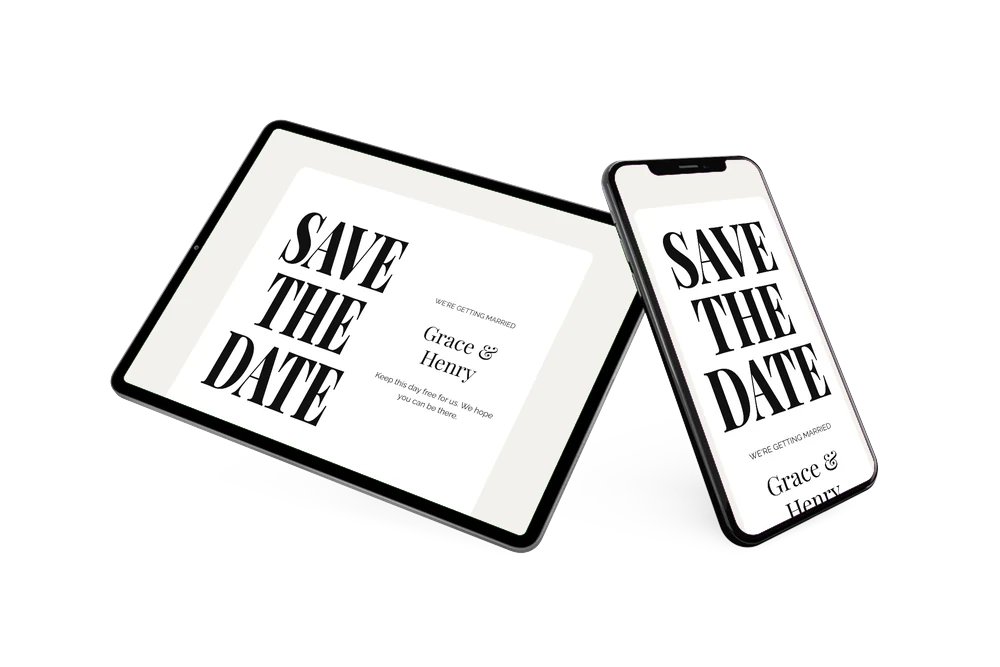
An online save the date is a short web page that gives your guests the wedding date and location well before the formal invitation arrives. This design is all typography: the words SAVE THE DATE in tall, narrow black serif capitals on a clean white card, set like the cover of a fashion magazine. Below, ‘We’re getting married’ and your names lead into a short line asking guests to keep the day free. It is made for couples marrying at city hall who like a look that is bold, simple and very modern.
A civil ceremony is often small and the party may follow somewhere else, so clear information matters. Share the page with one link by WhatsApp, email or text. Guests can add the date to their Google, Apple or Outlook calendar, open the town hall on a map and use the RSVP button to tell you early whether they will be there. Not sure which details to add? Read what to include on a save the date for a short checklist.
Create your own online save the date
Use this design as a starting point and create a fitting save the date within minutes.
Frequently asked questions
How quickly can I make this save the date?
In a few minutes. Fill in your names, the date and the venue, for example the city hall or registry office, and check the preview. The black and white layout stays as it is, so you can share the link straight away.
What can guests do with it?
They see your names, the date and the location on one page. With a tap they save the day in their calendar, find the venue on a map and reply via the RSVP button. You follow every answer in your dashboard.
Why tall black capitals and no photo?
The lettering is the image. Stretched serif capitals on white feel editorial and confident, much like a magazine cover, and they leave room for your names to stand out. It suits a city hall wedding where the style is sharp rather than romantic.
Can I change the text and add a photo?
Yes. All text is editable, including ‘We’re getting married’ and the closing line, and you can adjust the colours or swap the lettering for a photo of your own. Later you can turn your plans into an online wedding invitation on Eventinfo.pro.
Is it free?
Yes, making and sharing a save the date on freesavethedate.online is free. Edits you make after sharing appear on the same link.
All example invitations are fictional. Photos of people are AI-generated; illustrations are licensed or AI-generated.