A tender, gentle save the date
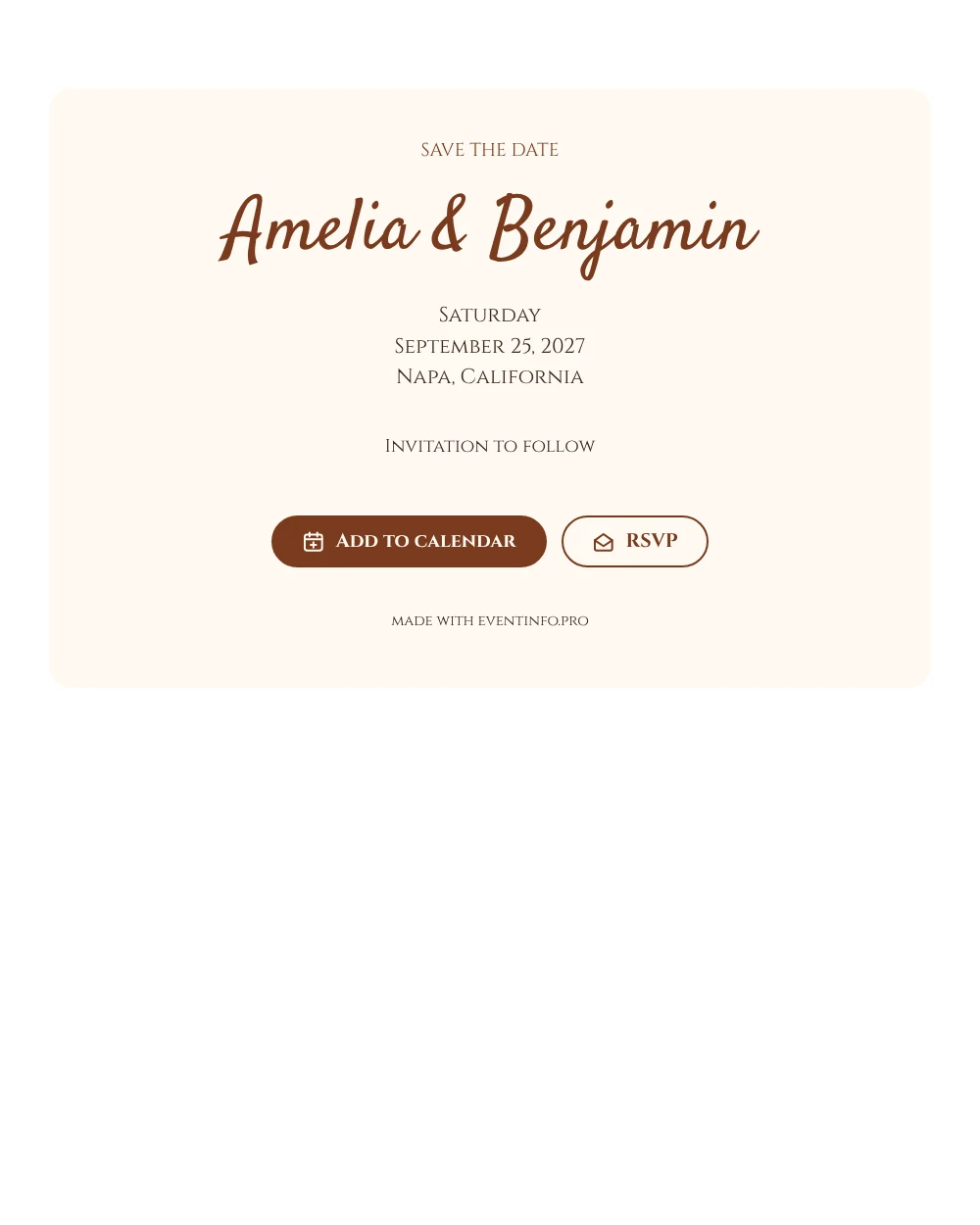
An online save the date is a short web page that tells guests the date and place of your wedding, so they can keep the day free before the invitation comes. This design pairs two lettering styles: a heading and details in carved-looking Roman capitals, and the couple’s names in a relaxed handwritten script. Both are printed in a warm rust brown on a light cream card, which gives the whole page a soft, slightly vintage glow.
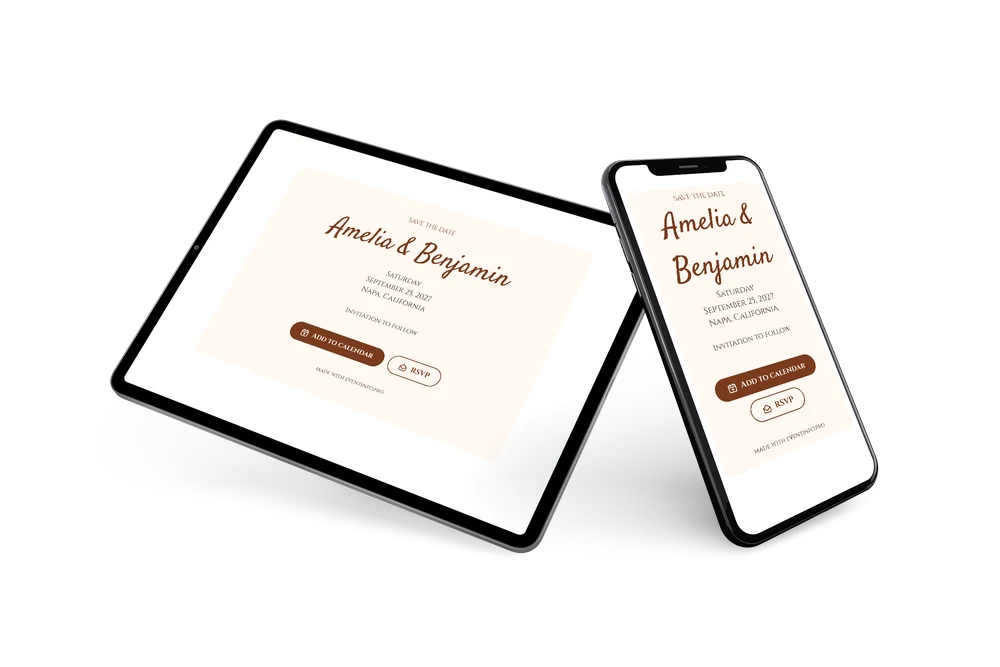
It suits couples planning a romantic ceremony at a winery, a historic inn or a country estate. The date, weekday and place are stacked on three separate lines, so even older guests read them easily. Share the link by email, text or WhatsApp, and guests can save the day in their calendar and tell you early whether they will come. Later you can follow up with a full online wedding invitation in the same cream and rust colors.
Create your own online save the date
Use this design as a starting point and create a fitting save the date within minutes.
Frequently asked questions
How quickly can I send this save the date?
In a few minutes. Enter both names, the date and the location, preview the card and share the link.
What can guests do with it?
They can add the date to their calendar with one tap and reply early with the RSVP button. All replies come together in your dashboard. Read how online RSVP works.
Why are the date and place on separate lines?
In this design the weekday, the date and the location each get their own line in capitals. That makes the details look like an engraved card and keeps them easy to scan on a phone.
Can I change the text and colors?
Yes. You can rewrite the heading and the closing line and pick other colors. If you prefer a shade other than rust brown, a deep green or navy also works well on cream. Date and place are filled in from your details, and you can still edit the card after sending.
Is this save the date free?
Yes, creating and sharing it is free. A full wedding invitation with more features can be made later on Eventinfo.pro.
All example invitations are fictional. Photos of people are AI-generated; illustrations are licensed or AI-generated.