A warm, colourful save the date
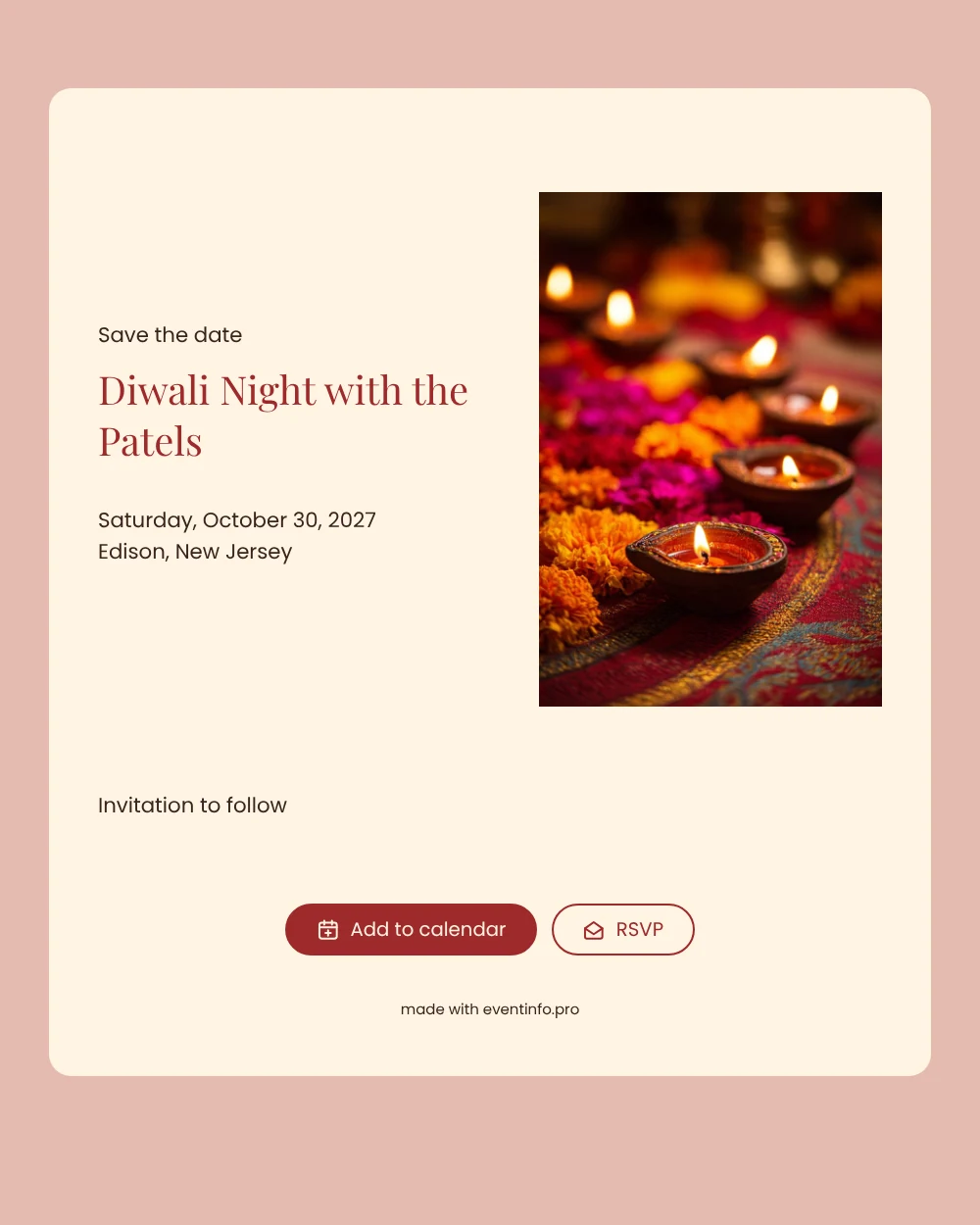
An online save the date is a short digital announcement that gives your guests the date and place of a celebration well before the invitation, so they can keep the evening free. This design opens on a photograph of lit diya lamps resting on a bright rangoli, the small flames glowing against swirls of colour. Below it sits a warm cream card with the name of the evening in deep red. It is made for families who host a Diwali night at home or in a hall and want to tell everyone early.
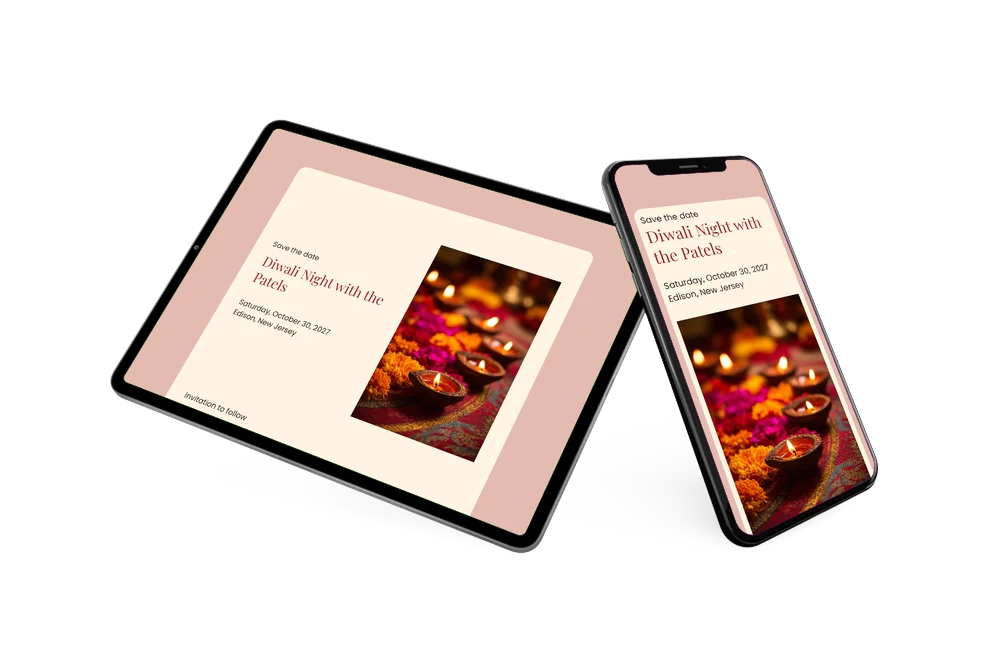
Send it as soon as you know which evening you will celebrate, so relatives who live further away can plan the trip. Guests open the page from one link, add the date to Google, Apple or Outlook, open the address on a map and use the RSVP button to say whether they hope to come. When the menu, the programme and other details are known, you can send a full online event invitation.
Create your own online save the date
Use this design as a starting point and create a fitting save the date within minutes.
Frequently asked questions
How quickly is this Diwali save the date ready?
Within a few minutes. The photo, the colours and the wording are already in place; you only change the name of the evening, the date and the place, and share the link. The line saying the invitation will follow can stay as it is.
What can our guests do with it?
They see the name of the evening, the weekday, the date and the location. With one tap they add the date to their calendar, open directions and answer via the RSVP button. Every reply shows up in your dashboard.
Is the photo only suitable for Diwali?
The diyas and the rangoli clearly point to Diwali, the festival of lights, which makes this design ideal for that evening. The warm cream, rose and deep red tones would also suit another family celebration with candles and colour, if you change the text.
Can I use a photo of our own rangoli?
Yes. In the editor you can replace the image with your own photo and adjust the text and colours, and changes after sharing appear on the same link. Wondering which details to add? Read what to include on a save the date.
Is this save the date free?
Yes, making and sharing a save the date on freesavethedate.online is free. The full invitation with more features can be created later on Eventinfo.pro.
All example invitations are fictional. Photos of people are AI-generated; illustrations are licensed or AI-generated.