A coastal, fresh save the date
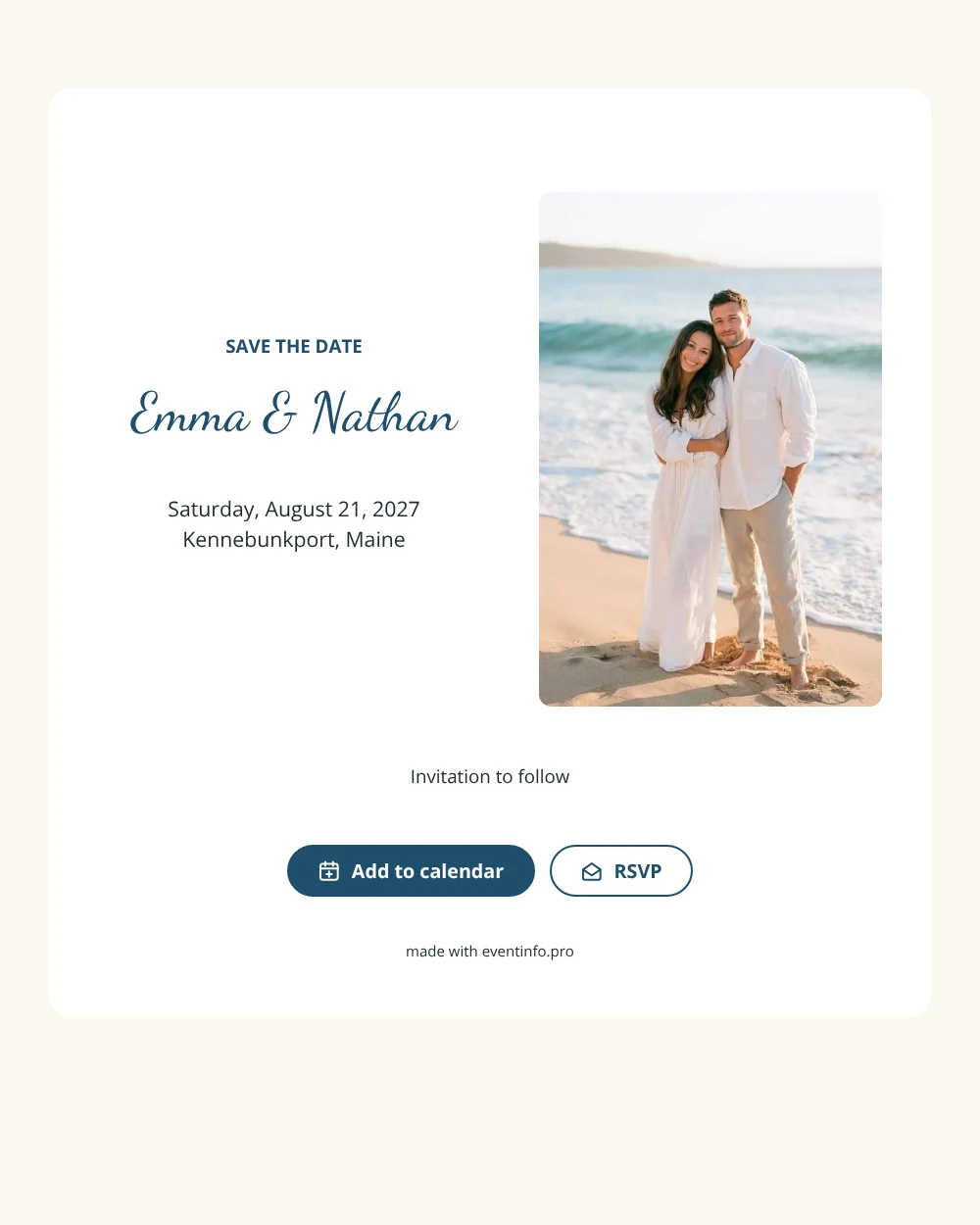
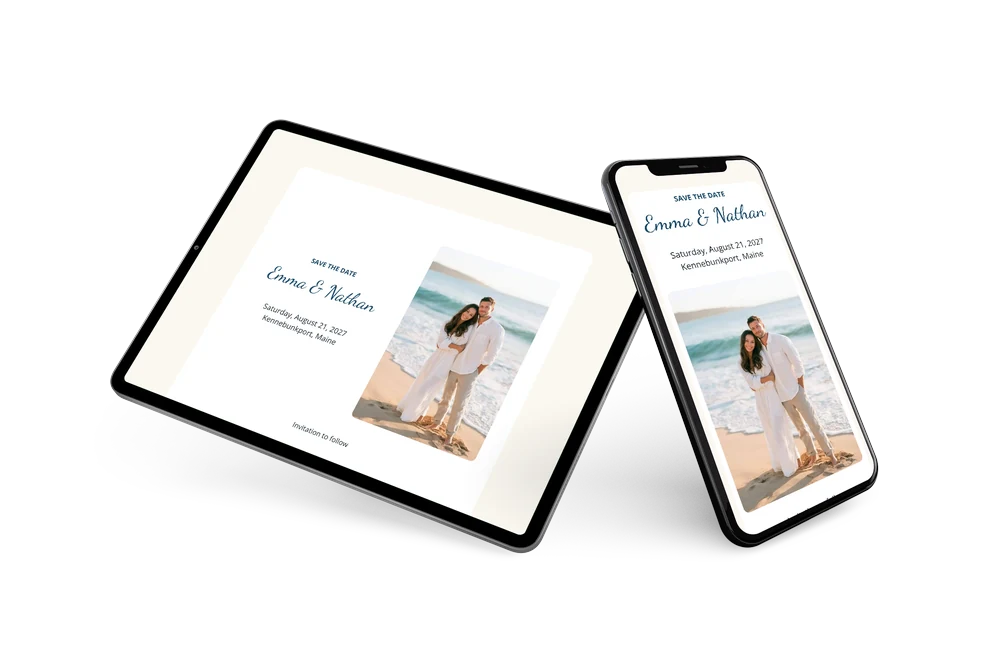
An online save the date is a short web page that tells guests the date and town of your wedding, months before the invitation is ready. This design brings the shore to the screen. A portrait photo of a couple embracing on a sandy beach by the waves fills the left side, and on the right a white card shows the heading in capitals, the names in a lively handwritten script and the details in a deep harbor blue.
It suits couples who marry on the beach, at a yacht club, in a harbor town or at an inn by the sea. Coastal towns get busy in summer, so guests appreciate an early notice to book a room. They open the link on their phone, save the date and can tell you early whether they will come. Later you can send a full online wedding invitation in the same blue and white style, with the schedule and directions.
Create your own online save the date
Use this design as a starting point and create a fitting save the date within minutes.
Frequently asked questions
How quickly can I send this save the date?
In a few minutes. Fill in both names, the date and the town, preview the card and share the link. Directions and the schedule can follow in the full invitation.
What can guests do with it?
They can add the date to their calendar with one tap and reply early through RSVP. You collect all answers in your dashboard. Read how online RSVP works.
Can I use our own beach photo?
Yes. The couple in the sample photo is a placeholder; replace it with your engagement picture, a shot of the venue or any upright photo by the water. Tall images fit the left side best.
Can I change the text and colors?
Yes. You can edit the heading, closing line and colors. Date and place are filled in from your details, and you can still change the card after sending.
Is this save the date free?
Yes, making and sharing it is free. The full wedding invitation can be made later on Eventinfo.pro in the same design.
All example invitations are fictional. Photos of people are AI-generated; illustrations are licensed or AI-generated.