A calm, stately save the date
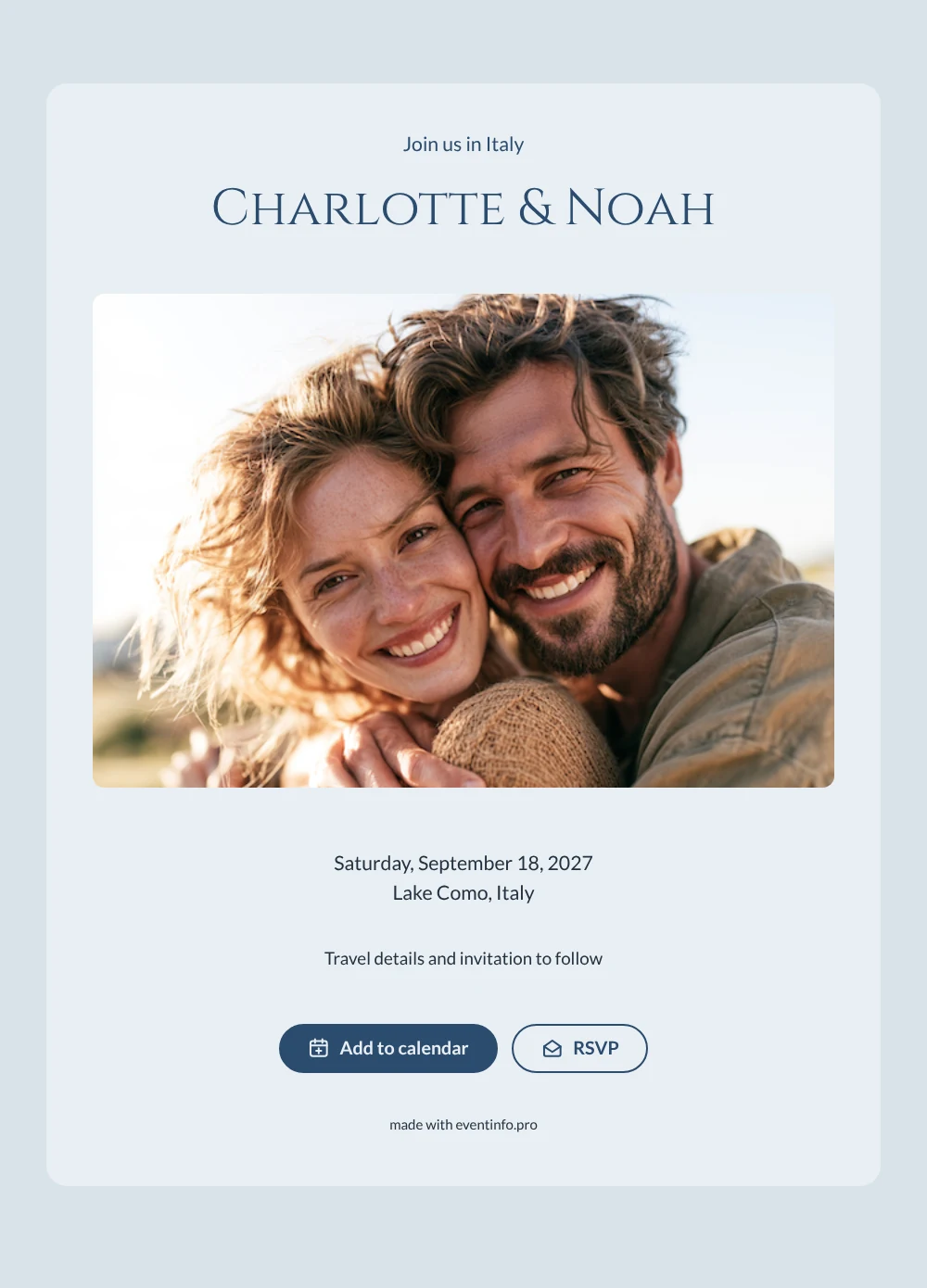
A destination wedding save the date gives guests early notice of a wedding abroad, so they have time to arrange flights, hotels and time off work. It shares the date and the place, with more travel information to come. This design opens with a wide photo of a smiling couple embracing outdoors in soft daylight and continues on a pale blue card. The heading “Join us in Italy” sets the scene, and the names appear in stately Roman-style capitals.
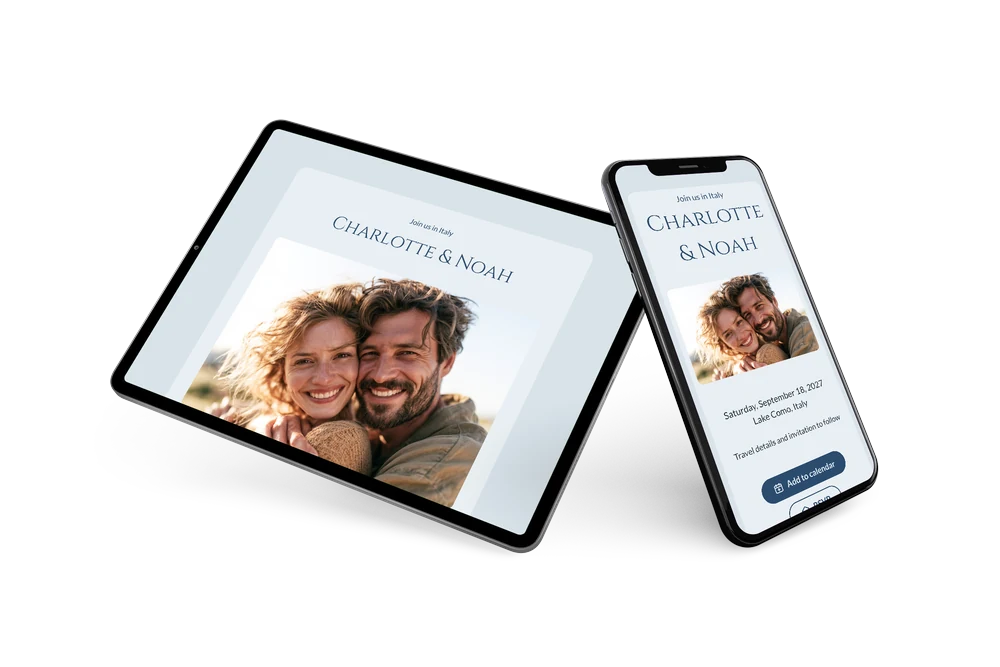
It suits couples marrying at a lake, in a villa or in a small town in northern Italy, and it works for any trip abroad if you change the heading. Send it nine to twelve months before the date, as guests often combine the wedding with a holiday. They open the link on their phone, save the date and can tell you early if they plan to come. When the plans are set, follow up with an online wedding invitation in the same blue style. The calm blue palette keeps the focus on the photo and the names.
Create your own online save the date
Use this design as a starting point and create a fitting save the date within minutes.
Frequently asked questions
How quickly can I send this save the date?
In a few minutes. Enter your names, the date and the place, and share the link. Check it on your own phone first, so you see exactly what guests will see.
What can guests do with it?
They can add the wedding to Google, Apple or Outlook calendar with one tap and send an early reply with RSVP. You see all replies in your dashboard, which helps when you need to reserve rooms.
Can I change “Join us in Italy” for another country?
Yes. The heading is free text, so you can write “Join us in Portugal”, “Join us in France” or any other line. Swap the sample photo for a picture of the two of you or of your destination to complete the look.
Can I change the colors and the photo?
Yes. Adjust the colors, upload your own image and rewrite the closing line in the editor. The date and place fill in from your details, and you can edit after sending. Begin with a free save the date.
Is this save the date free?
Yes, it is free to make and share. The full invitation can be created later on Eventinfo.pro.
All example invitations are fictional. Photos of people are AI-generated; illustrations are licensed or AI-generated.