A relaxed, summery save the date
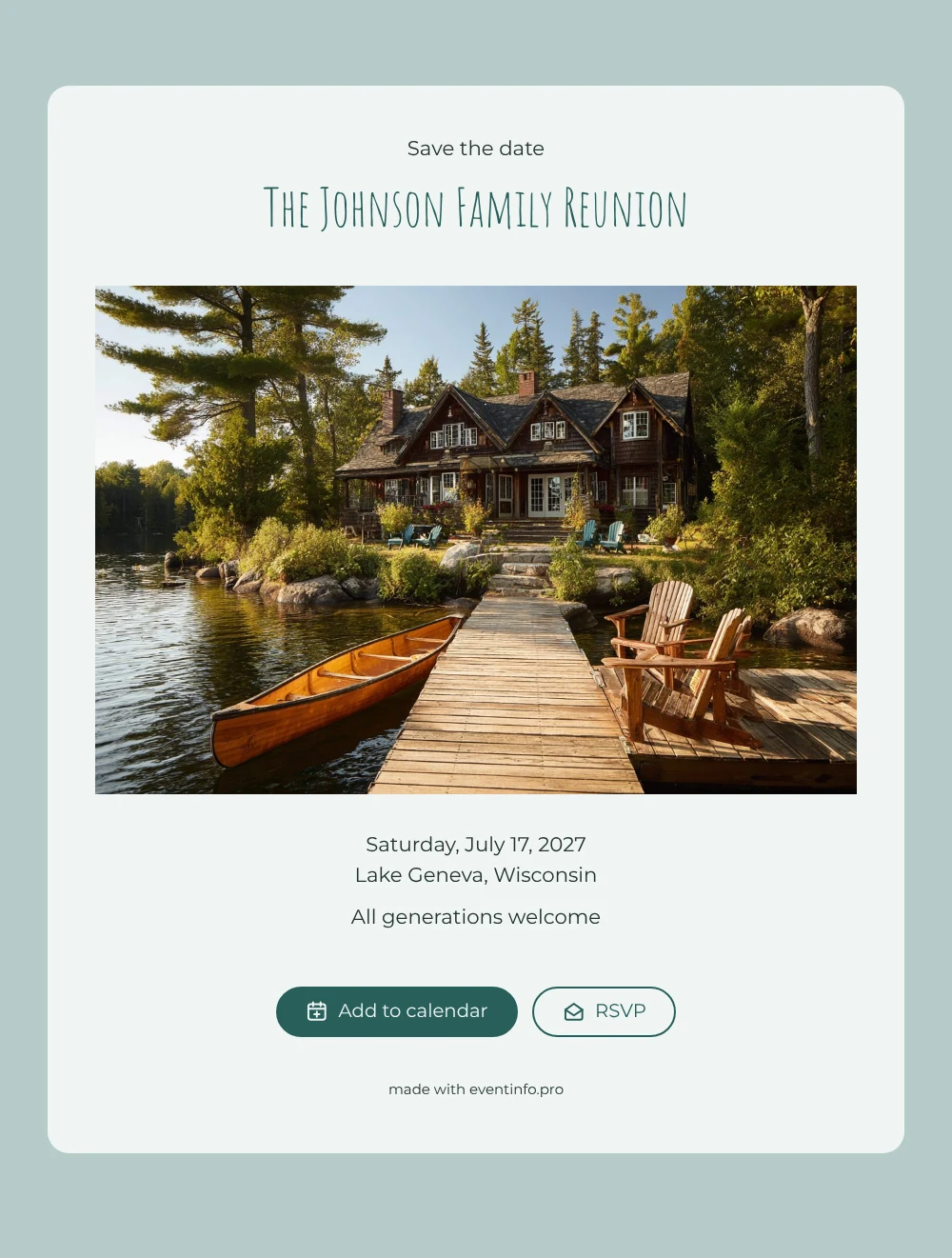
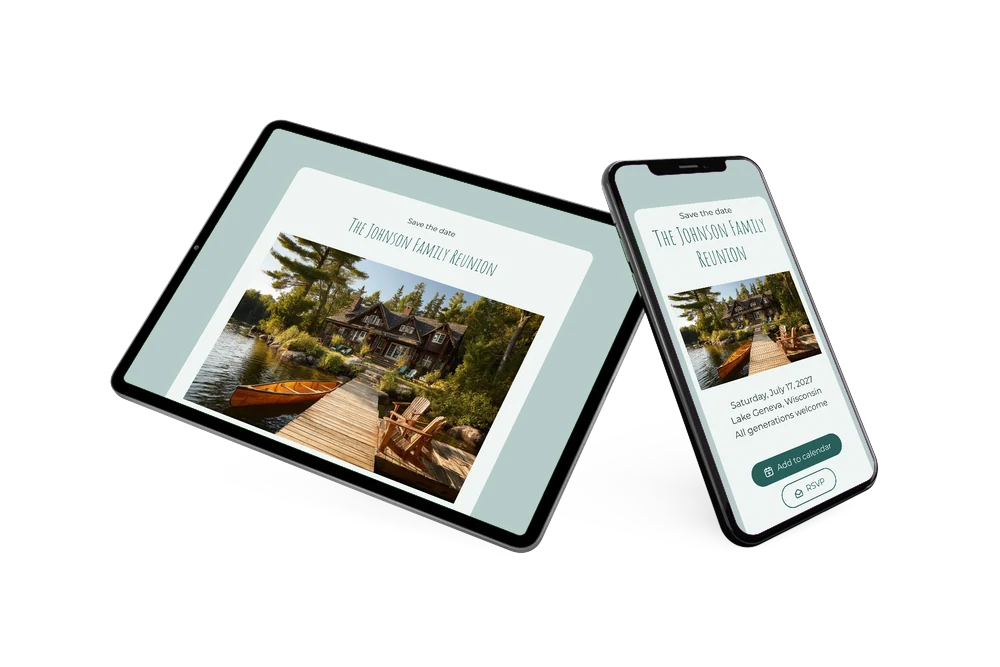
An online save the date is a short digital notice that tells your guests the date and place of an event well before the full invitation, so they can keep the day free. This one opens on a summer photo by the water: a wooden jetty with canoes lined up, and behind it a large lake house glowing in warm evening light. Set against soft mint and teal, with “All generations welcome” beneath the details, it is made for family reunions where grandparents, cousins and the youngest children all come together.
A reunion only works when people can plan around it, and in summer that means holidays, babysitters and accommodation near the lake. Send the save the date early and relatives can add the day to Google, Apple or Outlook calendar, open the location on a map and use the RSVP button to let you know whether they are coming. Our tips for a reunion save the date help you get the timing and wording right.
Create your own online save the date
Use this design as a starting point and create a fitting save the date within minutes.
Frequently asked questions
How quickly can I make this family reunion save the date?
In a few minutes. Replace “The Johnson Family Reunion” with your own family name, add the date and the place, and the card is ready to share. The lake photo and colours are already in place.
What can relatives do with it?
They save the date in their calendar, open the lake house or meeting point with directions and reply through the RSVP button. You see all early answers in your dashboard, which helps when you book rooms or plan food.
Does the lake house photo only suit a reunion by the water?
It fits best with a weekend at a lake, a holiday home or a campsite, but the canoes and summer light suit any relaxed outdoor gathering. Meeting at a farm, a park or grandma’s garden instead? Upload your own photo of the place in the editor.
Can I change the text and colours?
Yes. Rewrite every line, including “All generations welcome”, adjust the colours and swap the photo. Changes after sharing appear on the same link. For the full programme, create an online event invitation on Eventinfo.pro later.
Is it free?
Yes. Making and sharing a save the date on freesavethedate.online is free. The complete invitation with more features follows on Eventinfo.pro.
All example invitations are fictional. Photos of people are AI-generated; illustrations are licensed or AI-generated.