A joyful, understated save the date
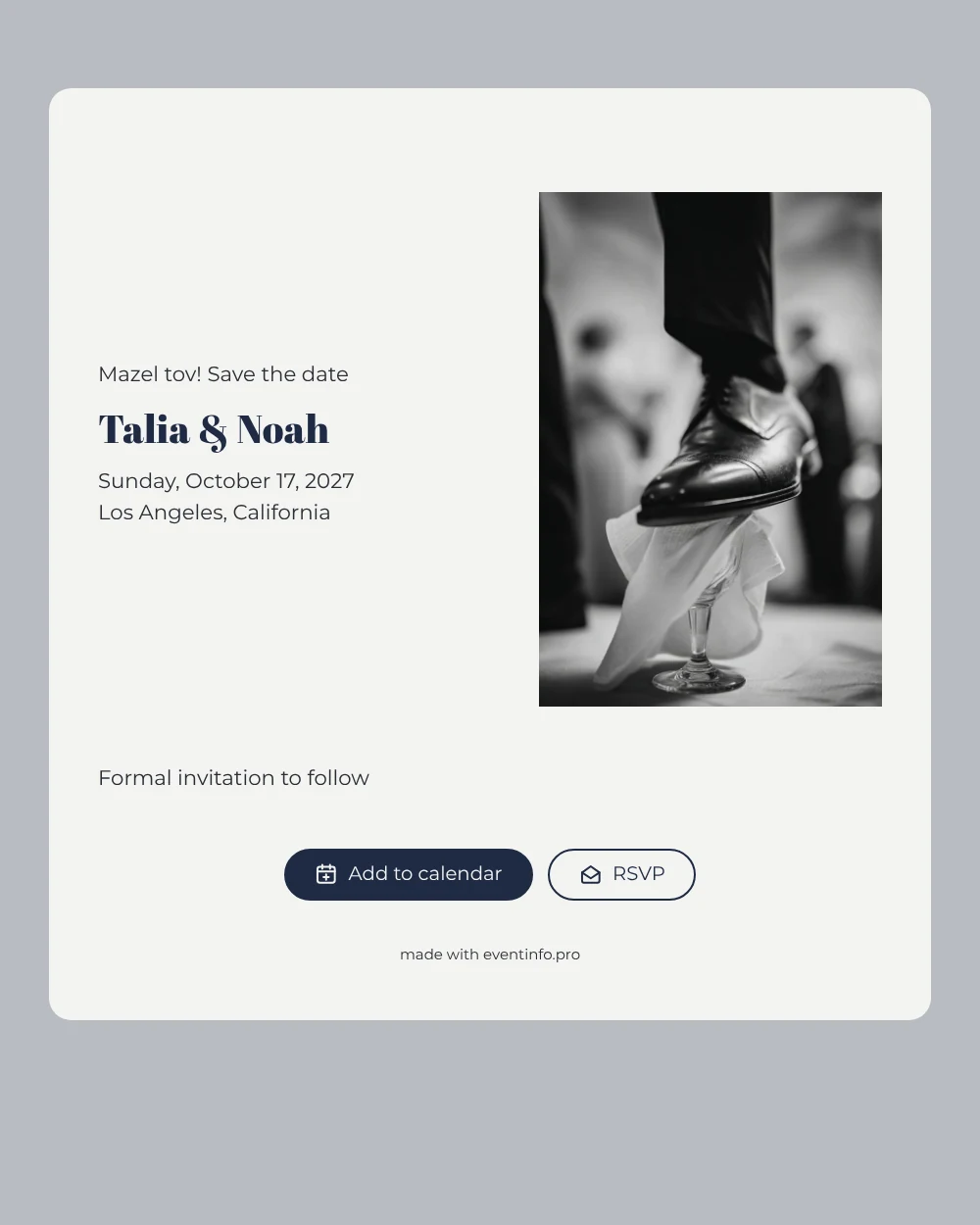
An online save the date is a digital first announcement: it tells your guests the date and place of your wedding so they can keep the day free before the invitation arrives. This design captures one of the best-known moments of a Jewish wedding in a close-up photo: the groom’s shoe coming down on a glass wrapped in cloth. Above your names sits a cheerful ‘Mazel tov!’, with navy lettering on an off-white card and a soft grey background. It is made for couples who want their save the date to feel unmistakably like their own tradition.
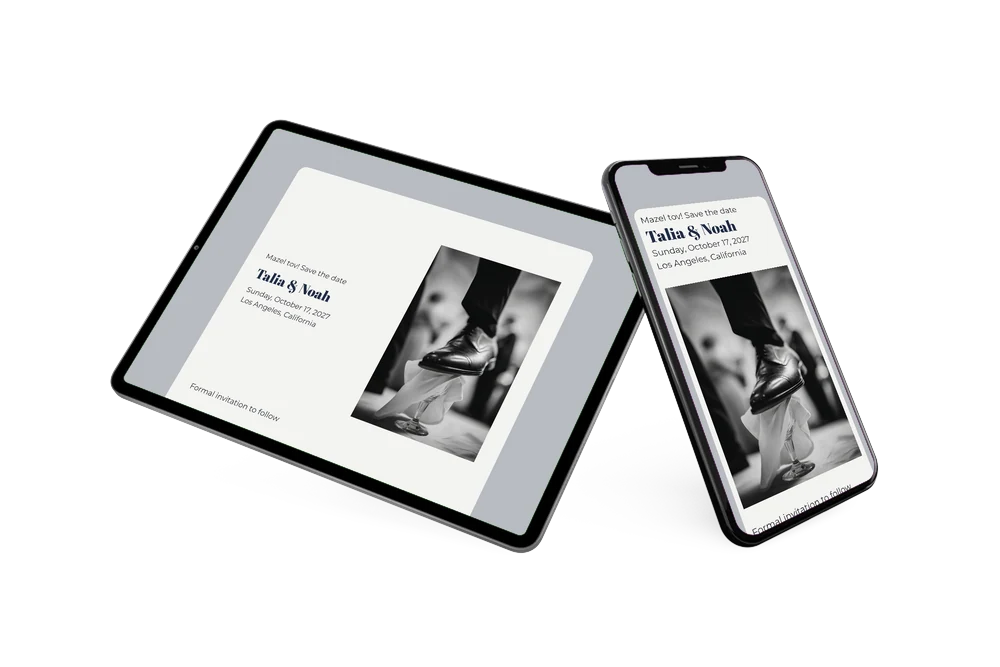
Send it as soon as your venue is booked. Family and friends can put the date in their Google, Apple or Outlook calendar, open the location on a map and tap the RSVP button to let you know early if they plan to be there. You follow the replies in your dashboard. Not sure what belongs on the page? Read what to include on a save the date.
Create your own online save the date
Use this design as a starting point and create a fitting save the date within minutes.
Frequently asked questions
How fast can I set this up?
In a few minutes. Replace Talia & Noah with your own names, enter the date and the city or venue, and your page is ready. You can do it all from your phone, without downloading anything.
What can guests do once they open the link?
They can add your wedding to their calendar, find the venue on a map and send you an early RSVP. That gives you a first idea of numbers while you are still planning the ceremony and the party.
Can I change the ‘Mazel tov!’ line?
Yes. It is ordinary text, so you can keep it, translate it, add a Hebrew greeting or replace it with something else. Many couples keep it, because it echoes what guests shout the moment the glass breaks.
Can I use our own photo instead?
Of course. Upload any picture you like, change the colours or rewrite the text in the editor. After sharing, updates appear on the same link. When the time comes, you can follow up with a full online wedding invitation.
Does it cost anything?
No. Making and sharing a save the date on freesavethedate.online is free. The full invitation with more features is something you create later on Eventinfo.pro.
All example invitations are fictional. Photos of people are AI-generated; illustrations are licensed or AI-generated.