A sleek, simple save the date
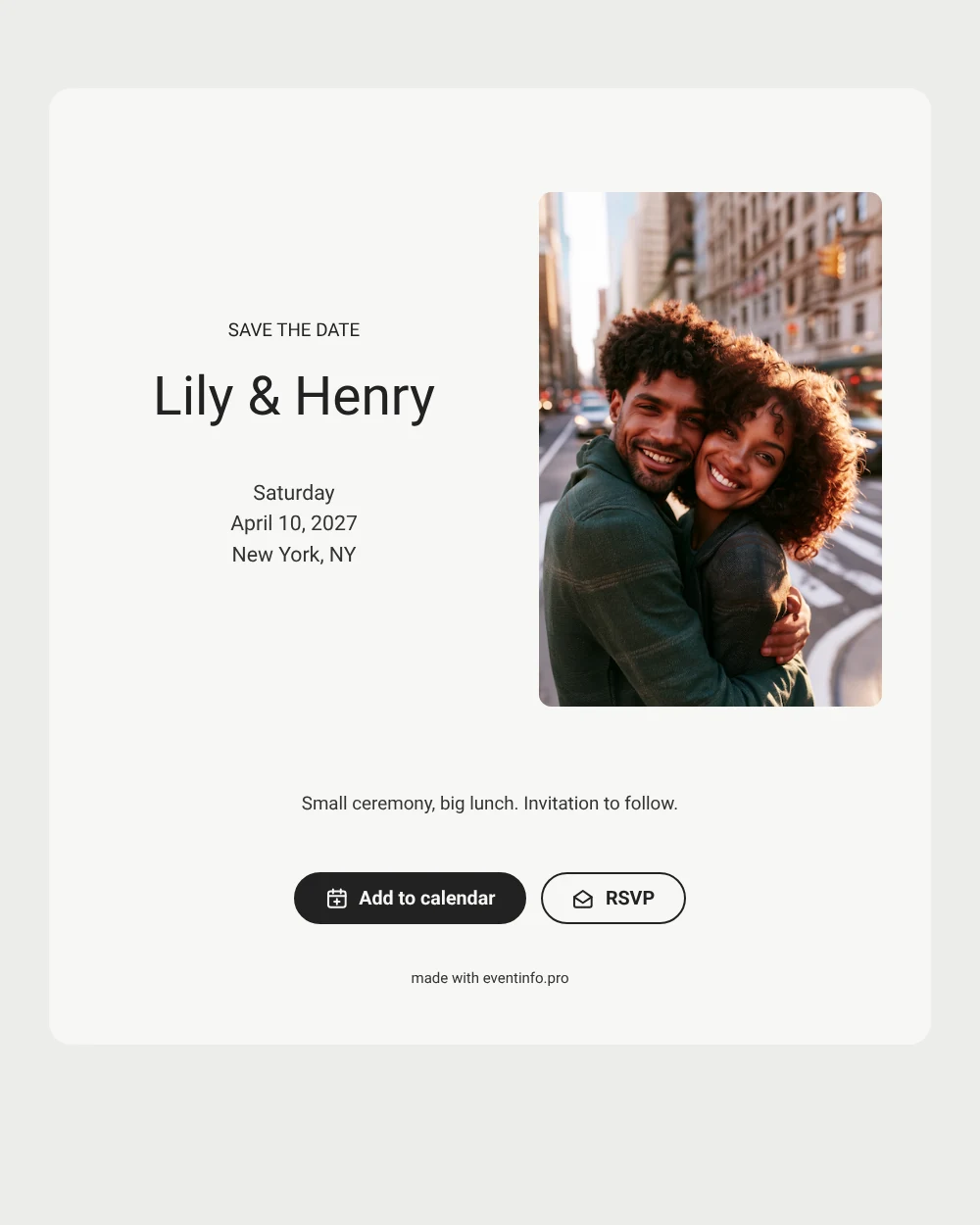
A wedding save the date gives guests your date and city ahead of the invitation. This design is pared back. A color photo of a couple laughing on a busy street sits on the left. An off-white card uses one clean sans-serif font.
It suits a town hall wedding with lunch afterward. Send the link a few months ahead. Guests add the date to their calendar and reply early. Later, follow up with an online wedding invitation in the same style.
Create your own online save the date
Use this design as a starting point and create a fitting save the date within minutes.
Frequently asked questions
How quickly can I send it?
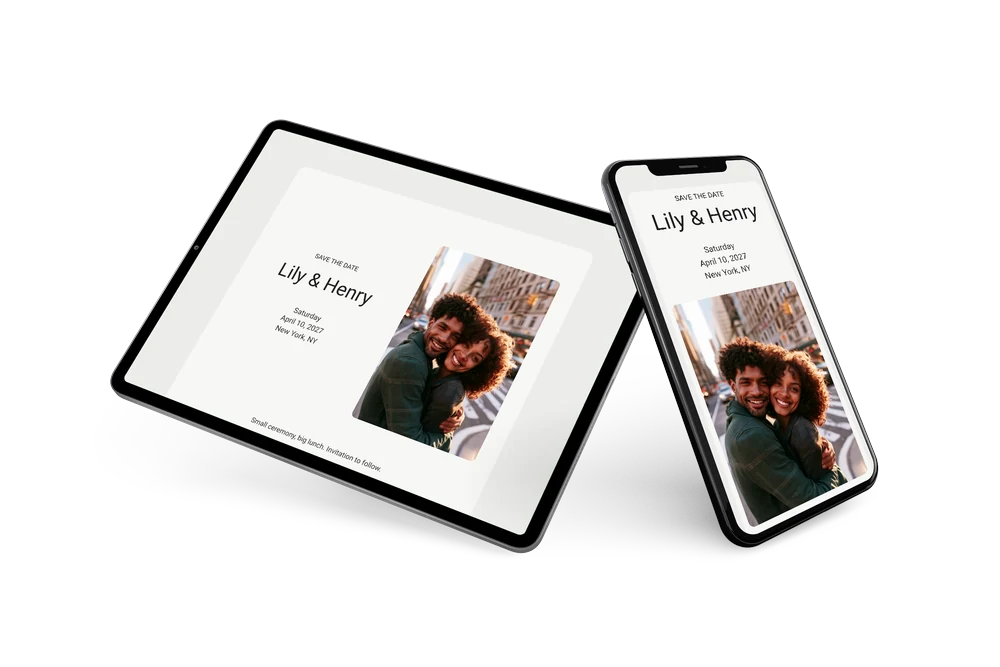
In a few minutes. Fill in both names, the date and the city, and share the link. Check it on your own phone first, so you see exactly what guests will see.
What can guests do with the save the date?
They can add the wedding to Google, Apple or Outlook calendar with one tap and reply with the RSVP button. You see all answers in your dashboard, which is handy when the guest list is limited.
Can I replace the sample couple with a photo of us?
Yes, and most couples will. Upload your own engagement photo or a city snapshot of the two of you. A candid photo taken outdoors, like the sample, keeps the relaxed, urban mood of this design.
Can I change the text and colors?
Yes. Rewrite the heading and the closing line, or adjust the colors in the editor. The date and place come from your details through placeholders, and you can edit after sending. Begin with a free save the date.
Is this save the date free?
Yes, it is free to make and share. A full wedding invitation can be made later on Eventinfo.pro.
All example invitations are fictional. Photos of people are AI-generated; illustrations are licensed or AI-generated.