A serene, Mediterranean save the date
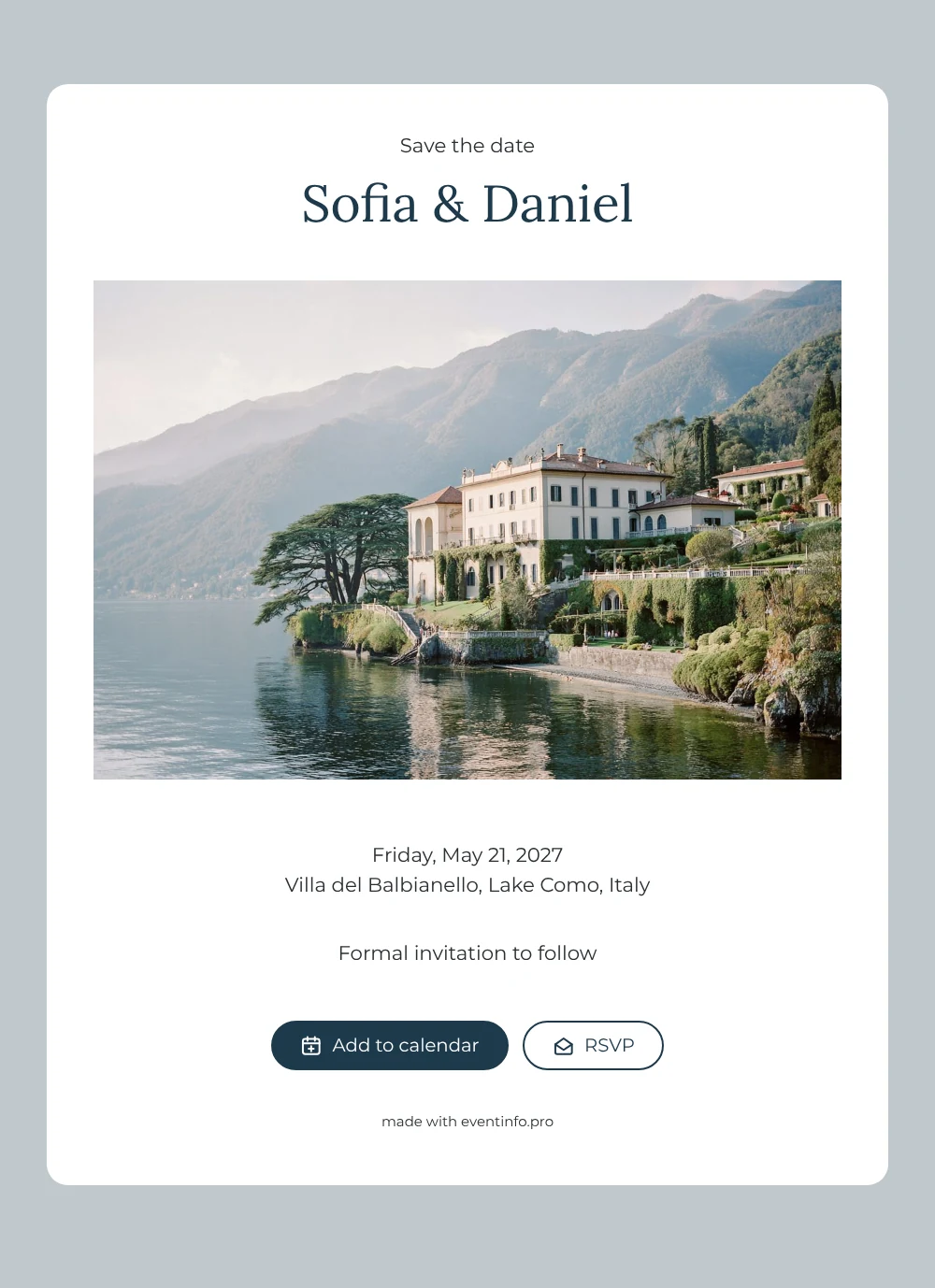
An online save the date is a short, shareable web page that tells guests the date and place of your celebration long before the formal invitation goes out. This design opens with a photograph of a villa on Lake Como: terraced gardens running down to the water, mountains softened by morning mist and a lake so still it mirrors the shore. Beneath it, a clean white card carries your names in deep lake blue, the weekday, the date and the venue, finished with a quiet line that the formal invitation will follow. It suits couples marrying in Italy, or anyone planning a lakeside wedding abroad.
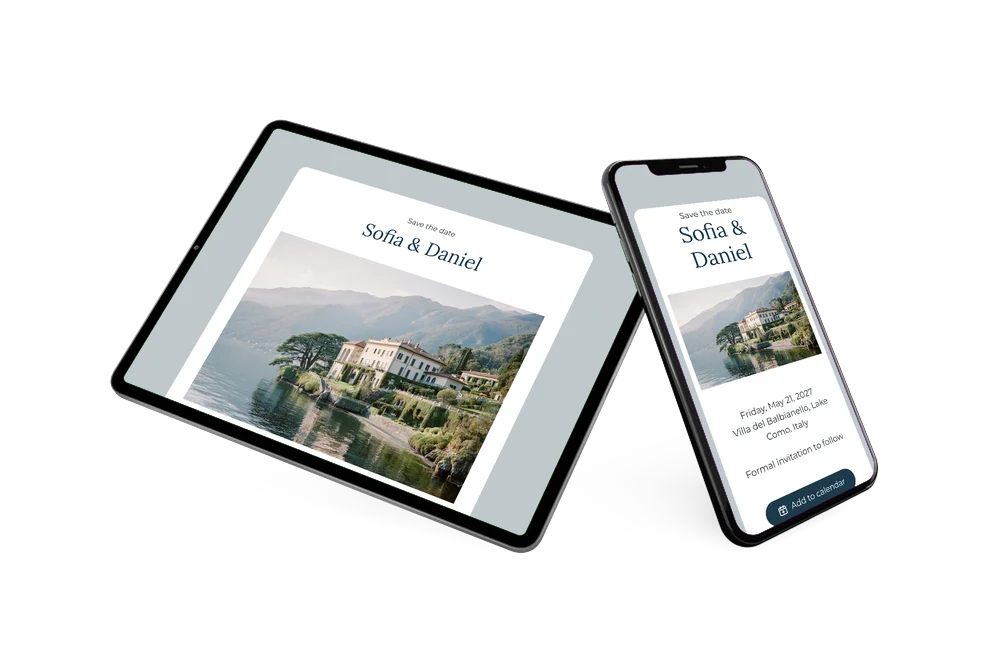
Guests who need to fly in appreciate hearing early, because they can book flights, request time off and reserve a room while there is still plenty of choice. Our tips for a destination wedding save the date explain what to mention. Once you share the link, everyone can add the day to Google, Apple or Outlook Calendar, open the venue on a map and let you know through the RSVP button whether they hope to be there. You follow every reply in your dashboard.
Create your own online save the date
Use this design as a starting point and create a fitting save the date within minutes.
Frequently asked questions
How quickly can I set up this Lake Como save the date?
Within a few minutes. Copy the design, type your names, choose the date and enter your venue. The photo, layout and wording are already in place, so you only adjust what is personal to you and share the link.
What can guests do with it?
They see your names, the date and the location on one page. With a tap they save the date in their calendar, open the route to the venue and send you an early RSVP, which appears in your dashboard.
Does the photo only work for Lake Como?
The misty mountains, terraced garden and calm water evoke Lake Como, but the mood fits any Italian lake or waterside venue. Marrying somewhere else? Keep the photo for its atmosphere or replace it with a picture of your own location.
Can I change the text, colors and image?
Yes. In the editor you can rewrite every line, adjust the colors and upload your own photo. For a wedding abroad a short travel note helps, and our guide on what to include on a save the date keeps it concise. Changes made after sharing appear on the same link.
Is this save the date free?
Yes, creating and sharing it on freesavethedate.online is free. When you are ready for the full invitation with more features, you can build it later on Eventinfo.pro.
All example invitations are fictional. Photos of people are AI-generated; illustrations are licensed or AI-generated.