A happy, cosmopolitan save the date
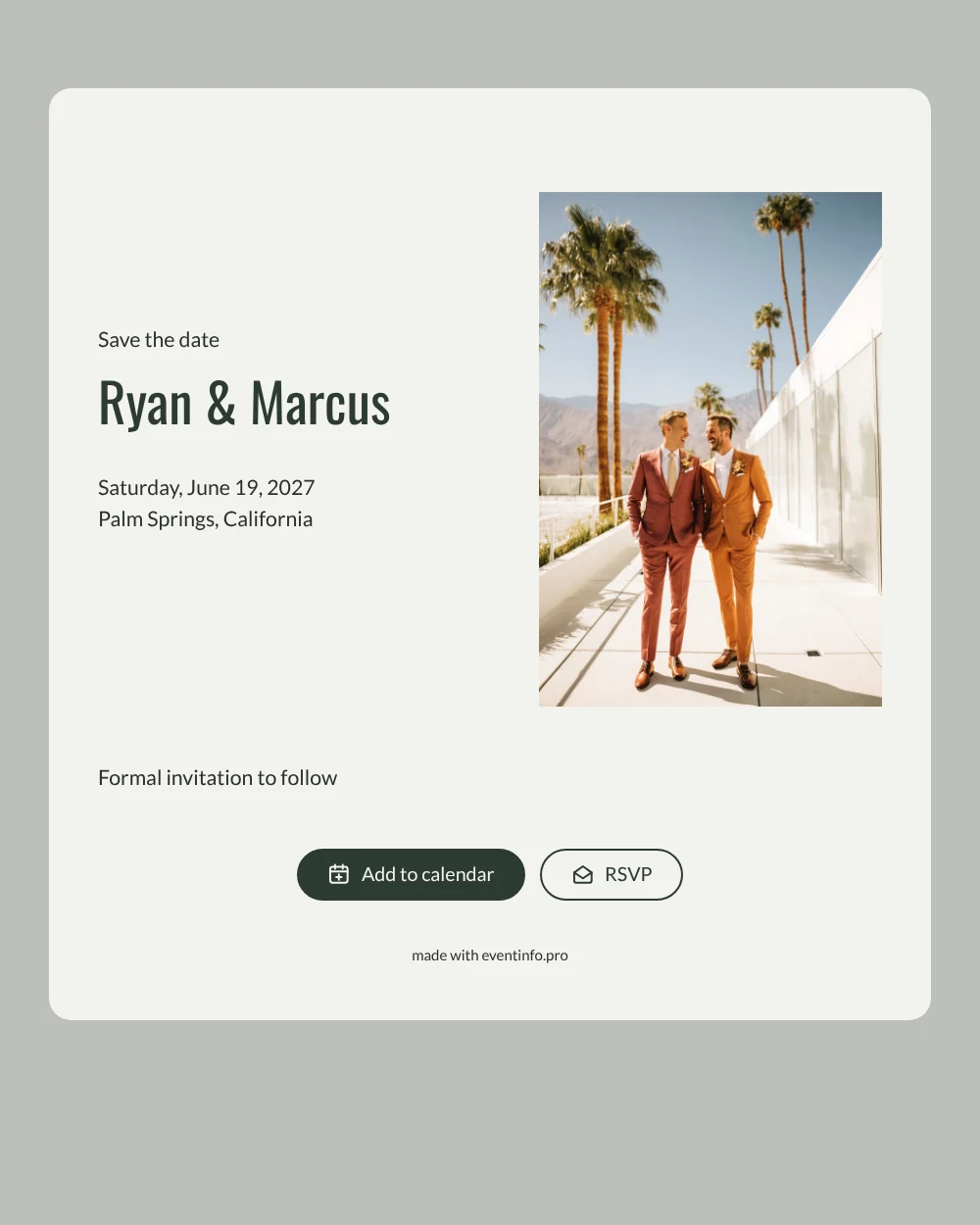
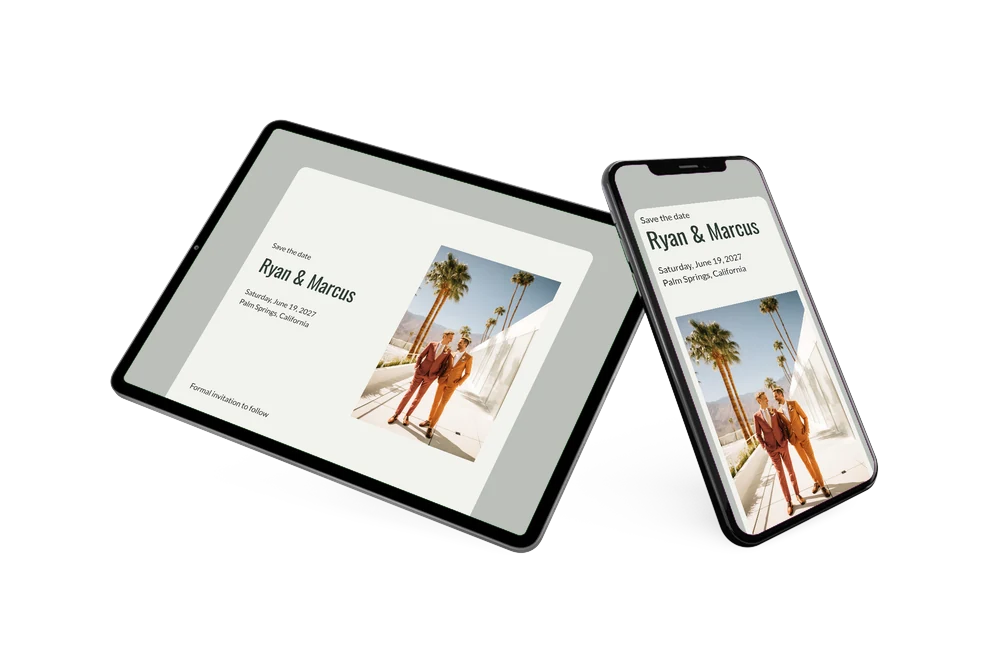
An online save the date is a short page that tells your guests the date and place of your wedding well before the formal invitation arrives, shared with a single link. This design is built around a happy photo: two grooms in suits, laughing together on a modernist terrace. Underneath, a warm off-white card sets your names in deep sage green above the weekday, the date and the location, followed by a line that the formal invitation will follow. It is made for two grooms who want a contemporary announcement that feels like them: relaxed, stylish and full of joy.
Use it as soon as your venue is booked, whether you are marrying on a desert terrace, at a beach pavilion or on a country estate. Not sure what to put on it? Our guide on what to include on a save the date keeps you to the essentials. Guests can add the date to Google, Apple or Outlook Calendar, open the venue on a map and let you know early with the RSVP button. You see who is coming in your dashboard.
Create your own online save the date
Use this design as a starting point and create a fitting save the date within minutes.
Frequently asked questions
How quickly can we make this save the date?
In a few minutes. Copy the design, type both names, pick the date and add your venue. The layout and colors are already balanced, so you can share the link the same day.
What can our guests do with it?
They see your names, the date and the location on one clear page. With a tap they can save the date in their calendar, get directions to the venue and send an early RSVP, which you follow in your dashboard.
Can we swap the photo for one of ourselves?
Yes, and many couples do. The sample photo of two laughing grooms shows the mood: natural, happy and modern. Upload your own engagement picture and the sage green and off-white frame around it keeps the same calm, contemporary feel.
Can we change the text and colors?
Absolutely. Rewrite every line, adjust the colors to your wedding palette and change the photo whenever you like. When you are ready for the full details, continue with an online wedding invitation. Changes after sharing appear on the same link.
Is it free?
Yes. Creating and sharing a save the date on freesavethedate.online is free. The full invitation with more features can be made later on Eventinfo.pro.
All example invitations are fictional. Photos of people are AI-generated; illustrations are licensed or AI-generated.