An unhurried, earthy save the date
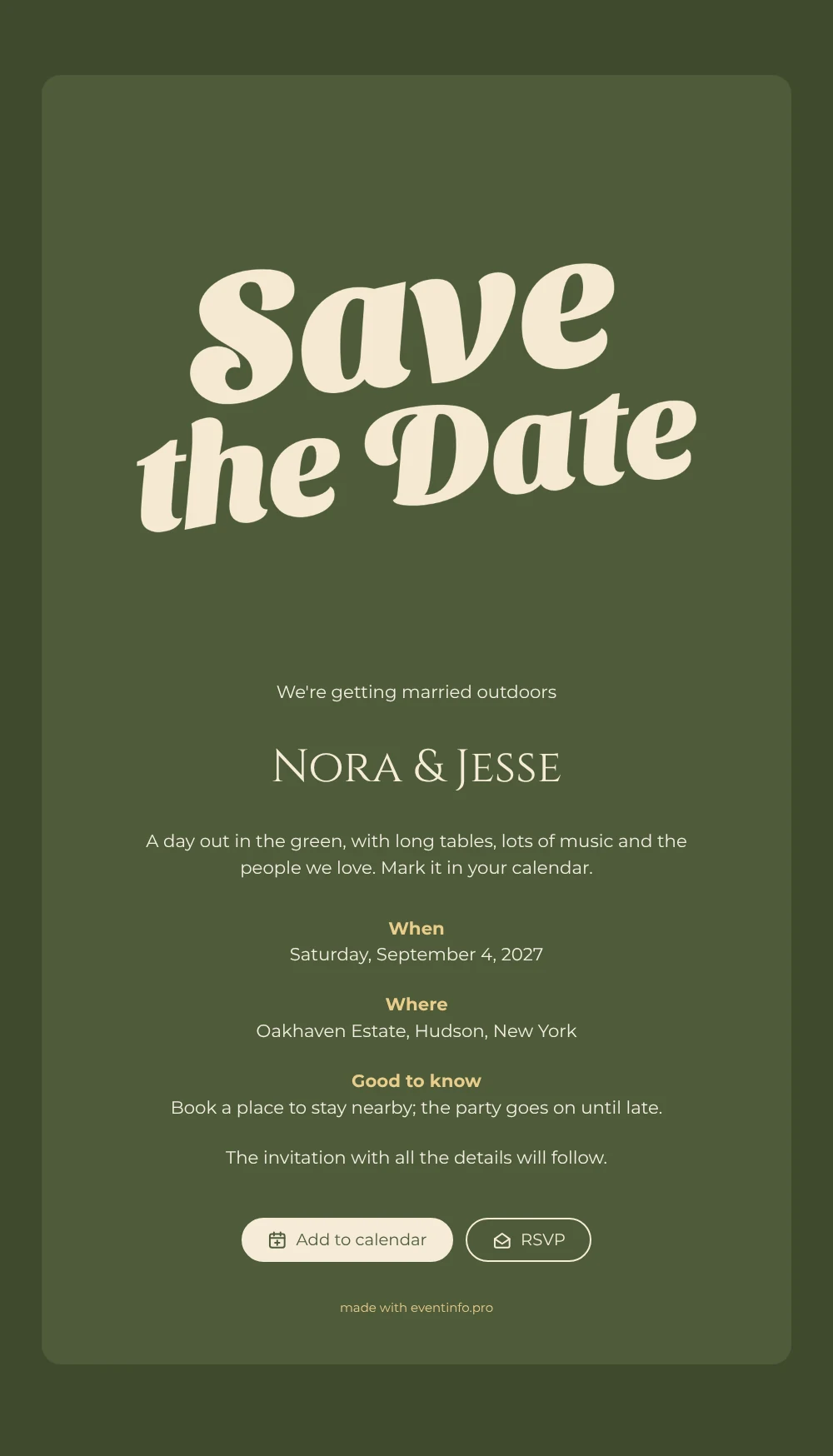
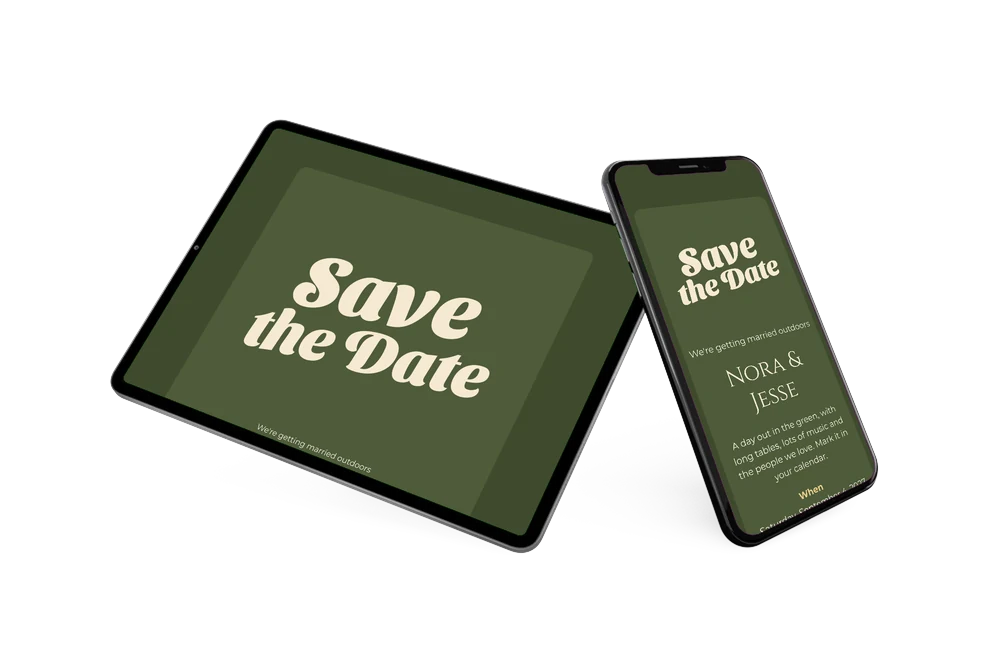
An online save the date is a short web page that tells your guests the date and place of your wedding early, so they can keep the day free long before the invitation arrives. In this design the words Save the Date are the picture: large, wavy cream letters in a sweeping italic with a light seventies touch, set on a deep olive green card. Below them the card says you are getting married outdoors and paints the day in one line: long tables, lots of music and the people you love. It suits couples planning an easygoing wedding outside.
The card already has room for the practical side, under When, Where and Good to know, with a tip to book a place to stay nearby because the party goes on until late. Guests open it from one link, add the date to Google, Apple or Outlook and use the RSVP button to say early whether they will come. For an estate or a field without an obvious address, it helps to share the event location so guests can open the route on a map.
Create your own online save the date
Use this design as a starting point and create a fitting save the date within minutes.
Frequently asked questions
How quickly is this olive green save the date ready?
In a few minutes. The lettering, colours and wording are in place; you change the names, the date, the venue and the tip under Good to know, and share the link. The closing line about the invitation can stay as it is.
What can our guests do with it?
They read your names, the date, the venue and the practical tip. With one tap they add the date to their calendar, open the location for directions and answer via the RSVP button. You see every reply in your dashboard.
Why does the lettering need a dark or warm background?
The Save the Date letters are cream, so they only stand out on a deep or warm mid tone such as this olive green. If you change the colours in the editor, choose another dark or earthy shade to keep the lettering clearly visible.
Can I change the text and colours?
Yes. Every line can be rewritten, the colours adjusted and the image replaced with your own photo, also after sharing on the same link. For ideas on wording, read what to include on a save the date.
Is this save the date free?
Yes, making and sharing a save the date on freesavethedate.online is free. The full invitation with more features can be created later on Eventinfo.pro.
All example invitations are fictional. Photos of people are AI-generated; illustrations are licensed or AI-generated.