A natural, fresh save the date
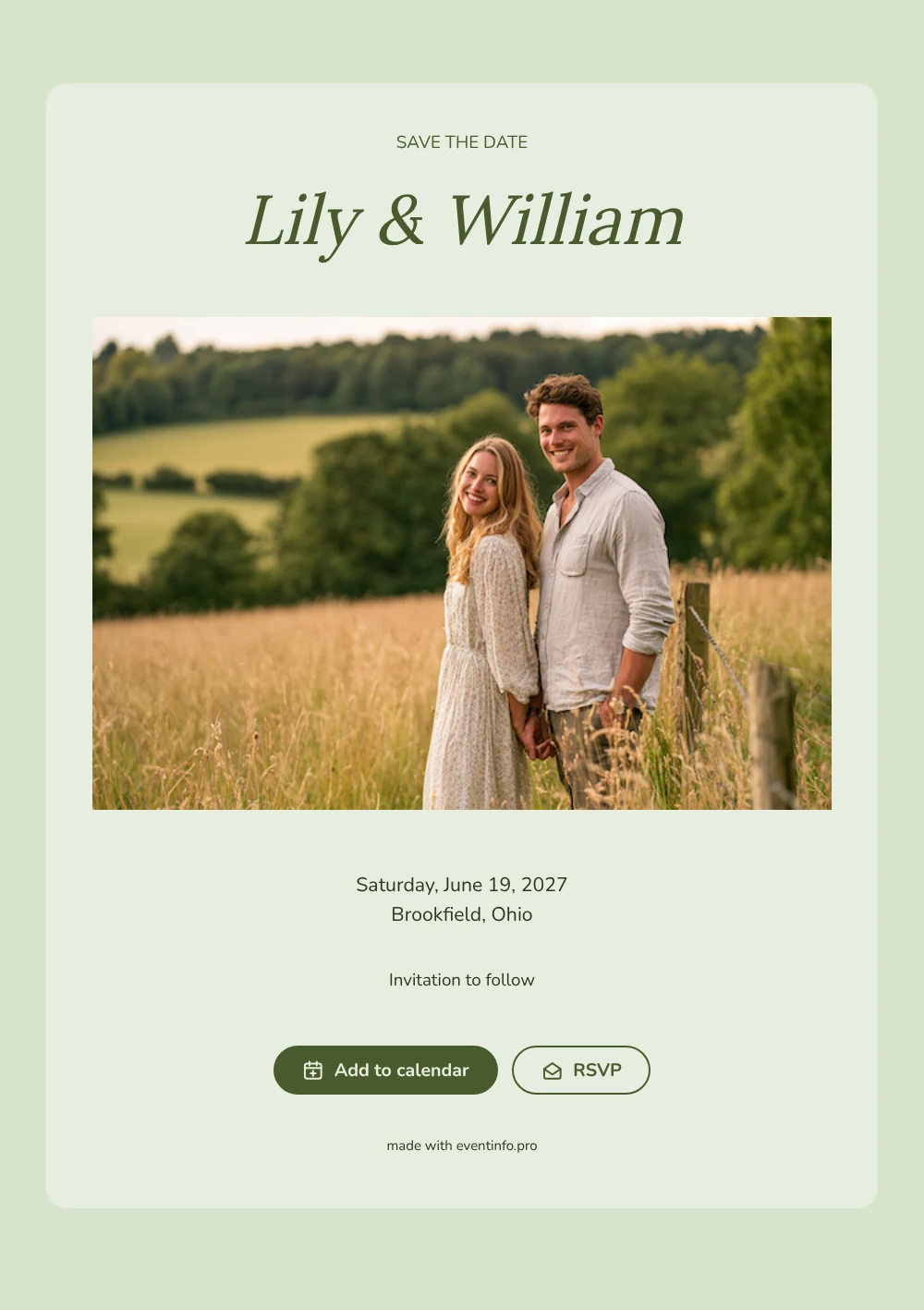
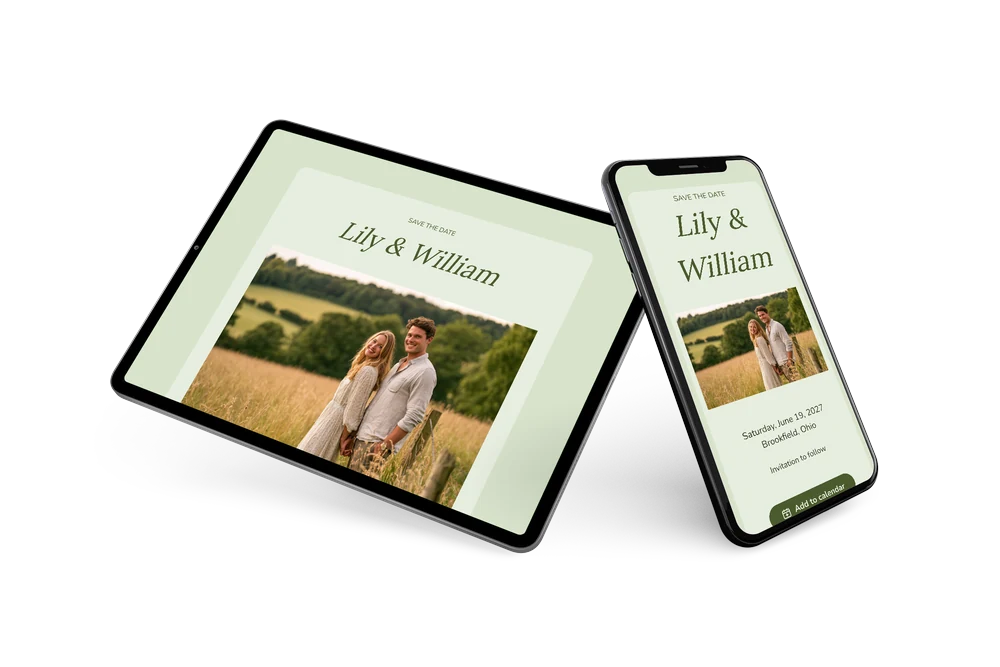
An online save the date is a short web page that tells guests the date and town of your wedding well before the invitation itself is ready. It gives people a head start, which matters most for summer weekends that fill up fast. This design opens with a wide photo of a couple standing in a sunny field of tall grass with trees behind them, followed by a pale green card with the heading in spaced capitals, the couple’s names in a bookish serif and the details in deep olive.
It fits couples who marry outdoors: in a garden, an orchard, on a farm or at a countryside venue. Send it once the date and town are fixed, even if the exact venue or timing still changes. Guests open the link on their phone, put the day in their calendar and can tell you early whether they will be there. Later you can follow up with a full online wedding invitation in the same green palette, with the program, the dress code and directions.
Create your own online save the date
Use this design as a starting point and create a fitting save the date within minutes.
Frequently asked questions
How quickly can I send this save the date?
In a few minutes. Add both names, the date and the town, look at the preview and copy the link into a text, email or chat.
What can guests do when they open it?
Two things: add the date to their own calendar with one tap and give an early answer with the RSVP button. All replies are collected in your dashboard. Here is how online RSVP works in more detail.
Can I put our own engagement photo in the header?
Yes, and many couples do. The sample photo of a couple in a summer field is a placeholder; swap it for your own engagement picture or a shot of the venue. Wide landscape photos work best, because the image runs across the full width above the card.
Which parts of the card can I change?
You can rewrite the heading and the closing line, adjust the colors and choose another image. The date and place are filled in from your event details, and edits made after sending appear on the same link.
Is this save the date free?
Yes, creating and sharing it costs nothing. If you want a full invitation with more options later, you can make it on Eventinfo.pro in the same style.
All example invitations are fictional. Photos of people are AI-generated; illustrations are licensed or AI-generated.