A stately, sober save the date
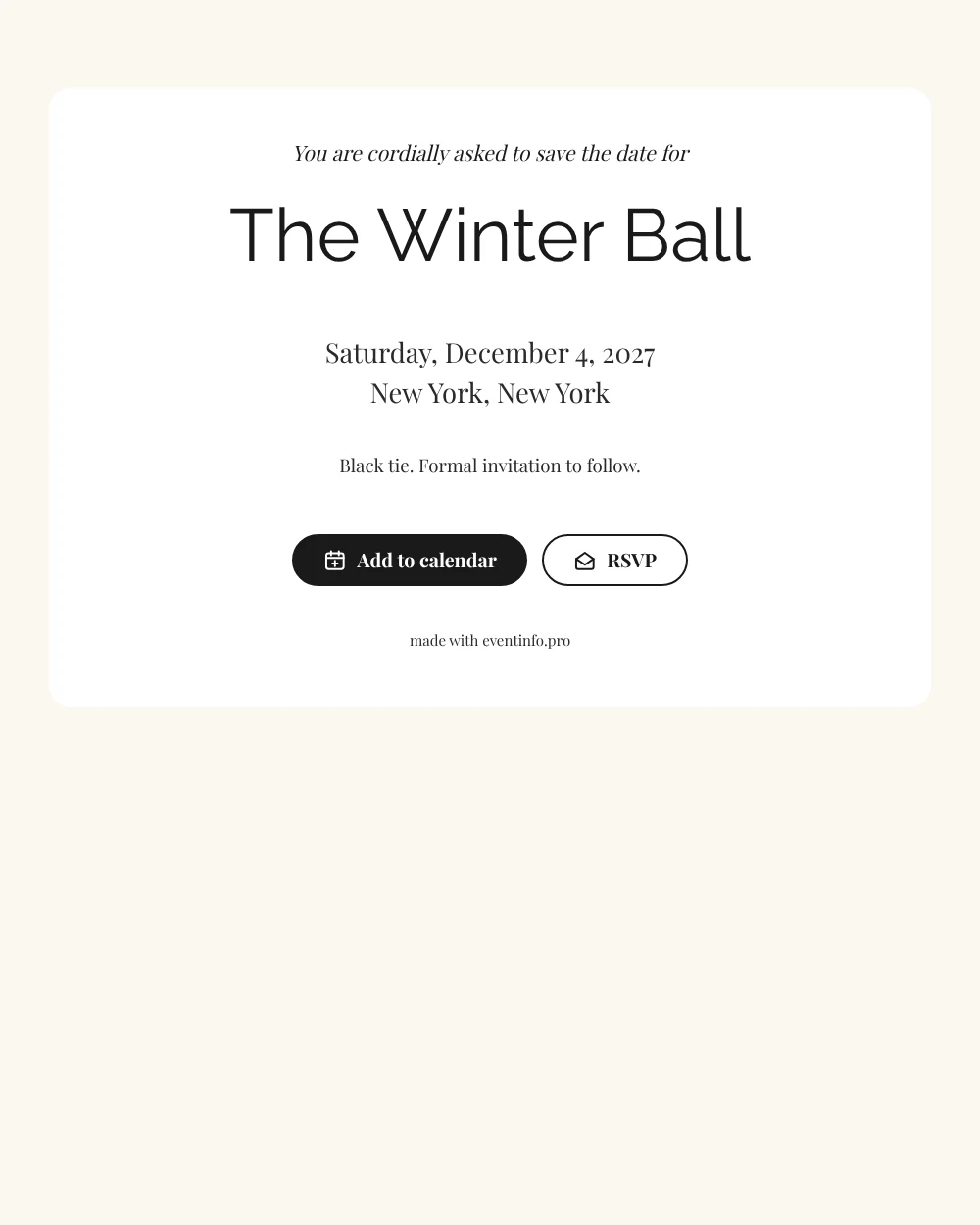
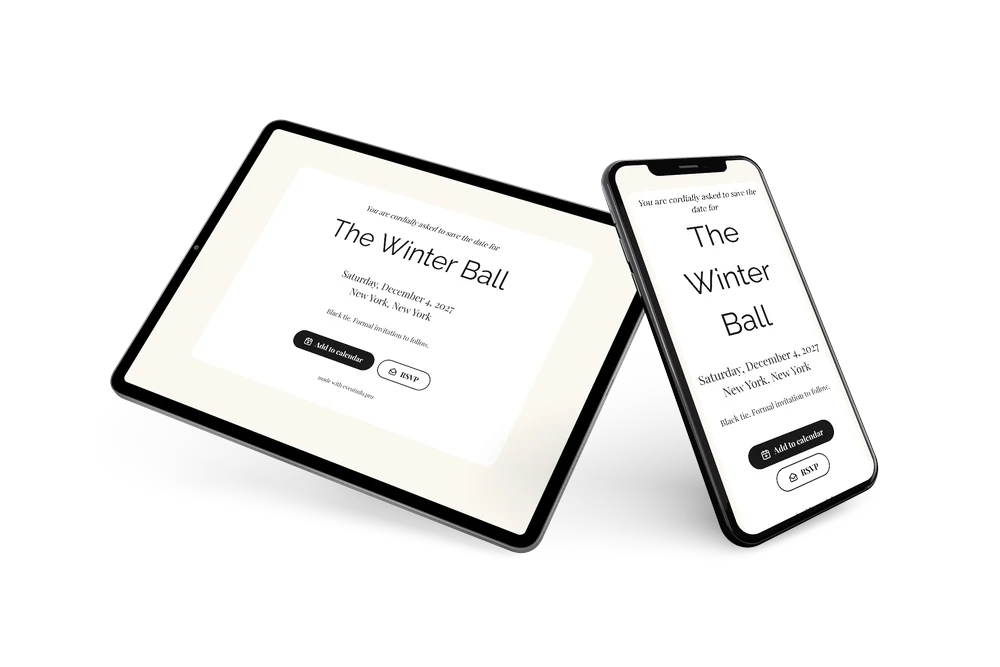
An online save the date reserves an evening in guests’ agendas before the formal invitation. This design is all white and black: a white card on a faint cream background, black serif lettering and the courteous line “You are cordially asked to save the date for” above the event name in clean capitals.
Send it for a winter ball or black-tie dinner once the venue is confirmed. Guests add the evening to their calendar and reply early. Then follow up with a full online event invitation in the same style.
Create your own online save the date
Use this design as a starting point and create a fitting save the date within minutes.
Frequently asked questions
How quickly can I send this save the date?
Within minutes. You type the event name, date and city, review the card and share the link.
What can guests do with it?
They can add the evening to their calendar with one tap and send an early answer through RSVP. You find every reply in your dashboard, which helps when you plan seating. Learn more about online RSVP.
Why is the closing line about black tie?
The sample ends with “Black tie. Formal invitation to follow.” Mentioning the dress code this early gives guests time to rent or buy evening wear. You can rewrite or remove it if your dress code is different.
Can I change the text and colors?
Yes. The opening line, the closing line and all colors can be edited. Date and place come from your details automatically, and changes after sending appear on the same link.
Is this save the date free?
Yes, making and sharing it is free. A full gala invitation with more options can be created later on Eventinfo.pro.
All example invitations are fictional. Photos of people are AI-generated; illustrations are licensed or AI-generated.