A stylish, understated save the date
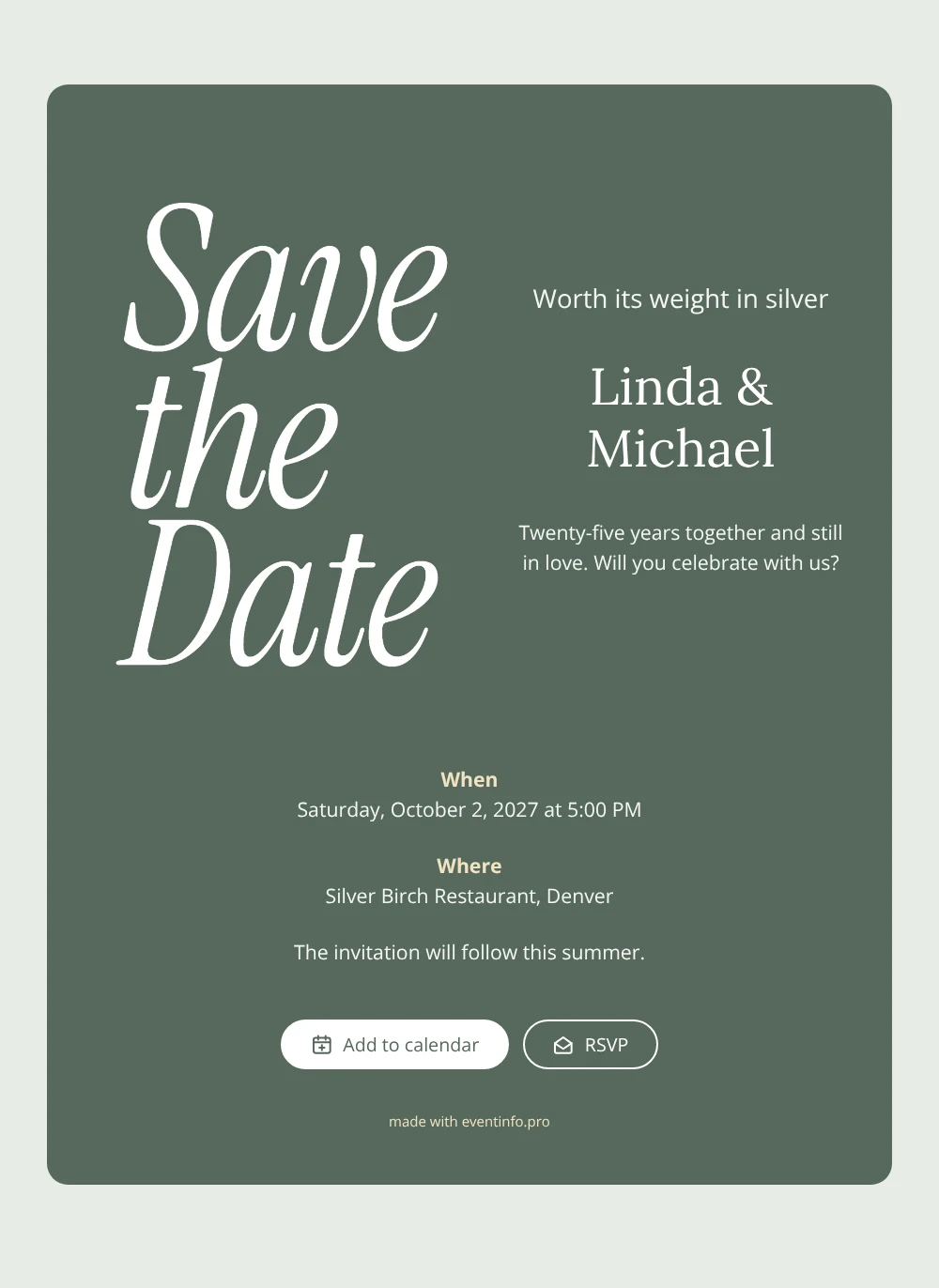
An online save the date is a short web page that tells guests the date and place of a celebration well before the invitation goes out. This design is made for a silver wedding anniversary: a deep sage green card with “Save the Date” in a white, flowing italic serif, a heading that reads “Worth its weight in silver” and a warm line about twenty-five years together. The white lettering stands out clearly against the green, giving the card a stylish, grown-up look for couples who want to celebrate their milestone with family and friends.
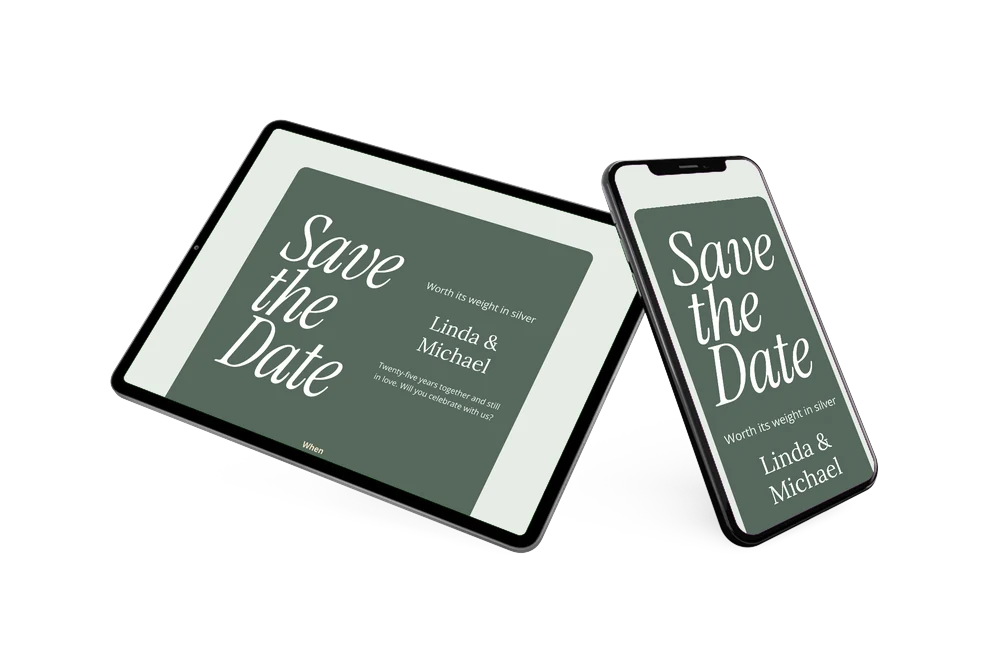
Twenty-five years is worth a proper party, and with guests of all ages and from different corners of your life, an early heads-up helps everyone keep the day free. Share the link and guests can add the date to their calendar, open the venue on a map and let you know via the RSVP button whether they can come. Our article on what to include on a save the date helps you decide how much to say now.
Create your own online save the date
Use this design as a starting point and create a fitting save the date within minutes.
Frequently asked questions
How quickly can I make this save the date?
In a few minutes. Enter your names, the date and the venue, check the preview and share the link. The heading, the short message and the note that the invitation will follow this summer are already written, so you only adjust what you want.
What can guests do with it?
They add the date to Google, Apple or Outlook with one tap, open the location on a map and reply early through the RSVP button. You see every response in your dashboard.
Why white lettering on sage green for a silver anniversary?
White and silver belong together, and the muted green gives them a calm, natural background. The result feels festive without glitter or gold, which suits a couple celebrating a quarter century in a relaxed, stylish way.
Can I adjust the text, colors and image?
Yes. In the editor you can rewrite every line, change the colors and replace the lettering with a photo, for example from your wedding day. After sharing, the page stays editable on the same link. For the full invitation you can later create an online event invitation on Eventinfo.pro.
Is it free?
Yes, making and sharing a save the date on freesavethedate.online is free. The full invitation with more features can be made later on Eventinfo.pro.
All example invitations are fictional. Photos of people are AI-generated; illustrations are licensed or AI-generated.