A vivid, graphic save the date
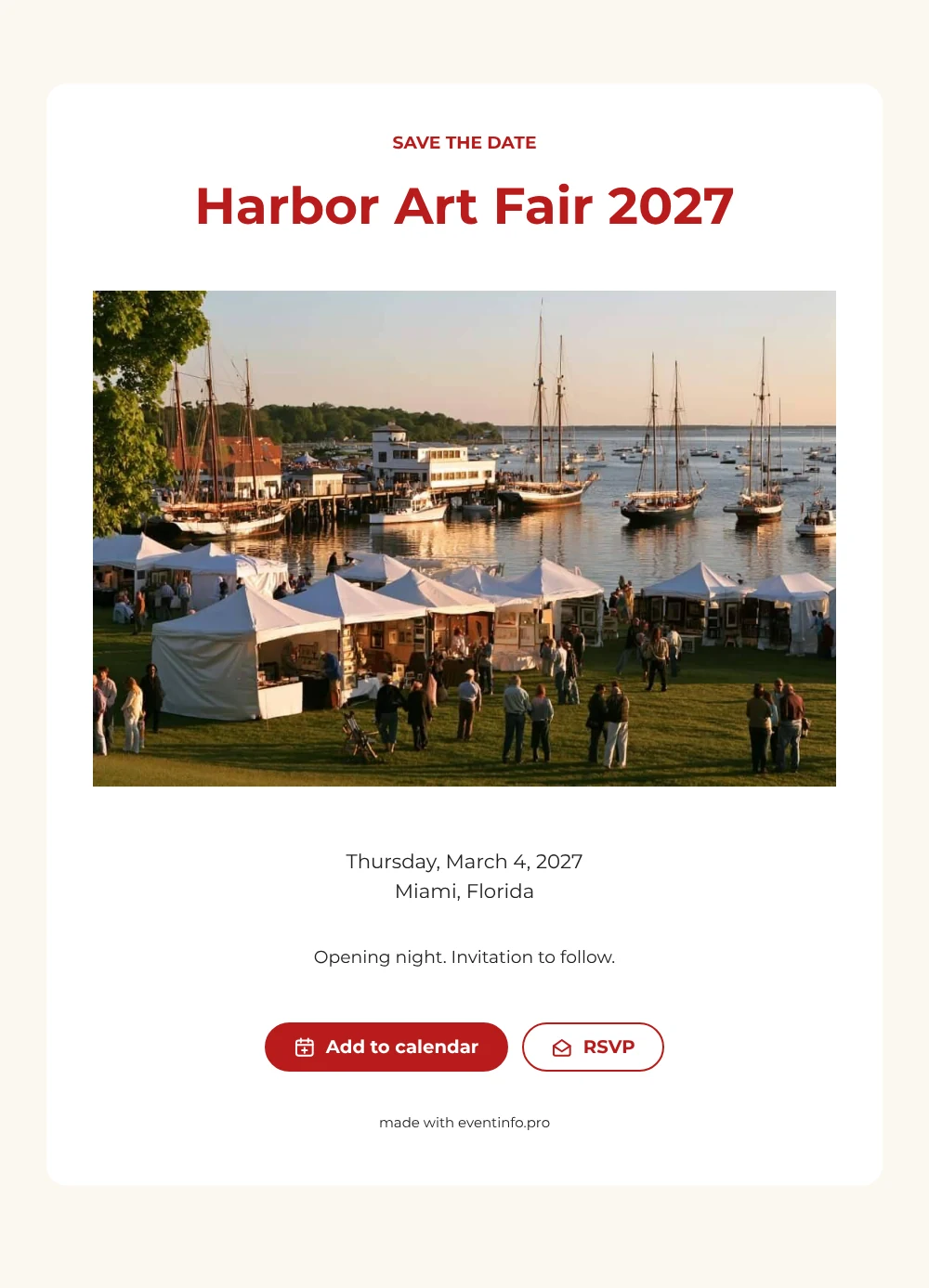
An online save the date is a short web page that announces the date and city of an event months ahead, so people can plan before the full invitation is out. For an art fair, it is a simple way to reach artists, collectors and press early. This design starts with a wide photo of a harbor full of sailboats, with white market tents set up on the lawn along the water. Below it, ’SAVE THE DATE’ and the fair’s name stand in strong red capitals, with the date and place in neat black text on a white card.
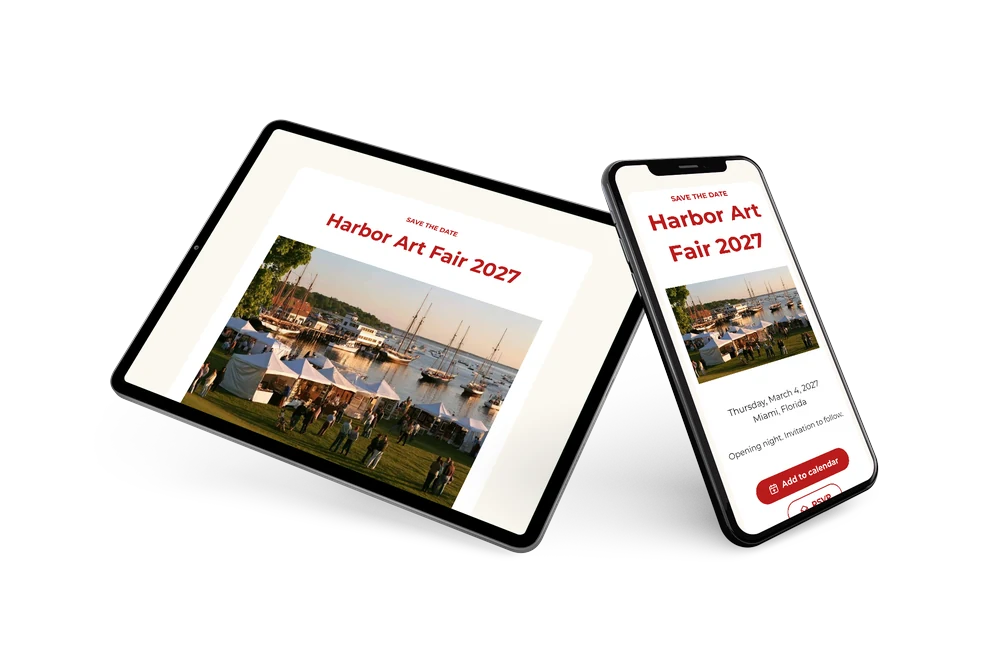
It suits fair organizers, galleries and art schools that want their opening night in the calendar before the season fills up, especially for an outdoor or waterfront fair. The closing line, ’Opening night. Invitation to follow.’, makes clear that more details are coming. You share one link by email, newsletter or social media. Guests open it on their phone, save the evening in their calendar and can tell you early that they plan to attend. When the program is final, a full online event invitation can follow in the same style.
Create your own online save the date
Use this design as a starting point and create a fitting save the date within minutes.
Frequently asked questions
How quickly can I send this save the date?
Usually within a few minutes. Enter the name of the fair, the date and the city, and the page is ready to share.
What can guests do with it?
They can add the opening to Google, Apple or Outlook calendar with one tap and reply through the RSVP button. Replies come together in your dashboard. Read more about how to add an event to a calendar.
Why is the whole card set in one typeface?
The design uses a single clean sans-serif font throughout. The red capitals give the heading its punch, while the same font in black keeps the details calm, much like a gallery wall label.
Can I change the text and colors?
Yes. You can rewrite the heading and the closing line and swap the red for your own brand color. The date and place are filled in from your details, and you can still edit the card after sending. Want to show the venue later? See how to share the event location.
Is this save the date free?
Yes, making and sharing the save the date is free. A full invitation with more features can be made later on Eventinfo.pro.
All example invitations are fictional. Photos of people are AI-generated; illustrations are licensed or AI-generated.