A graceful, deep-toned save the date
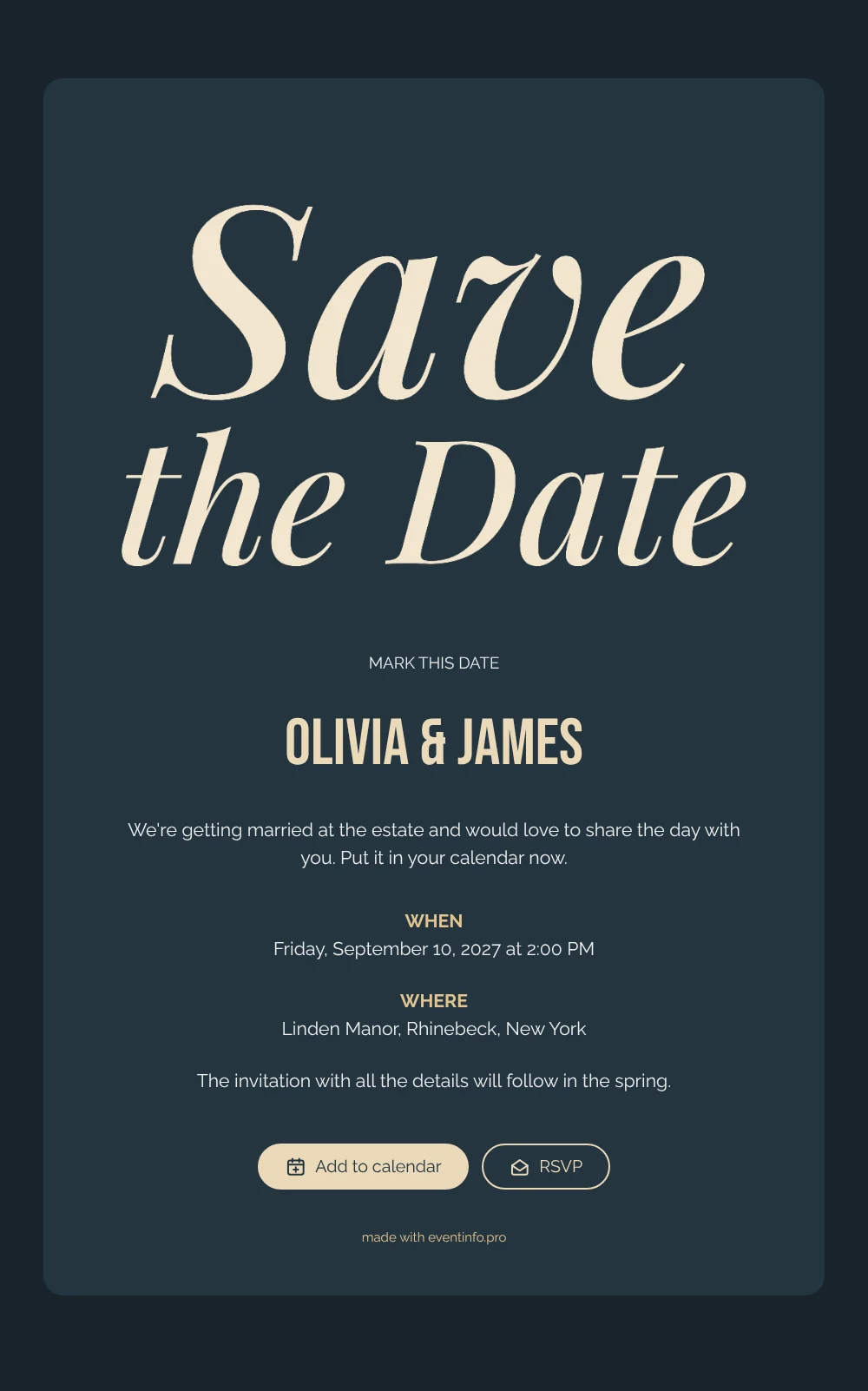
An online save the date is a short digital card that tells your guests the date and venue of your wedding before the formal invitation arrives. This design is built around lettering: the words “Save the Date” written in a graceful cream italic script, set on a deep slate blue card against a slightly darker background. Below it, clean capital headings mark when and where, and there is space for a personal sentence about the day. The result feels classic and romantic, with the calm confidence of an evening wedding.
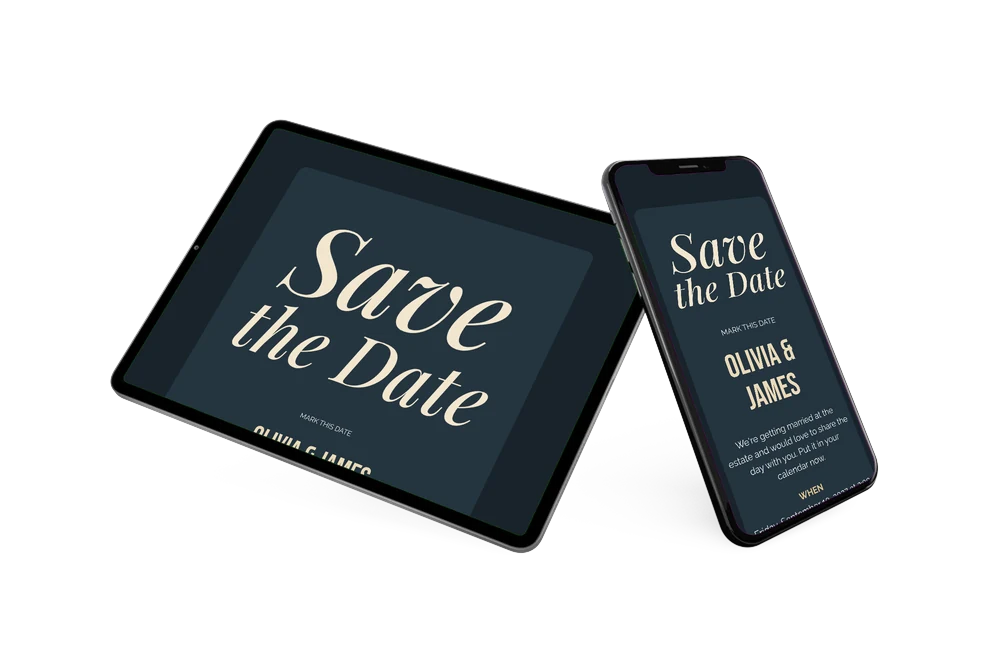
It suits couples marrying at a country estate, a manor house or a historic garden, and anyone who prefers dark, rich colours to pastels. Guests open the card from a single link, add the date to Google, Apple or Outlook calendar, open the venue on a map and use the RSVP button to let you know early whether they will come. Our guide on what to include on a save the date helps you write that personal line.
Create your own online save the date
Use this design as a starting point and create a fitting save the date within minutes.
Frequently asked questions
How quickly can I make this slate blue save the date?
In a few minutes. Replace Olivia & James with your names, enter the date and the venue, and adjust the short message if you like. The lettering, colours and layout are ready.
What can my guests do with it?
They save the date in their calendar with one tap, open the estate or venue for directions and reply via the RSVP button. Every early answer appears in your dashboard.
Why cream lettering on a dark card?
Cream on deep blue gives a soft contrast that is easy to read yet less stark than pure white. The script looks handwritten and personal, while the dark background makes it stand out on a phone screen. It pairs beautifully with candlelight, dark florals and weddings in September or October.
Can I change the text, colours and image?
Yes. In the editor you can rewrite every line, including the note that the invitation will follow in spring, change the colours and replace the lettering with your own photo. Updates after sharing appear on the same link. Later you can create the online wedding invitation on Eventinfo.pro.
Is this save the date free?
Yes. Creating and sharing it on freesavethedate.online is free. The full invitation with more features follows later on Eventinfo.pro.
All example invitations are fictional. Photos of people are AI-generated; illustrations are licensed or AI-generated.