A quiet, wintry save the date
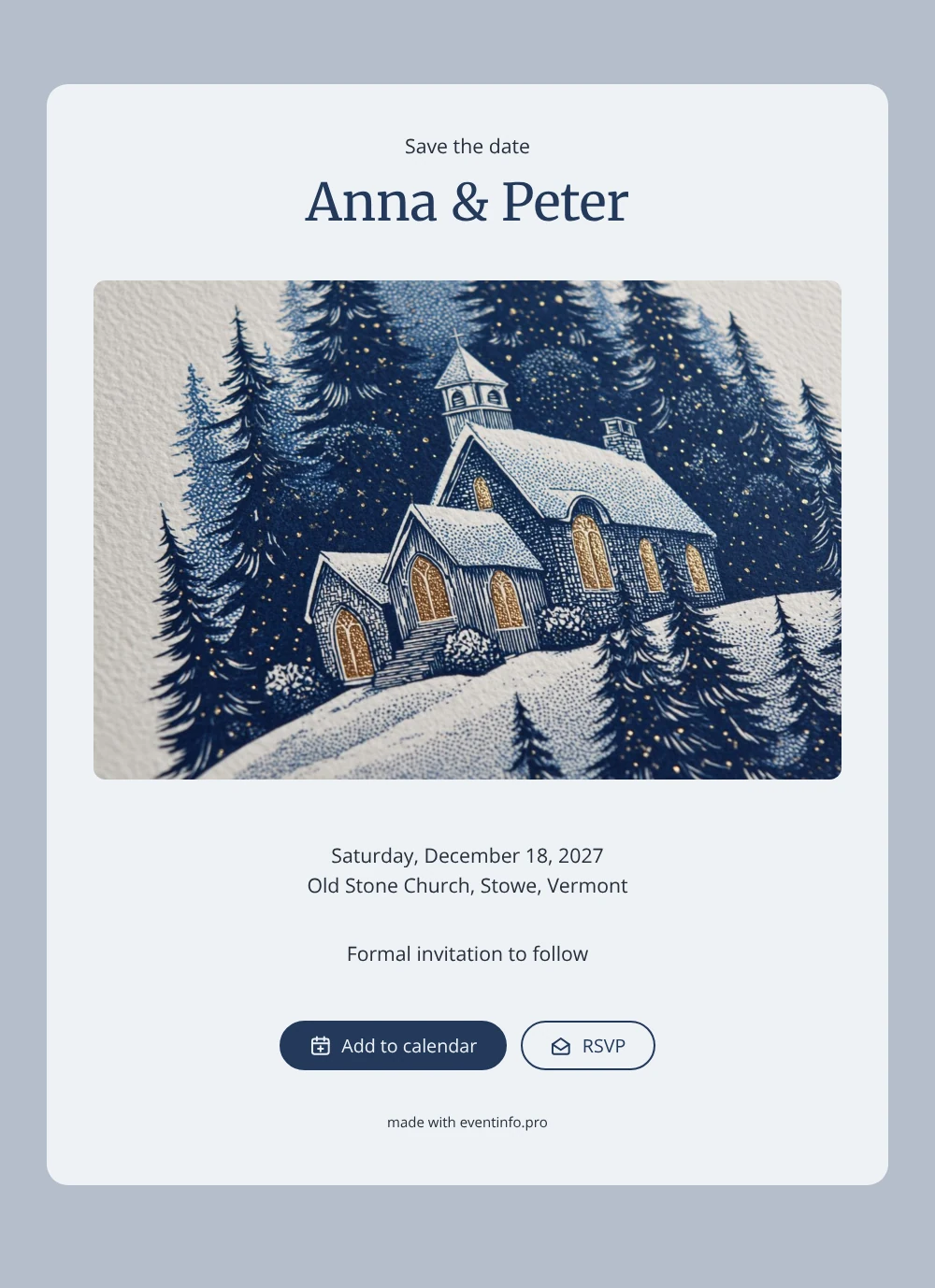
An online save the date is a digital early announcement that lets guests know the date and place of your wedding before the formal invitation arrives. This design tells that story through a linocut print: a small village church under a blanket of snow, surrounded by dark pine trees, with crisp lines and the slightly uneven texture of a hand-cut block. Set on a pale, icy card with your names in deep navy, it suits couples planning a church ceremony in the heart of winter.
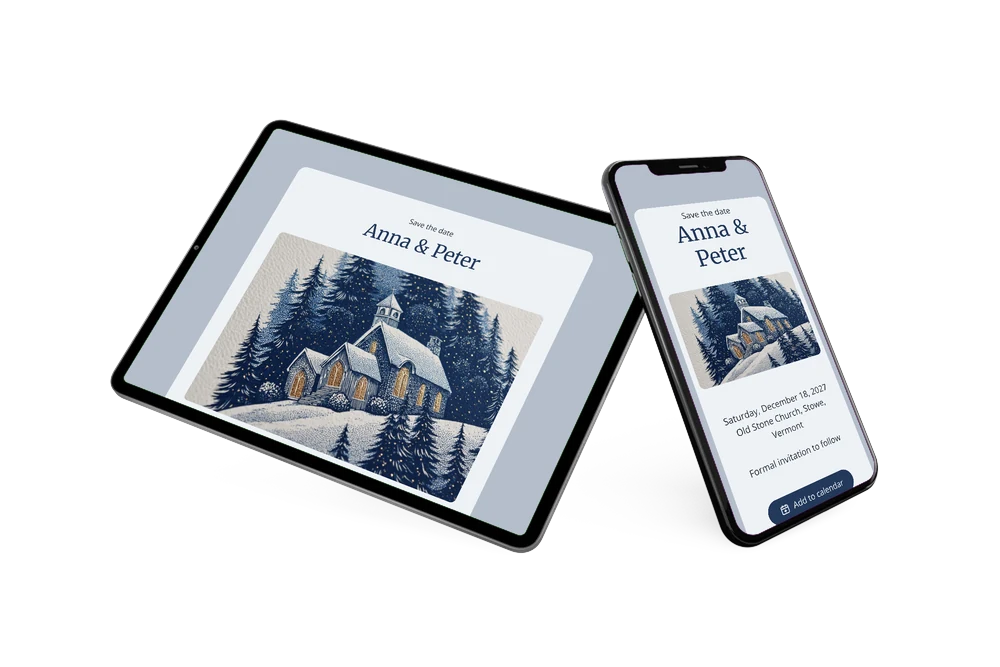
A wedding in December competes with office parties, family visits and holiday travel, so guests appreciate hearing early. Not sure about timing? Read when to send save the dates for a clear rule of thumb. Guests open the card from a single link, add the day to Google, Apple or Outlook calendar, open the church on a map and use the RSVP button to tell you early whether they can come. Their replies appear in your dashboard.
Create your own online save the date
Use this design as a starting point and create a fitting save the date within minutes.
Frequently asked questions
How quickly is this winter save the date ready?
Within minutes. Type your names in place of Anna & Peter, enter the date and the church, and share the link. The linocut artwork and colours are already set up.
What can guests do once they open it?
They can save the date in their calendar, open the location with directions, which is useful on snowy country roads, and RSVP with one button. You see straight away who is planning to come.
Does the snowy church only suit a December wedding?
It feels most at home between late November and February, when snow, pines and candlelit churches set the mood. It works just as well for a chapel in the mountains as for a small parish church in the countryside. Marrying in another season? Swap the image for your own photo of the church.
Can I change the text, colours and image?
Yes. Rewrite every line in the editor, including “Formal invitation to follow”, change the colours and upload a photo if you like. Edits after sharing appear on the same link. When the details are fixed, continue with an online wedding invitation on Eventinfo.pro.
Is it free to use?
Yes. Creating and sharing this save the date on freesavethedate.online is free. The full invitation with extra features follows later on Eventinfo.pro.
All example invitations are fictional. Photos of people are AI-generated; illustrations are licensed or AI-generated.