A sunny, adventurous save the date
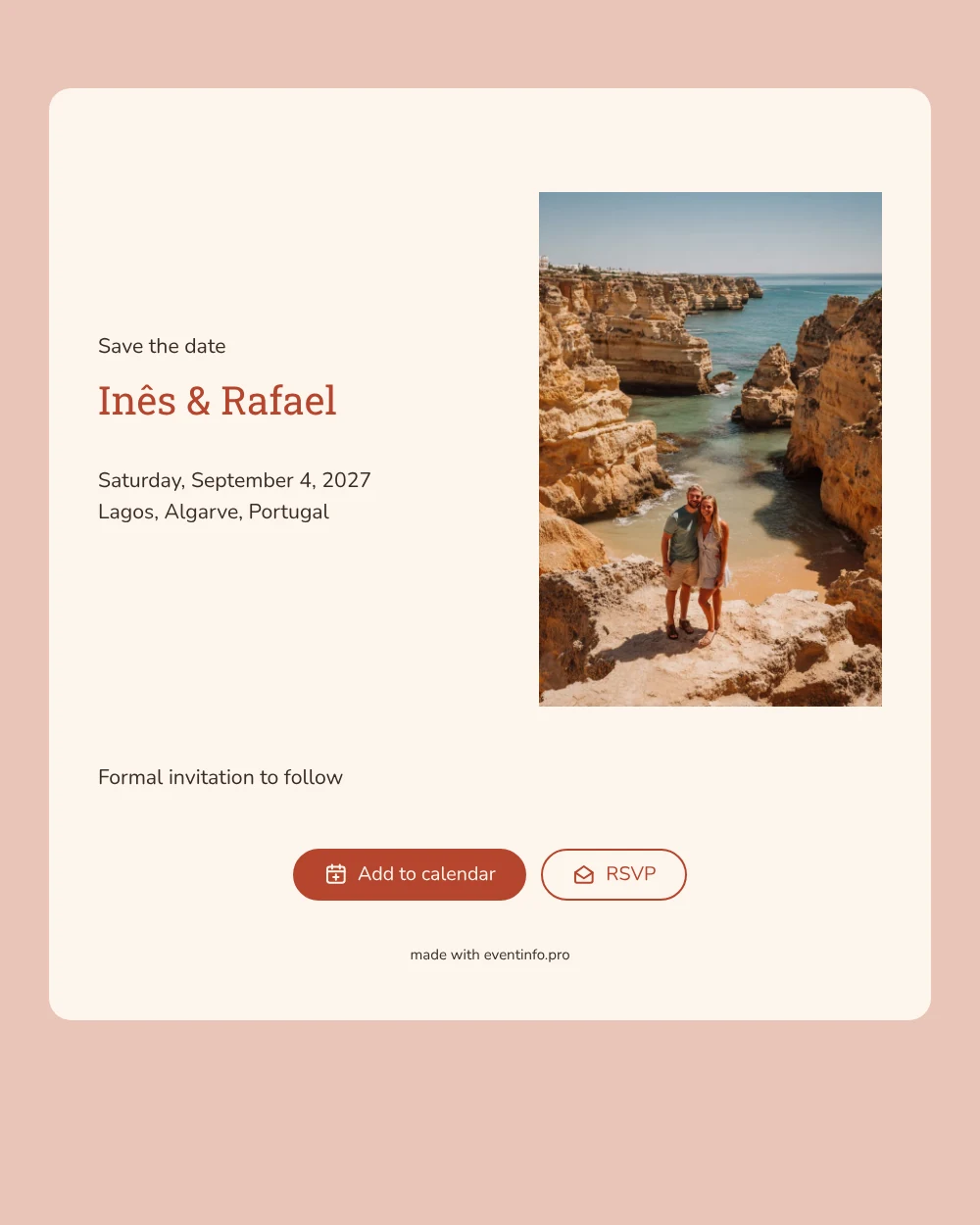
An online save the date is a short digital announcement that tells your guests the date and place of your celebration long before the full invitation goes out. This design opens with a photo of a couple on golden cliffs high above a turquoise bay, her veil caught by the sea breeze, and pairs it with a soft ivory card and terracotta lettering for your names. It suits couples who are marrying on the Algarve coast, or anywhere else where sun, sea and a bit of adventure set the tone.
A wedding in Lagos asks more of your guests than an afternoon off: they need flights, time off work and somewhere to stay. Sending this save the date early gives them room to plan. With one tap they add the date to their calendar, open the location on a map and let you know through the RSVP button whether they expect to make the trip. Our guide to a destination wedding save the date covers what else is worth sharing at this stage.
Create your own online save the date
Use this design as a starting point and create a fitting save the date within minutes.
Frequently asked questions
How long does it take to make this save the date?
Most couples are done in a few minutes. Replace the sample names and date, type the name of your venue or town, and share the link. The layout, the colours and the line about the formal invitation are already in place.
What can our guests do with it?
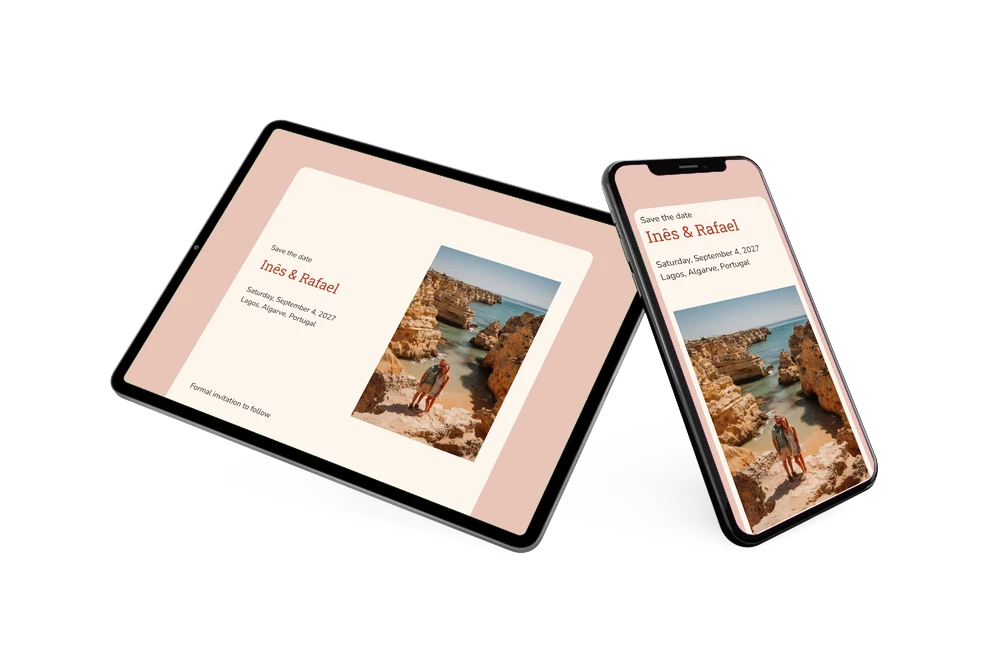
They can save the date to their Google, Apple or Outlook calendar, open the location in their maps app for directions and use the RSVP button to tell you early whether they plan to come. You see every answer in your dashboard.
Does the cliff photo only work for a wedding in Portugal?
Not at all. The warm mix of ivory, blush and terracotta flatters any coastal setting, from the Amalfi Coast to a Cornish cove. If you are marrying elsewhere, swap the photo for one of your own venue or of the two of you, and the card keeps its sunny feel.
Can I change the text and colours?
Yes. Every line on the card is editable, so you can add a short note about travel or keep it minimal. Not sure what to mention? Read what to include on a save the date. Colours and the photo can be changed in the editor too.
Is it free?
Yes, making and sharing a save the date on freesavethedate.online is free. When it is time for the full invitation with more features, you can create it later on Eventinfo.pro.
All example invitations are fictional. Photos of people are AI-generated; illustrations are licensed or AI-generated.