A sunny, relaxed save the date
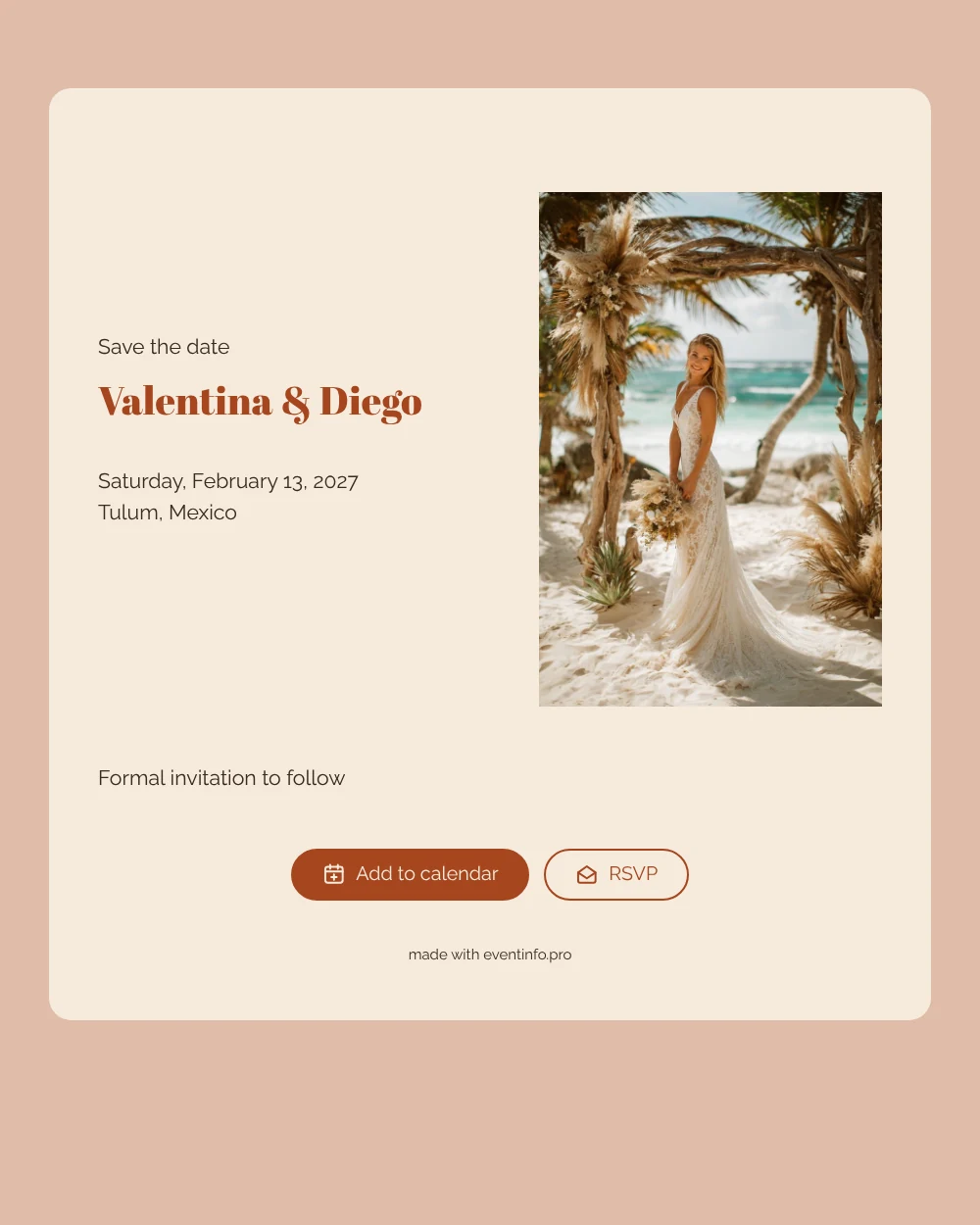
An online save the date is a short web page that tells guests the date and place of your celebration long before the formal invitation arrives. This design opens with a photo of a bride in a flowing boho dress beneath a wooden arch hung with pampas grass, right on the sand, set in warm terracotta and soft sand tones. It suits couples planning a beach wedding abroad, where the dress code is barefoot rather than black tie.
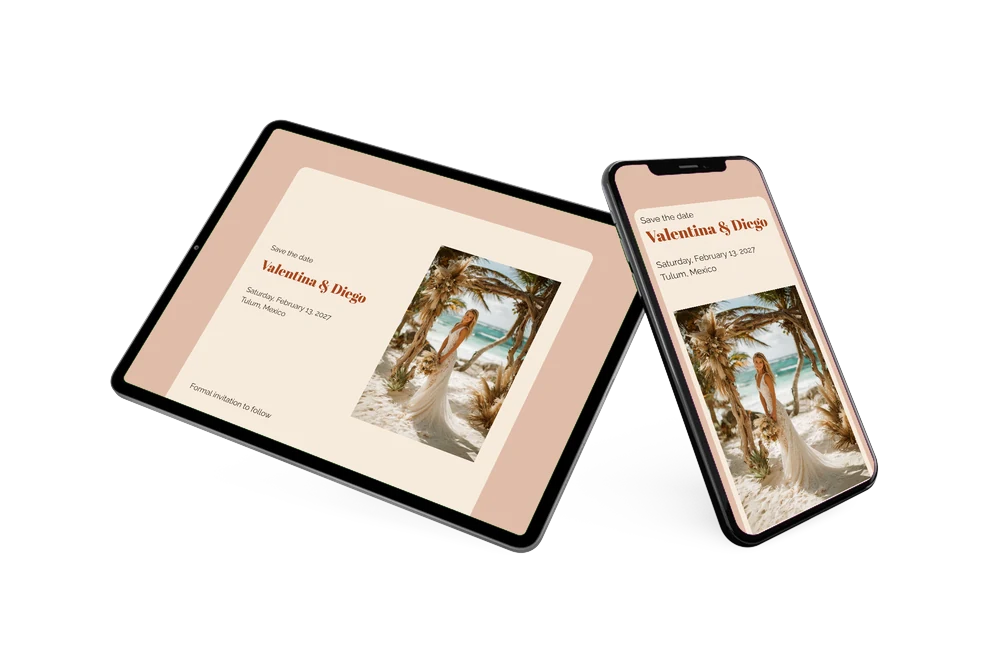
A wedding in Mexico asks a lot of your guests: flights, time off work, somewhere to stay. The sooner they know, the easier it gets. Share the page with one link via WhatsApp, email or text, and guests can save the day in their Google, Apple or Outlook calendar, open the location on a map and use the RSVP button to tell you early whether they can make it. Our guide to the destination wedding save the date explains how far ahead to send it.
Create your own online save the date
Use this design as a starting point and create a fitting save the date within minutes.
Frequently asked questions
How quickly can I make this save the date?
Most couples are done in a few minutes. Replace the names and the date, type in your venue or town, and the terracotta layout stays as it is. You can publish straight away and share the link the same evening.
What can guests do with it?
They see your names, the date and the location on one page. With a tap they add the day to their calendar, open the location on a map and reply via the RSVP button. You follow the answers in your dashboard, which helps when you need a first idea of numbers.
Does the beach photo work if we are not marrying in Tulum?
Yes. The arch, the pampas grass and the sandy palette fit any beach or coastal wedding, from the Algarve to Bali. You can also swap the photo for one of your own, such as an engagement shot by the sea; the warm colours around it keep the same summery feel.
Can I change the text and colours?
Everything is editable in the editor: the opening line, your names, the location and the closing line about the formal invitation, as well as the colours. Later you can build the full invitation with programme and details as an online wedding invitation on Eventinfo.pro.
Is it free?
Yes, making and sharing a save the date on freesavethedate.online is free. Changes you make after sharing appear on the same link, so guests always see the latest version.
All example invitations are fictional. Photos of people are AI-generated; illustrations are licensed or AI-generated.