A rich, graceful save the date
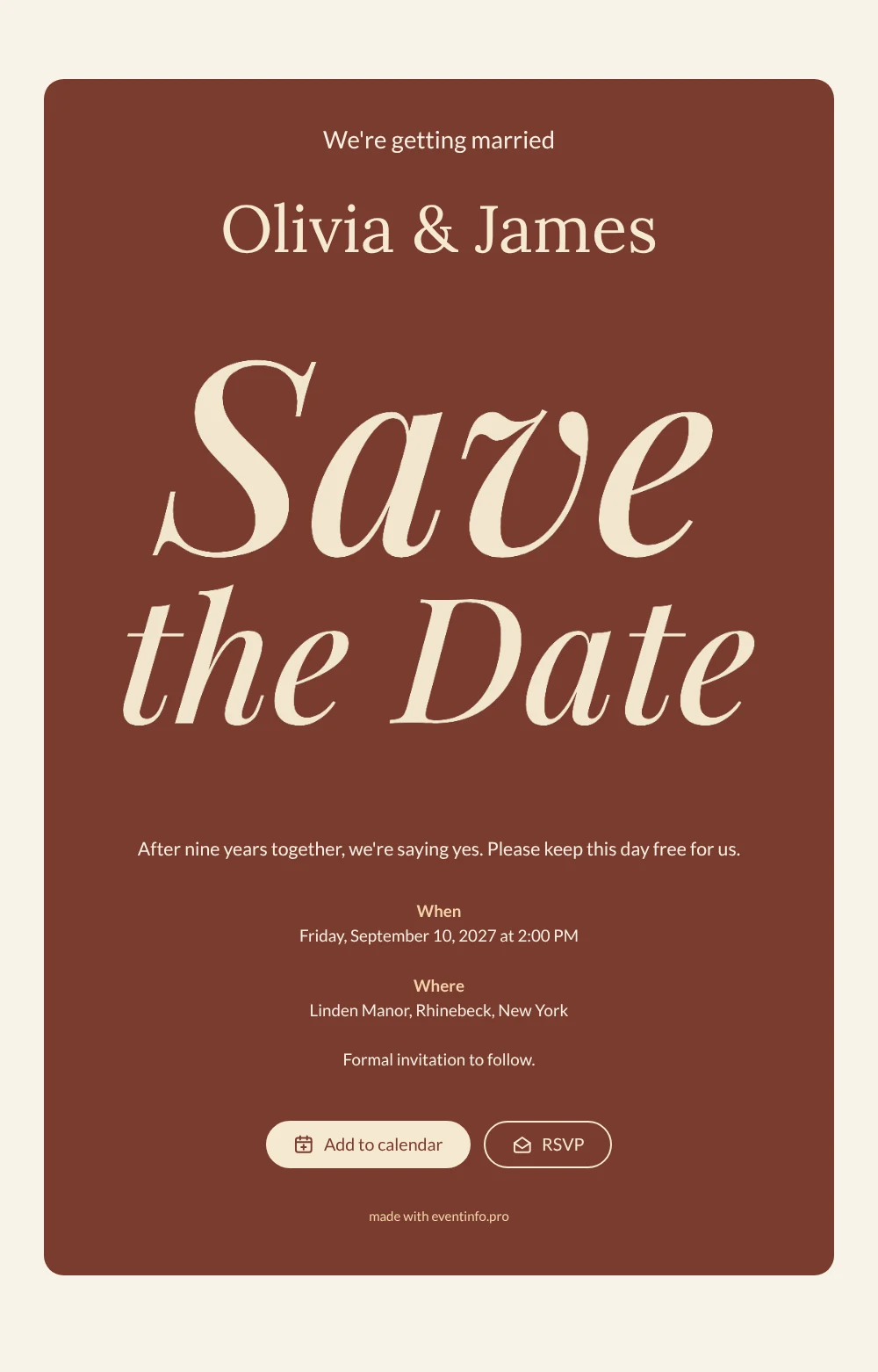
An online save the date is a single web page that announces your wedding date and venue to guests long before the formal invitation, shared with one link. In this design the words Save the Date are written in a flowing cream italic, set against a deep, warm terracotta card. Below them the page opens with “We’re getting married”, your names in soft cream, a short personal line about saying yes, and clear When and Where sections. A light ivory background frames it all. It is made for couples who love warm, earthy colors and classic romantic lettering, for example for a late summer or autumn wedding.
Wondering whether you need a save the date at all, or can go straight to the invitation? Our article on the difference between a save the date and an invitation helps you decide. Once your link is shared, guests can add the date to Google, Apple or Outlook Calendar, open the venue on a map and use the RSVP button to tell you early whether they hope to come. Every answer appears in your dashboard.
Create your own online save the date
Use this design as a starting point and create a fitting save the date within minutes.
Frequently asked questions
How quickly can I make this terracotta save the date?
In a few minutes. Copy the design, enter your names, the date and the venue, and adjust the personal line if you like. The lettering, colors and layout are ready, so you can share the link straight away.
What can guests do with it?
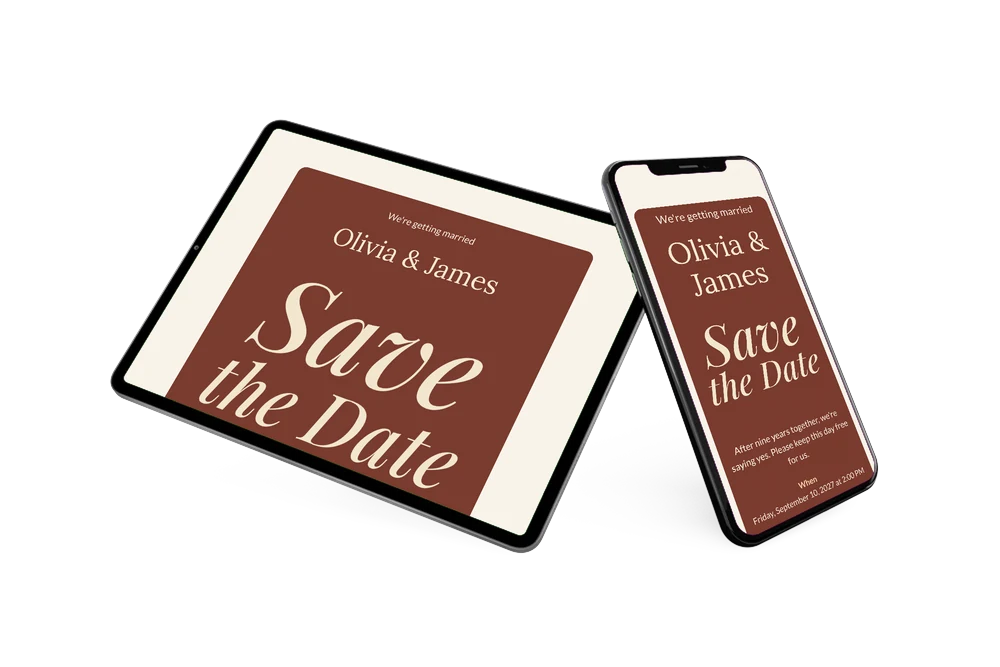
They read your news, the date and the location on one page. With a tap they save the date in their calendar, get directions to the venue and RSVP early, so you have an idea of numbers long before the invitation goes out.
Can I keep the personal line about our years together?
Yes, and it is one of the nicest parts of this design. The sample says the couple is saying yes after nine years together; replace it with your own story in one or two sentences, or remove it for a more minimal card.
Can I change the colors or add a photo?
You can. The terracotta and cream are easy to adjust in the editor, and you can upload a photo of the two of you. When everything is planned, continue with a full online wedding invitation. Changes after sharing appear on the same link.
Is it free?
Yes. Creating and sharing a save the date on freesavethedate.online is free. The full invitation with more features can be made later on Eventinfo.pro.
All example invitations are fictional. Photos of people are AI-generated; illustrations are licensed or AI-generated.