A welcoming, warm save the date
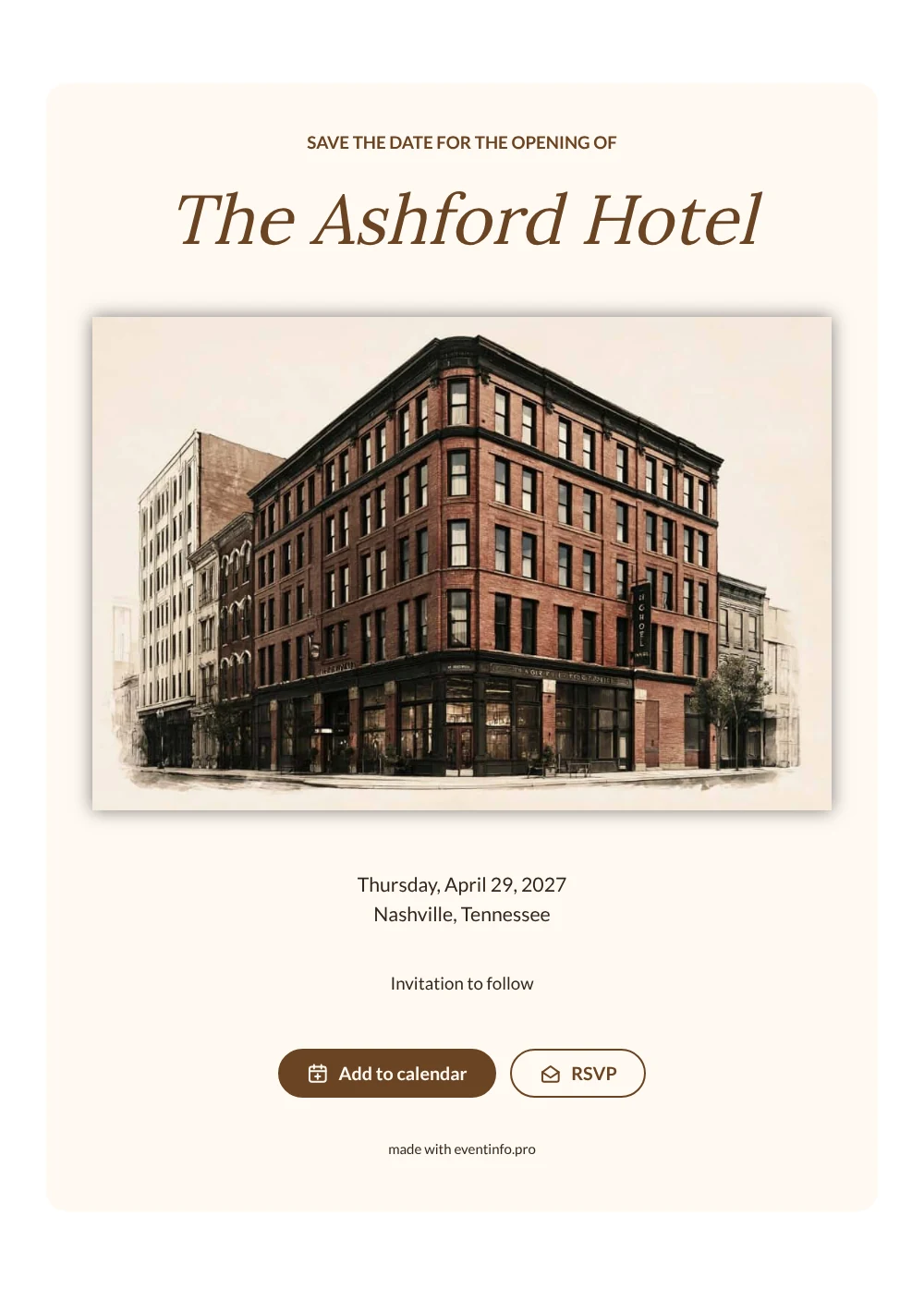
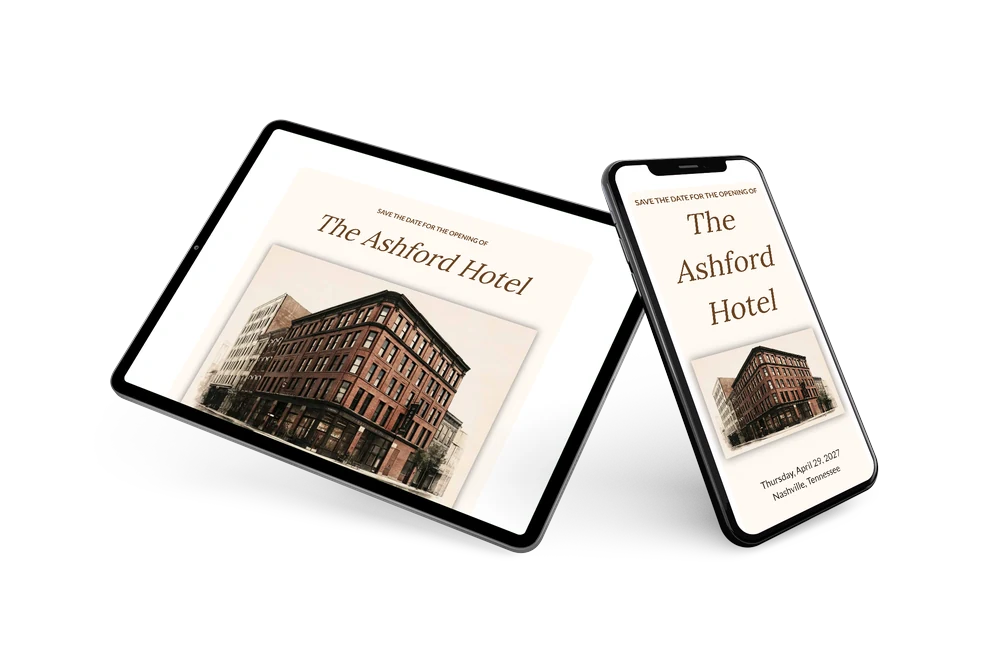
An online save the date is a short web page that tells guests the date and city of your opening months ahead. A sepia image of a tall brick hotel opens the page. The hotel’s name follows in a graceful walnut brown serif on an ivory card.
It suits hotels, restaurants and venues that invite partners, press and local businesses. Send one link by email. Guests save the date and reply early, which helps with catering and staffing. Later, follow up with a business invitation online.
Create your own online save the date
Use this design as a starting point and create a fitting save the date within minutes.
Frequently asked questions
How quickly can I send this save the date?
Within a few minutes. Enter the name of the hotel or venue, the date and the city, and share the link.
What can guests do with it?
They can add the opening to Google, Apple or Outlook calendar with one tap and reply through the RSVP button. Replies come together in your dashboard. Read how to add an event to a calendar.
Can I show our own building instead of the sample hotel?
Yes. The wide header image can be replaced with any landscape photo, such as your facade, entrance or rooftop. A sepia or warm-toned photo keeps the vintage feel of this design.
Can I change the text and colors?
Yes. You can rewrite the heading and closing line and change the brown to your brand color. The date and place are filled in from your details, and you can still edit after sending. In the full invitation you can share the event location with a map.
Is this save the date free?
Yes, making and sharing the save the date is free. A full invitation can be made later on Eventinfo.pro.
All example invitations are fictional. Photos of people are AI-generated; illustrations are licensed or AI-generated.