A soft, pastoral save the date
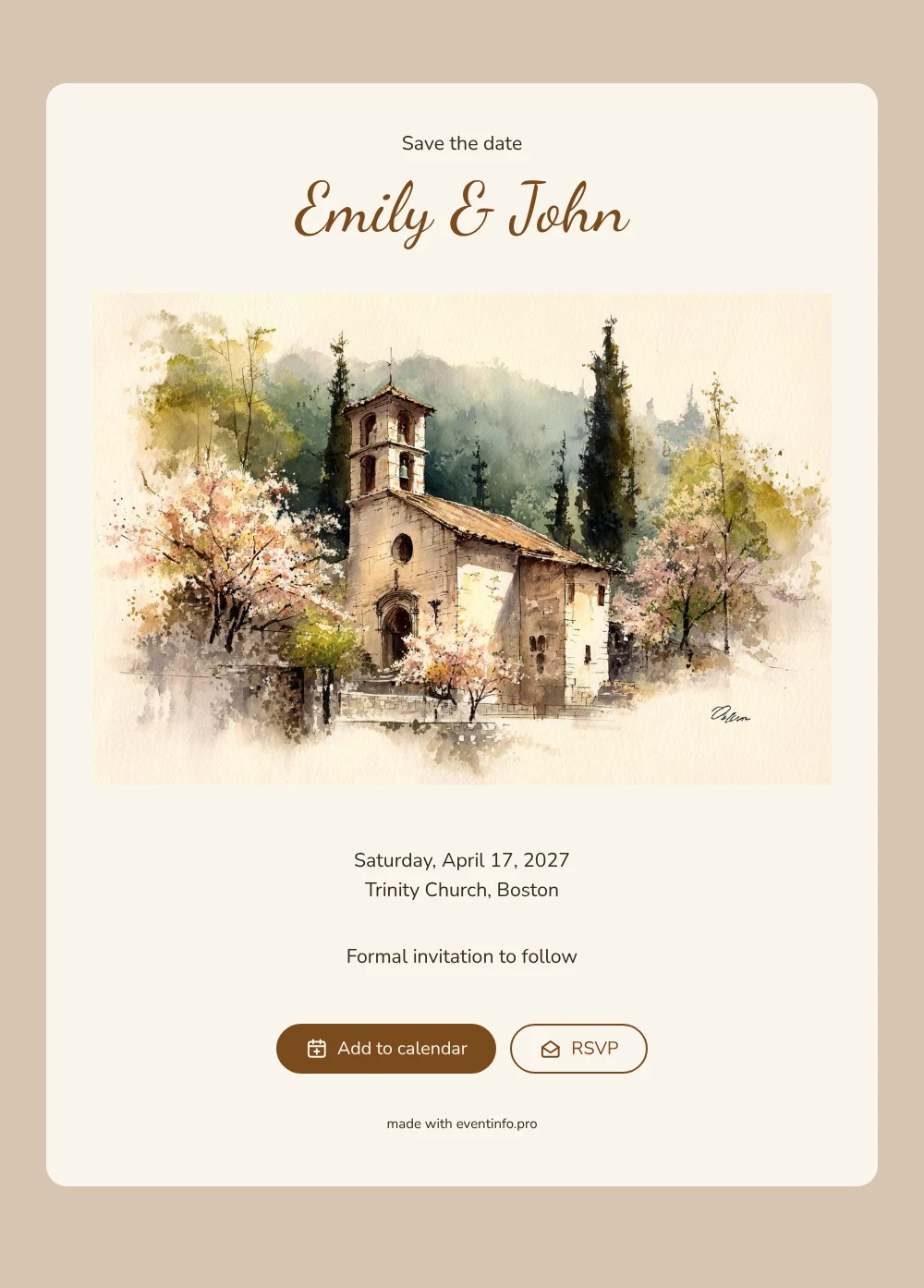
An online save the date is a short digital announcement that tells your guests the date and place of your wedding long before the formal invitation arrives. This design opens with a watercolor of an old stone church, its bell tower rising between trees in full spring blossom. Cream paper, warm brown names and flowing lettering give it a gentle, old-fashioned feel. It suits couples who are marrying in church in April or May and want their first message to feel calm and traditional rather than flashy.
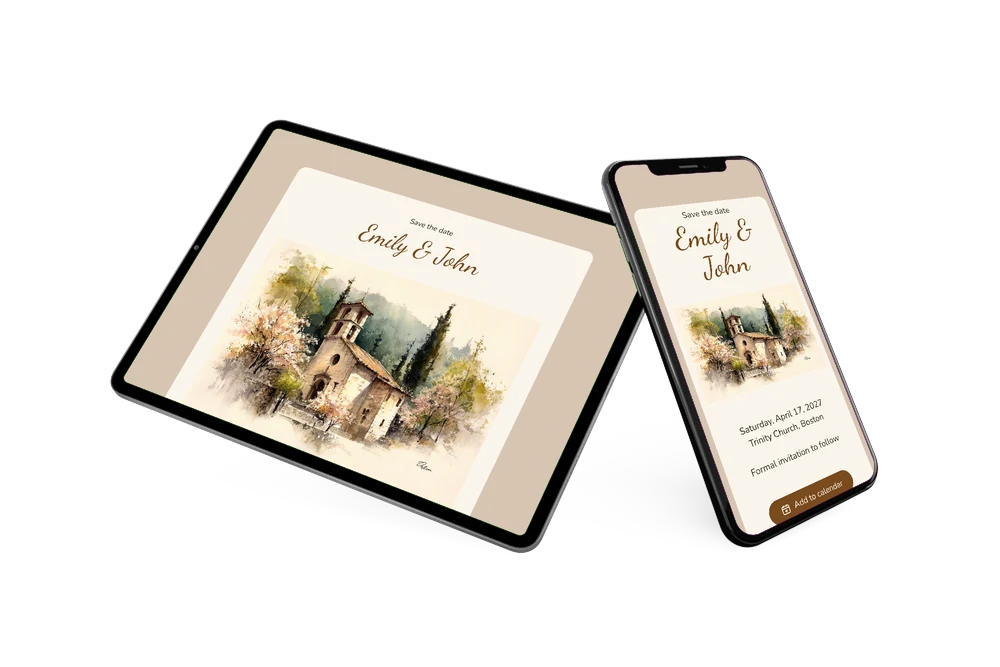
Send it as soon as the church and the date are booked. Guests open a single link on their phone, see your names, the day and the church, and can add the date straight to Google, Apple or Outlook Calendar. The RSVP button lets them tell you early whether they can make it, and the church location opens on a map. Wondering how early is too early? Our guide on when to send save the dates explains the usual timing for a spring wedding.
Create your own online save the date
Use this design as a starting point and create a fitting save the date within minutes.
Frequently asked questions
How quickly can I make this church wedding save the date?
Most couples are done in a few minutes. Replace the sample names with your own, choose your date, enter the church and its town, and check the line at the bottom that promises a formal invitation. Then copy the link and share it.
What can our guests do with it?
They can save the date in their own calendar with one tap, open the route to the church on a map, and use the RSVP button to let you know early if they are coming. You see every reply in your dashboard.
Does the watercolor church only work for a spring wedding?
The blossoming trees make it a natural fit for a wedding between March and June, but the soft cream and brown tones also work in late summer. If you marry in a church that looks very different, you can replace the illustration with your own photo of the building.
Can I change the text and colors?
Yes. In the editor you can rewrite every line, adjust the colors and swap the image. Even after sharing you can still make changes on the same link. When the time comes, you can follow up with a full online wedding invitation on Eventinfo.pro.
Is it really free?
Yes, making and sharing a save the date on freesavethedate.online is free. You only move to Eventinfo.pro when you want a complete invitation with more features.
All example invitations are fictional. Photos of people are AI-generated; illustrations are licensed or AI-generated.