A serene, traditional save the date
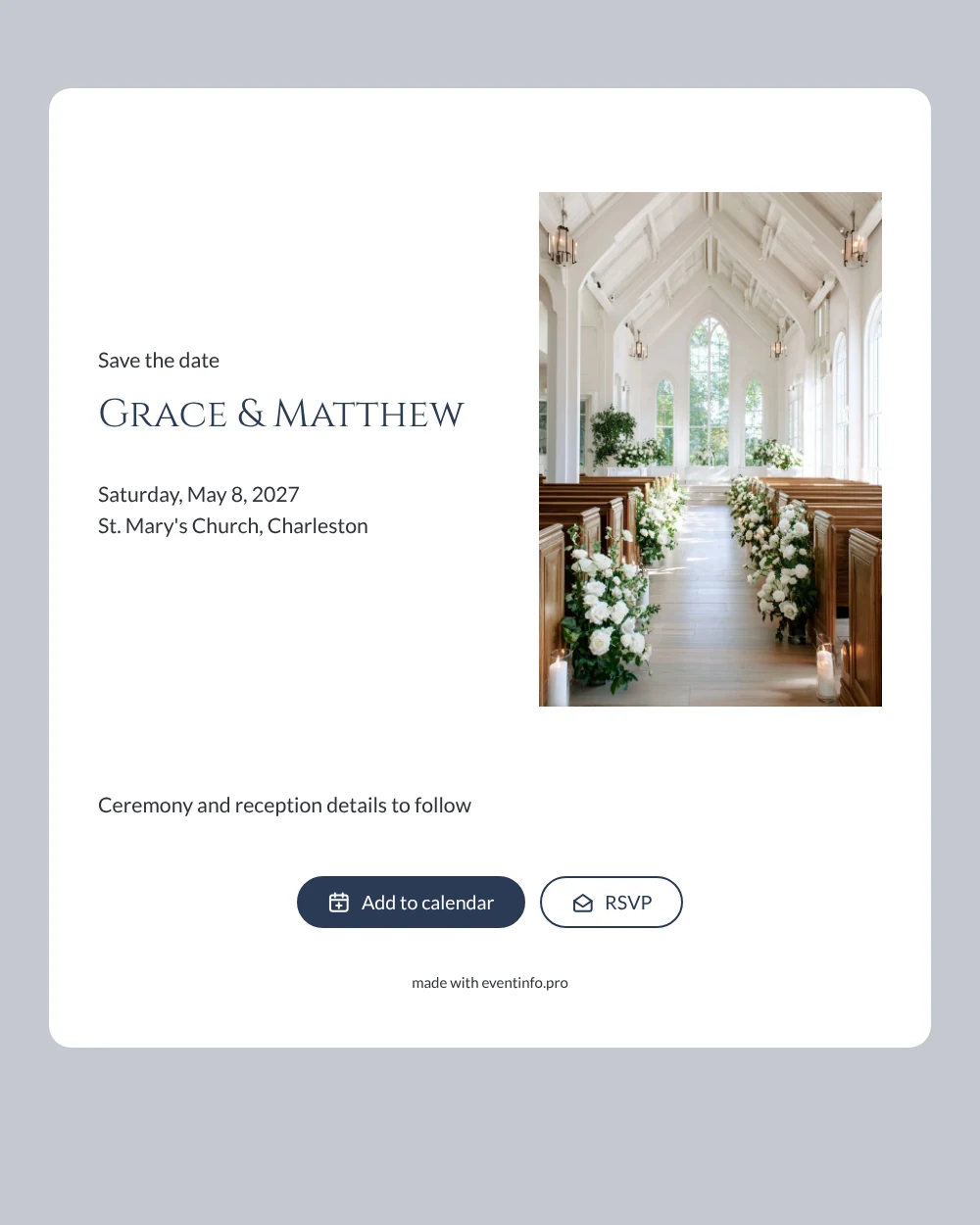
An online save the date is a short digital announcement that tells your guests the wedding date and place long before the formal invitation arrives. This design opens on a photograph of a white chapel: wooden pews line an aisle decorated with white roses and candles, while your names sit in dark navy capitals on a clean white card. It suits couples who are marrying in church and want their very first message to feel as calm and traditional as the ceremony itself.
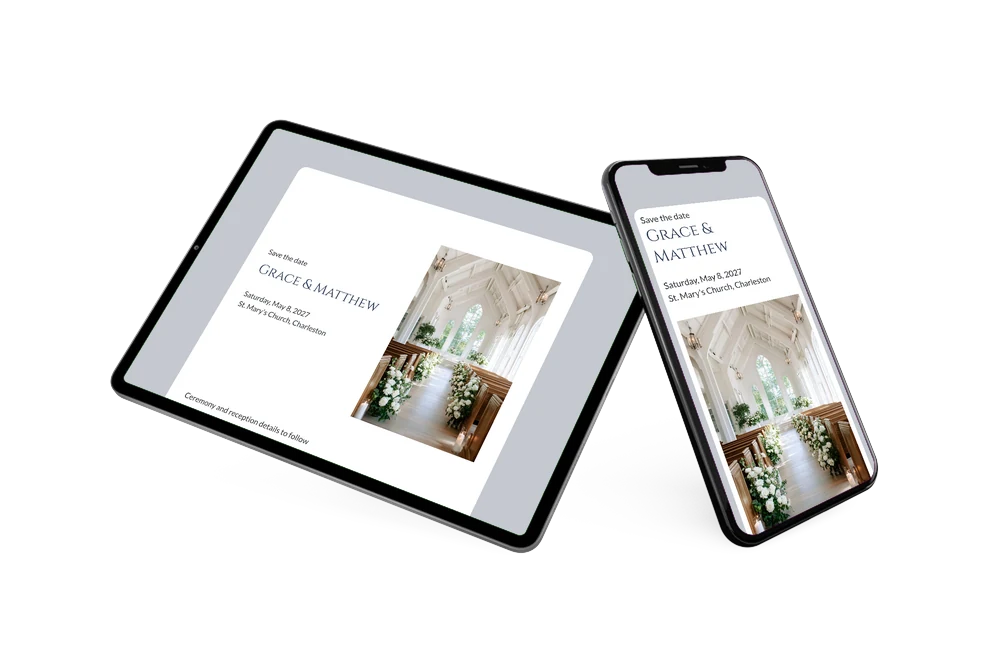
Send it as soon as the church is booked, so family and friends can keep the day free before other plans fill their calendars. Guests open the page from one link, add the date to Google, Apple or Outlook, open the church on a map and use the RSVP button to let you know early whether they expect to come. Our guide on when to send save the dates helps you choose the right moment.
Create your own online save the date
Use this design as a starting point and create a fitting save the date within minutes.
Frequently asked questions
How quickly is this chapel save the date ready?
Usually within a few minutes. The layout, photo and wording are already in place, so you only replace the sample names, date and church with your own and share the link. The line about ceremony and reception details can stay or be rewritten in your own words.
What can our guests do with it?
They see your names, the weekday, the date and the church at a glance. With one tap they add the date to their calendar, open the location for directions and answer via the RSVP button. You follow every reply in your dashboard.
Does the chapel photo only work for a church wedding?
It was chosen for couples who marry in a church or chapel, but the quiet white interior also fits a blessing or a vow renewal in a small chapel. The white, soft grey-blue and navy tones keep the whole page restrained and formal.
Can I use a photo of our own church instead?
Yes. In the editor you can replace the chapel image with your own photo and adjust the text and colours. Changes made after sharing appear on the same link. Wondering which details belong on the card? Read what to include on a save the date.
Is this save the date free?
Yes, making and sharing a save the date on freesavethedate.online is free. When it is time for the full invitation, you can create it later on Eventinfo.pro with more features.
All example invitations are fictional. Photos of people are AI-generated; illustrations are licensed or AI-generated.