A bold, contemporary save the date
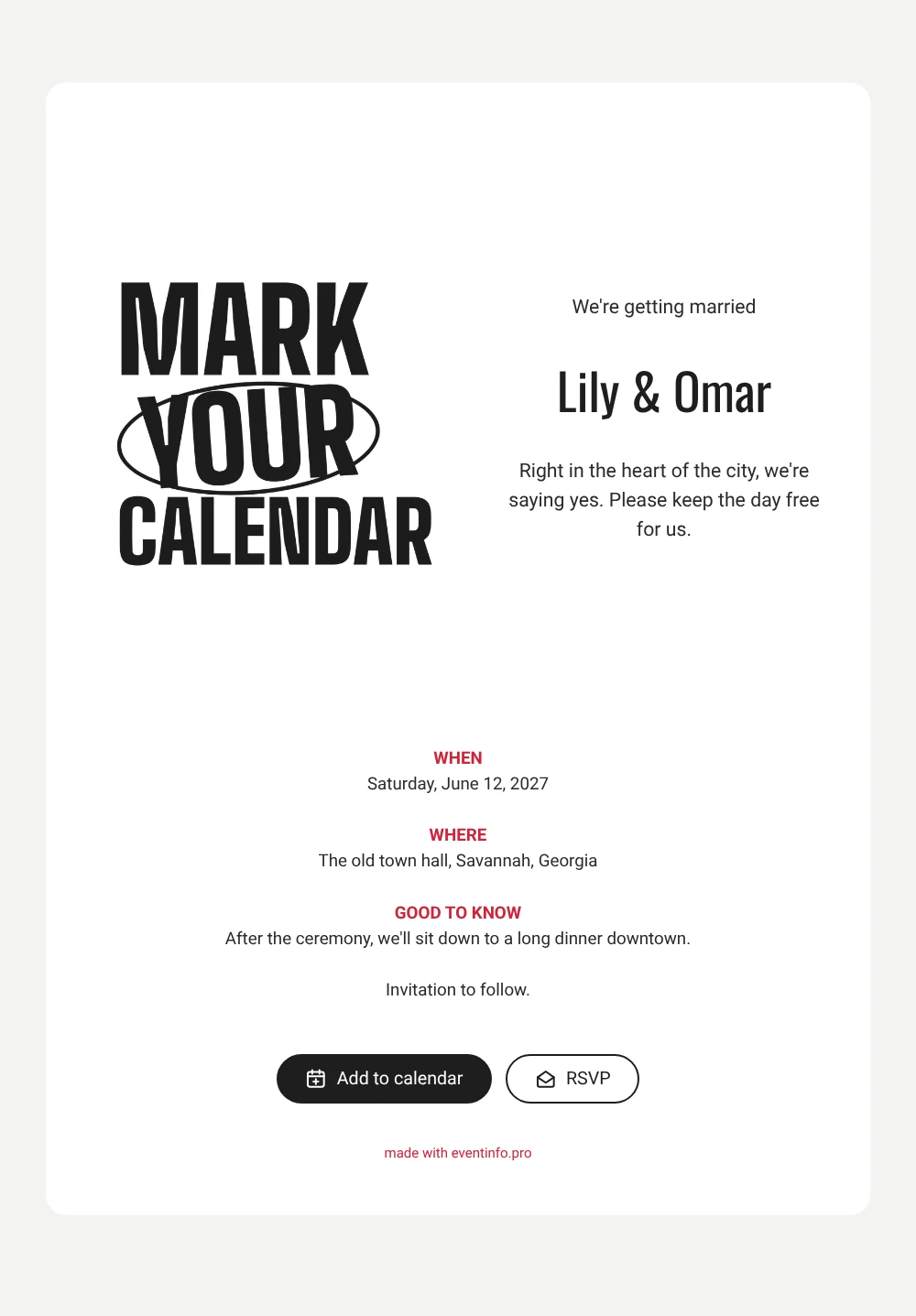
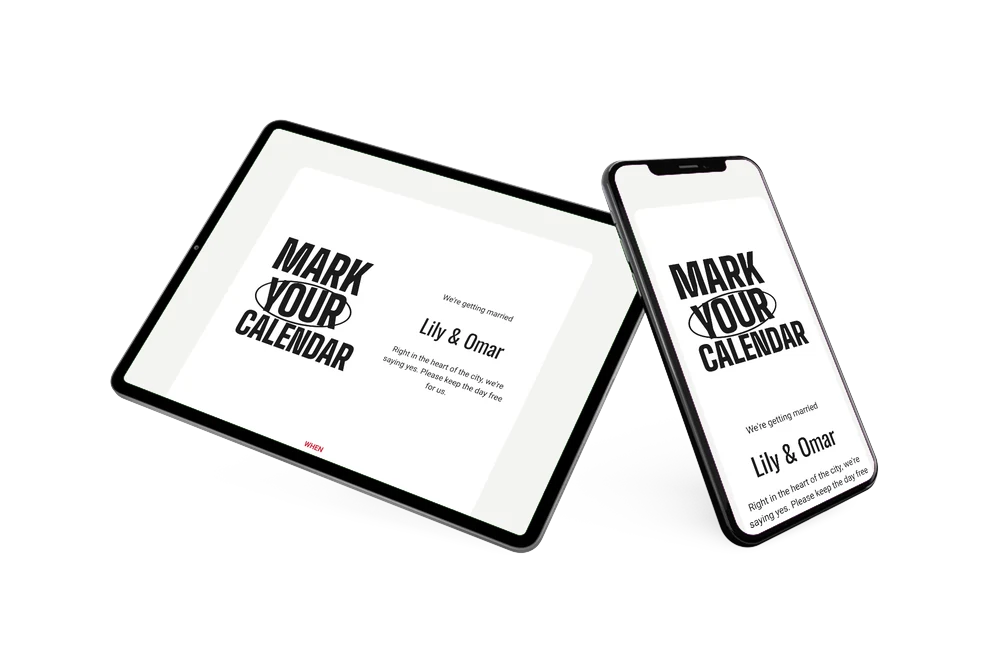
An online save the date is a short web page that tells guests the date and place of your wedding ahead of the invitation, shared with a single link. This design speaks in bold black poster capitals: Mark your calendar, with a hand-drawn oval circling the word YOUR, on a crisp white card. Underneath you announce that you are getting married, followed by your names, a line about saying yes in the heart of the city and clear sections for when, where and good to know. It suits couples marrying at city hall who want something graphic and contemporary instead of flowers and script.
The good to know section is ideal for a quick extra, such as the long dinner downtown after the ceremony in the sample text. Once you share the link, guests can add the date to their calendar with one tap; our article on how to add a save the date to the calendar explains why that matters. They can also open the town hall on a map and let you know through the RSVP button whether they are coming. Replies appear in your dashboard.
Create your own online save the date
Use this design as a starting point and create a fitting save the date within minutes.
Frequently asked questions
How quickly can I set up this city hall save the date?
In a few minutes. Copy the design, fill in your names, the date, the town hall and your note under good to know, then share the link. The lettering and layout are ready to go.
What can guests do with it?
They see your news, the date and the place on one clean page. With a tap they save the date in Google, Apple or Outlook Calendar, open directions to the venue and RSVP early. You follow every reply in your dashboard.
What does the oval around YOUR add?
It makes the message personal: the hand-drawn oval points straight at the guest reading it. Combined with the heavy poster capitals, it gives the card a playful, editorial look that stands out among more traditional wedding designs.
Can I change the wording or colors?
Yes. Every line is editable, including the good to know section, and you can adjust the colors or add a photo. When the full plans are ready, continue with an online wedding invitation. Edits after sharing appear on the same link.
Is it free?
Yes. Creating and sharing a save the date on freesavethedate.online is free. The full invitation with more features can be made later on Eventinfo.pro.
All example invitations are fictional. Photos of people are AI-generated; illustrations are licensed or AI-generated.