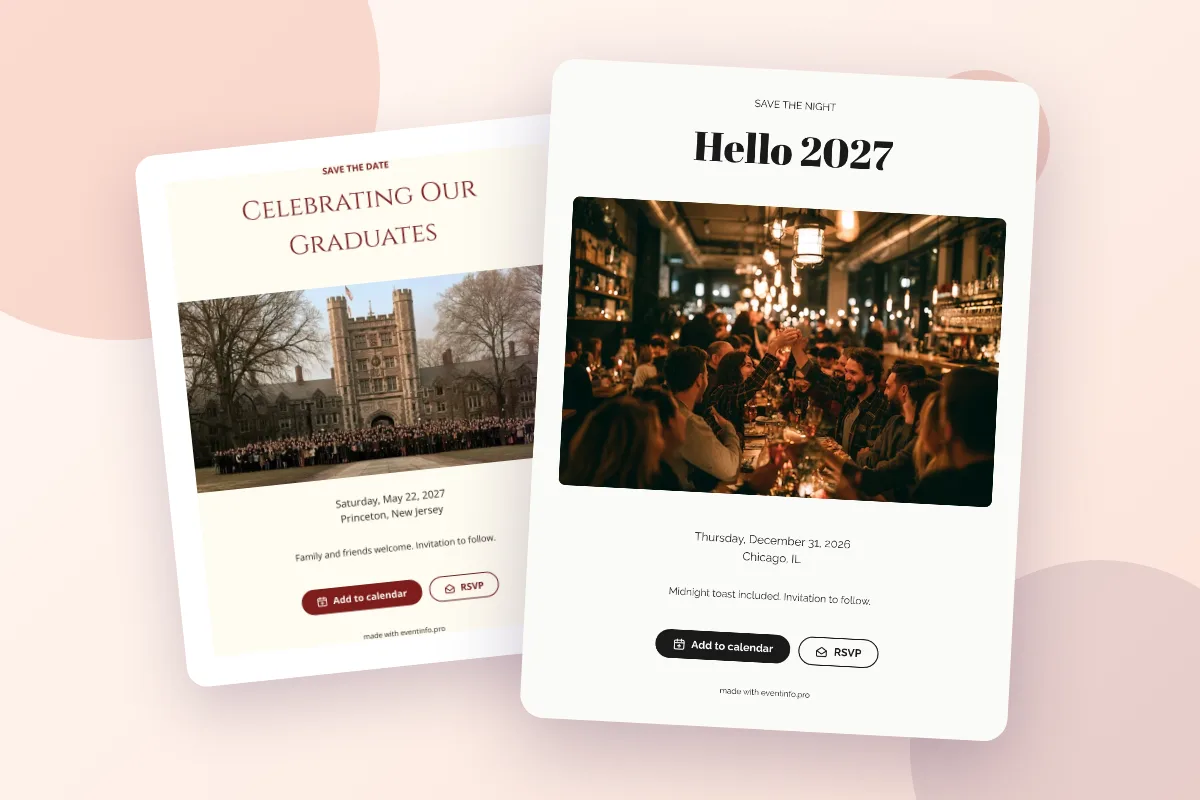
The surest way to make guests remember your date is to let them put it in their calendar the moment they see it. A digital save the date with an Add to calendar button does exactly that: one tap, and the date is saved in Google Calendar, Apple Calendar, Outlook or Yahoo, with a link back to your save the date.
Why a calendar button works better than a card on the fridge
A paper card works as long as it stays on the fridge. A message in a group chat scrolls out of view within a day. A calendar entry, on the other hand, stays where people plan their lives, shows up when they check their week and blocks the day when someone suggests something else. For a save the date, whose only job is to keep a day free, that is exactly the right place.
How it works for your guests
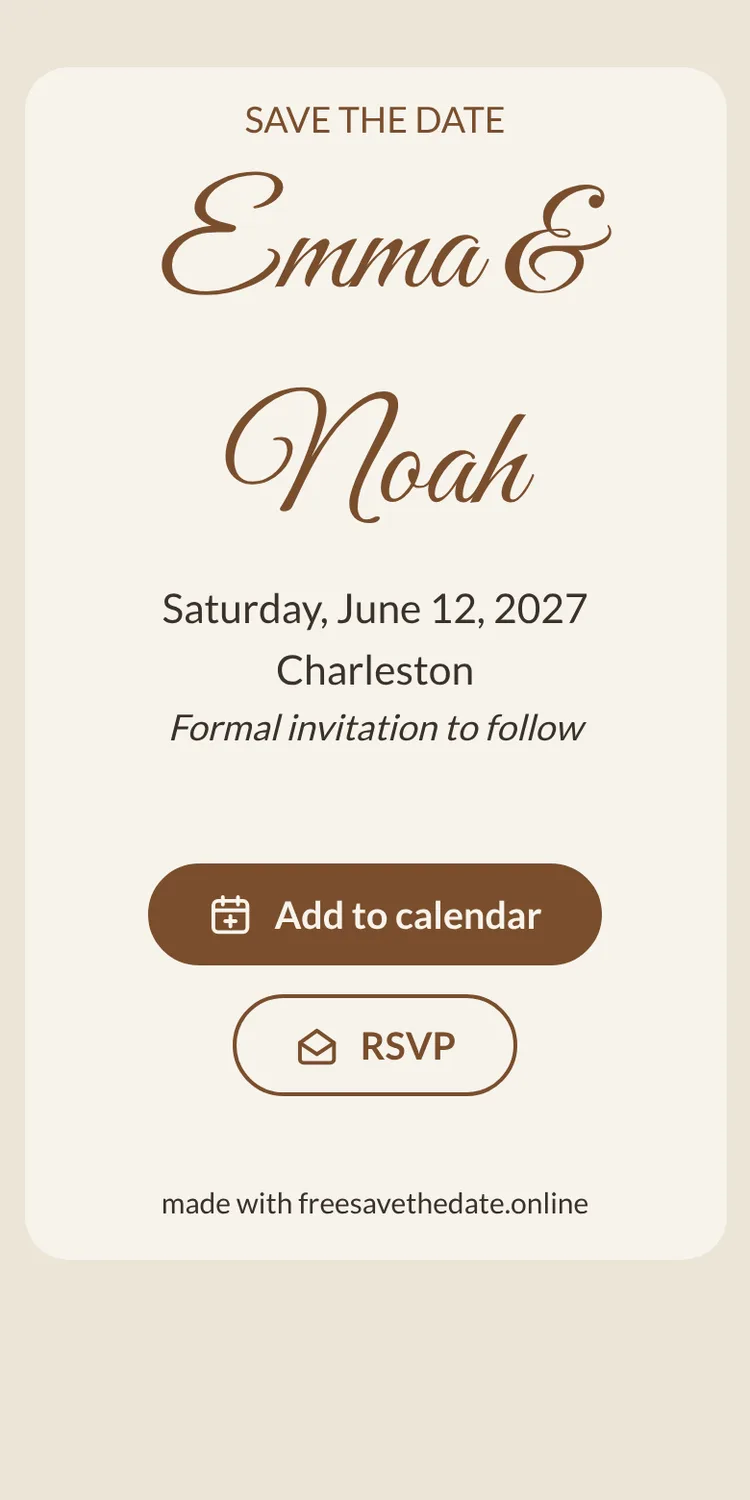
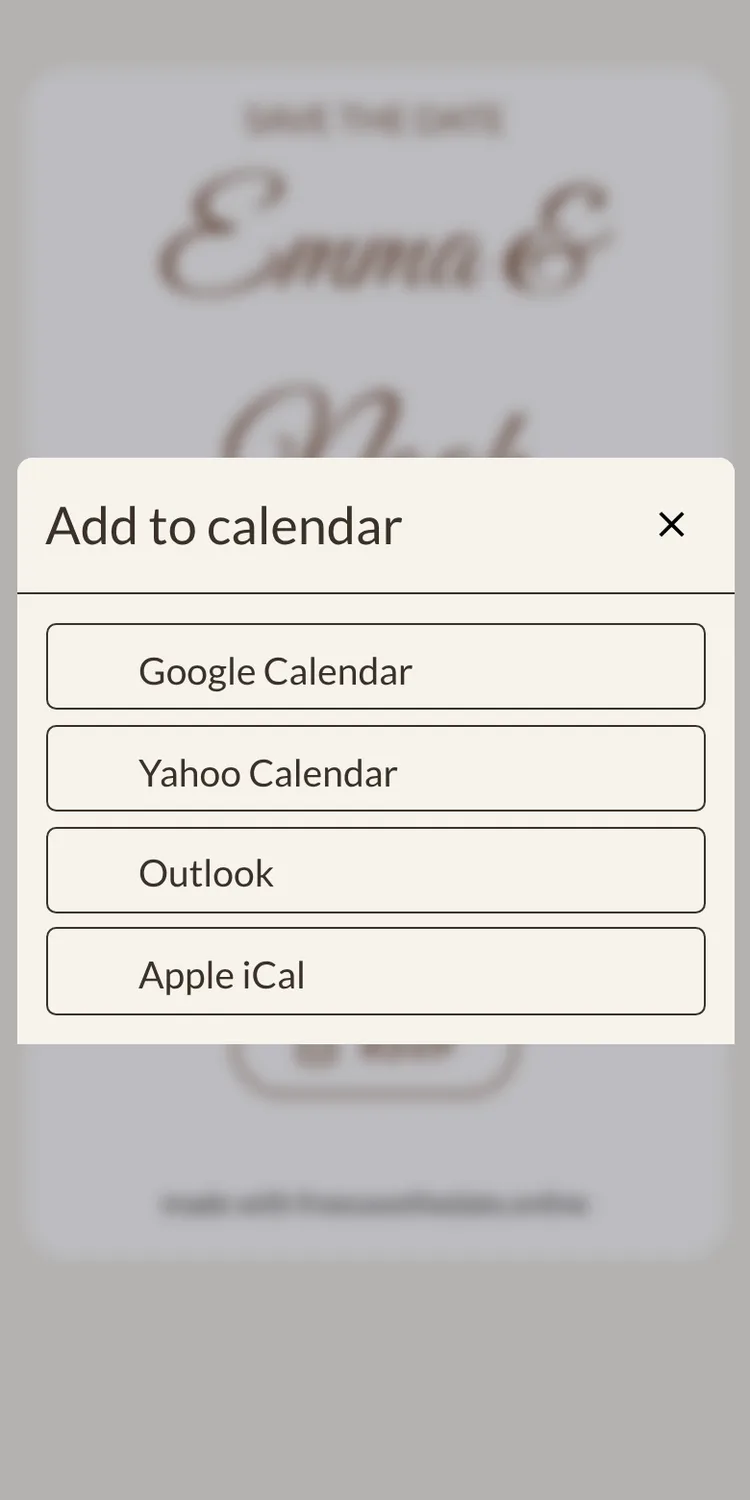
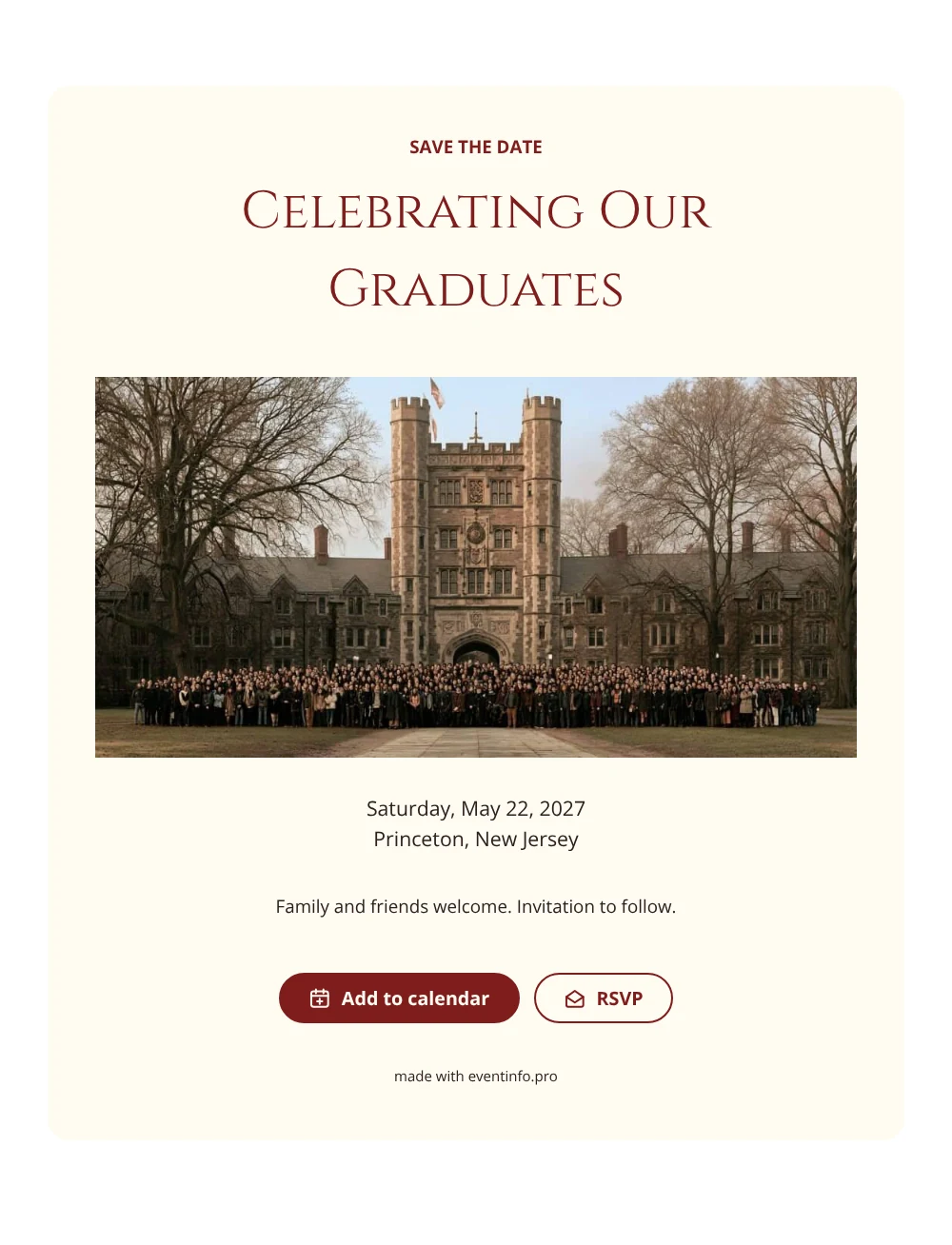
On a save the date from freesavethedate.online, the Add to calendar button sits directly below your card. Tapping it shows the options:
- Google Calendar opens with the event filled in, ready to save.
- Apple Calendar and Outlook use a calendar file (.ics) that opens straight in the calendar app on iPhone, Mac or Windows.
- Yahoo Calendar opens with the event filled in as well.
What ends up in the calendar
The event gets the name of your save the date and the location, and is saved as an all-day event on your date. A save the date has no time on purpose: the program follows with the invitation. In the notes is the link to your save the date, so guests can open it again later, for example to RSVP or to check the details. Because it is an all-day event, the date shows up correctly for guests in other time zones too, which helps for a destination wedding.
If something changes
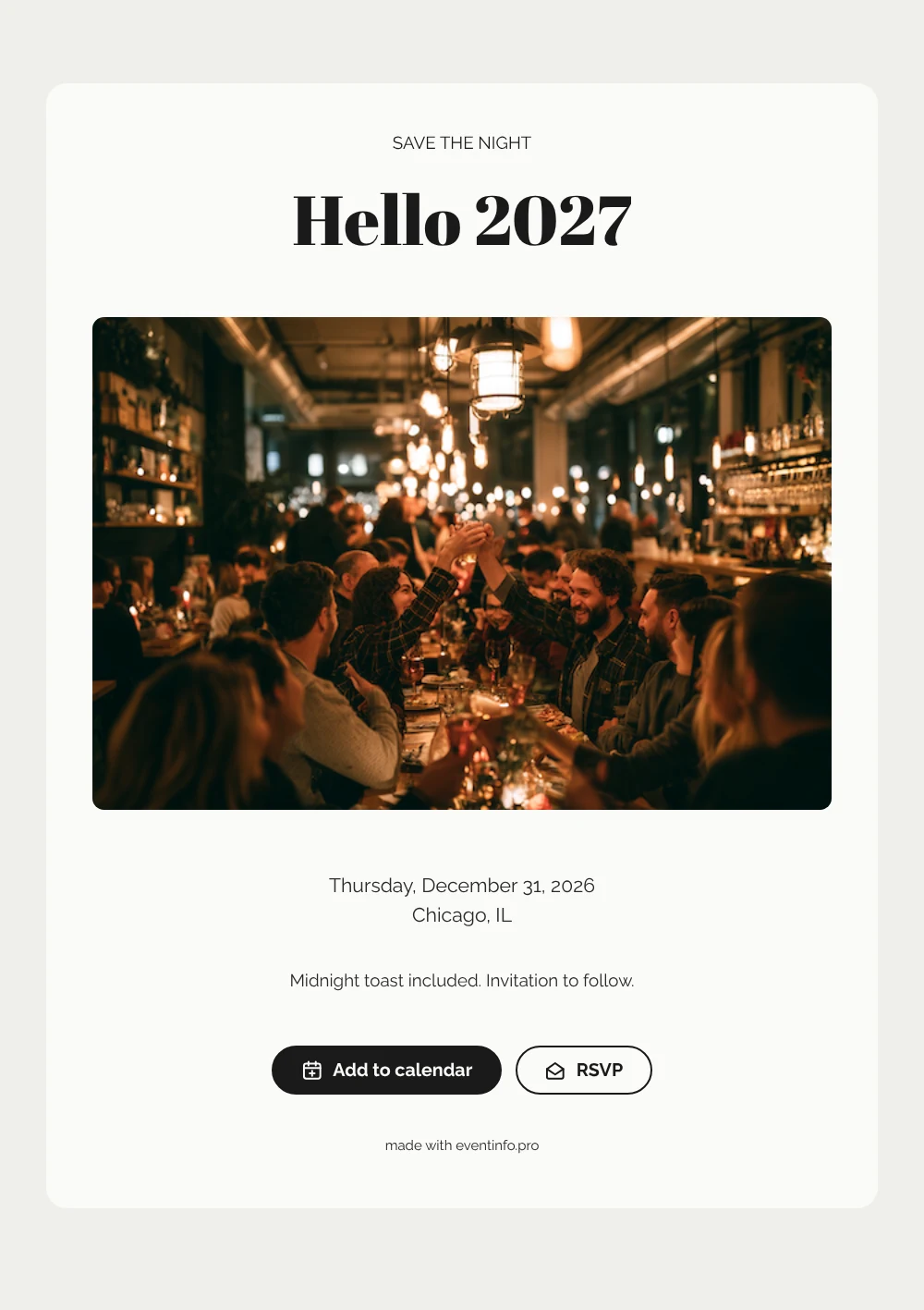
Calendar entries do not update themselves. If you change the date after sending, edit your save the date (the link stays the same) and send a short message asking guests to update their calendar. Changing the venue or a photo matters less: the link in the calendar always opens the latest version of your page. This is one more reason to send a save the date only once the date is fixed; see when to send save the dates.
Combine it with an RSVP
The calendar button and the RSVP button work well together. Guests who expect to come add the date and let you know at once. How the early reply works is in save the date with RSVP. To get the link to everyone, see how to send a save the date by WhatsApp or email. Both buttons come with every design; making your save the date takes a few minutes.
Ready to share your date? On freesavethedate.online you make a digital save the date for free, with an add to calendar button and early RSVP built in. Pick one of the save the date templates or create your free save the date right away.
Questions about add to calendar
Google Calendar, Apple Calendar, Outlook and Yahoo Calendar. Apple and Outlook use a standard .ics calendar file.
No. They tap the button in their browser and the date opens in the calendar they already use.
A save the date has no time, only a date. The time follows with the invitation, so the date is saved as an all-day event.
The entry does not change by itself. Update your save the date and ask guests to update the date in their calendar.