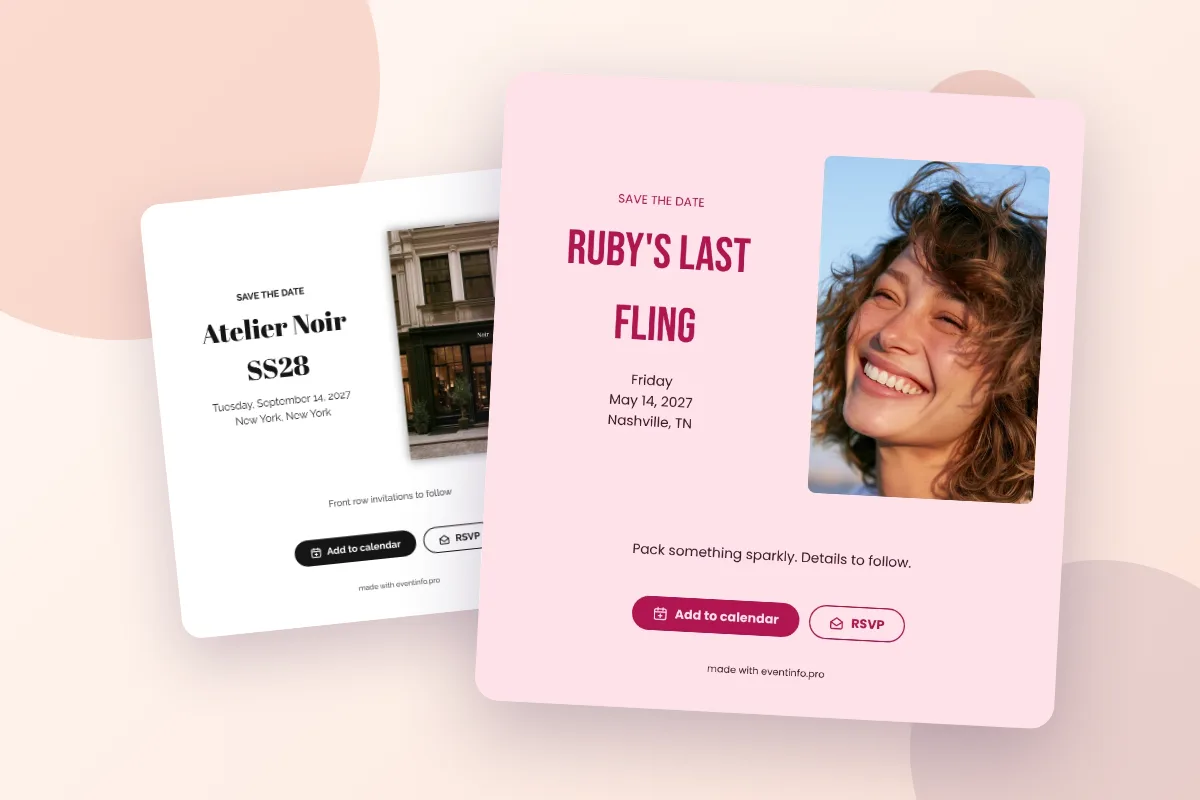
A digital save the date is a single link, so you can send it any way your guests read their messages: in a WhatsApp chat, by text, by email or on social media. Send it personally where you can, add one short line of your own, and only send it to people who will also get the invitation.
WhatsApp and text messages
For most guests this is the fastest route. Paste the link in a chat and guests open your card with one tap. A few tips:
- Send it one by one, or in small family groups, rather than in one big group with everyone. A group of 80 guests turns into a stream of “congrats!” messages that buries the link, and everyone can see who else is invited.
- Add one personal line, such as “We’d love to have you there!”. It turns a link into a message.
- Ask guests to tap Add to calendar right away, while the message is still on their screen. More on that in add to calendar.
Email suits colleagues, older relatives and guests who prefer to keep things in their inbox. From your dashboard on freesavethedate.online you can send an email to your guests, or paste the link into your own email. Use a clear subject line, such as “Save the date: Emma & Noah, June 12, 2027”, so it stands out and is easy to find later.
Social media
Instagram, Facebook and similar platforms are great for an announcement, but less suitable as an invitation: you rarely know exactly who sees a post. Share the news there if you like, and send the save the date itself personally. The dashboard has ready-made images of your save the date for social media, in the same design as your card.
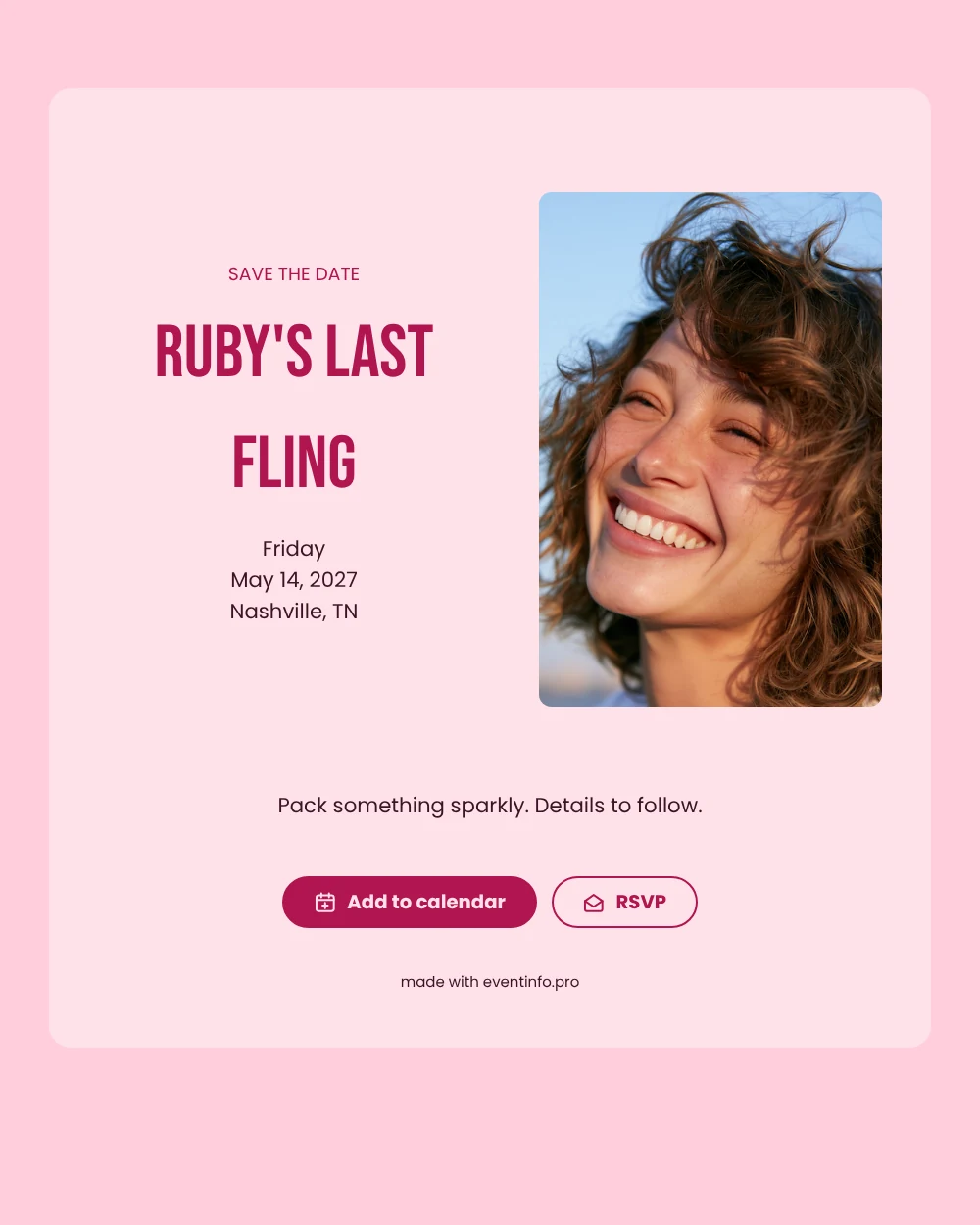
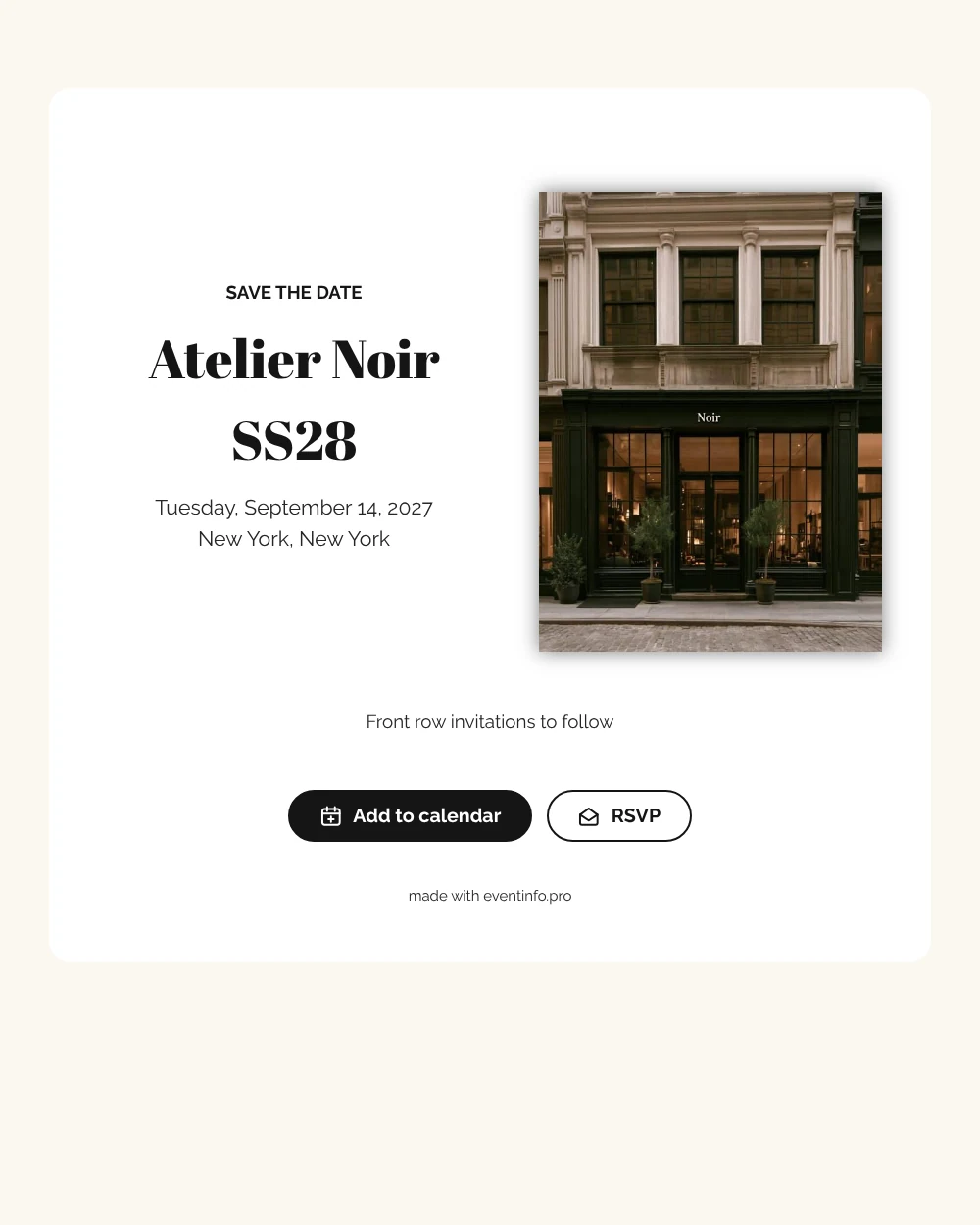
Who gets a save the date?
Only people who will also receive the invitation. Someone who gets a save the date assumes they are invited, so finish your guest list (or at least the core of it) first. One save the date per household is enough. If you have evening guests and day guests, you can make that clear on the card, as described in what to include on a save the date.
Keep track of who has seen it
With an RSVP button on your save the date, guests can let you know right away whether they expect to come. Your dashboard shows every reply, so you can see who still needs a nudge. How that works is in save the date with RSVP. Still need to make your save the date? See how to make a free digital save the date, or get a QR code from the dashboard if you also want to print a few cards for guests who are not online.
Ready to share your date? On freesavethedate.online you make a digital save the date for free, with an add to calendar button and early RSVP built in. Pick one of the save the date templates or create your free save the date right away.
Questions about sending a save the date
Yes. A digital save the date is a link, so you can send it in a WhatsApp chat or by text. Guests open it with one tap, without an app.
Yes. Email works well for colleagues and older relatives. Use a clear subject line with your names and the date.
You can announce the news there, but send the save the date itself personally, so only invited guests receive it.
Yes. From the dashboard you can send yourself a QR code that leads to your save the date, for example to print on a few cards.