
You can add an RSVP to a save the date, as long as you treat it as an early, non-binding headcount and not as the final answer. Guests tap RSVP, choose Yes, No or Maybe and say how many people are coming. You see the replies in your dashboard and know months in advance whether to plan for 50 guests or 120.
Why ask for a reply this early?
Traditionally the RSVP belongs on the invitation. But many decisions come before that: the size of the venue, a block of hotel rooms, the number of chairs on a boat. An early reply helps you make those choices with real numbers instead of guesses. It is especially useful for destination weddings, where guests need to plan travel and you need to confirm numbers early.
What guests see
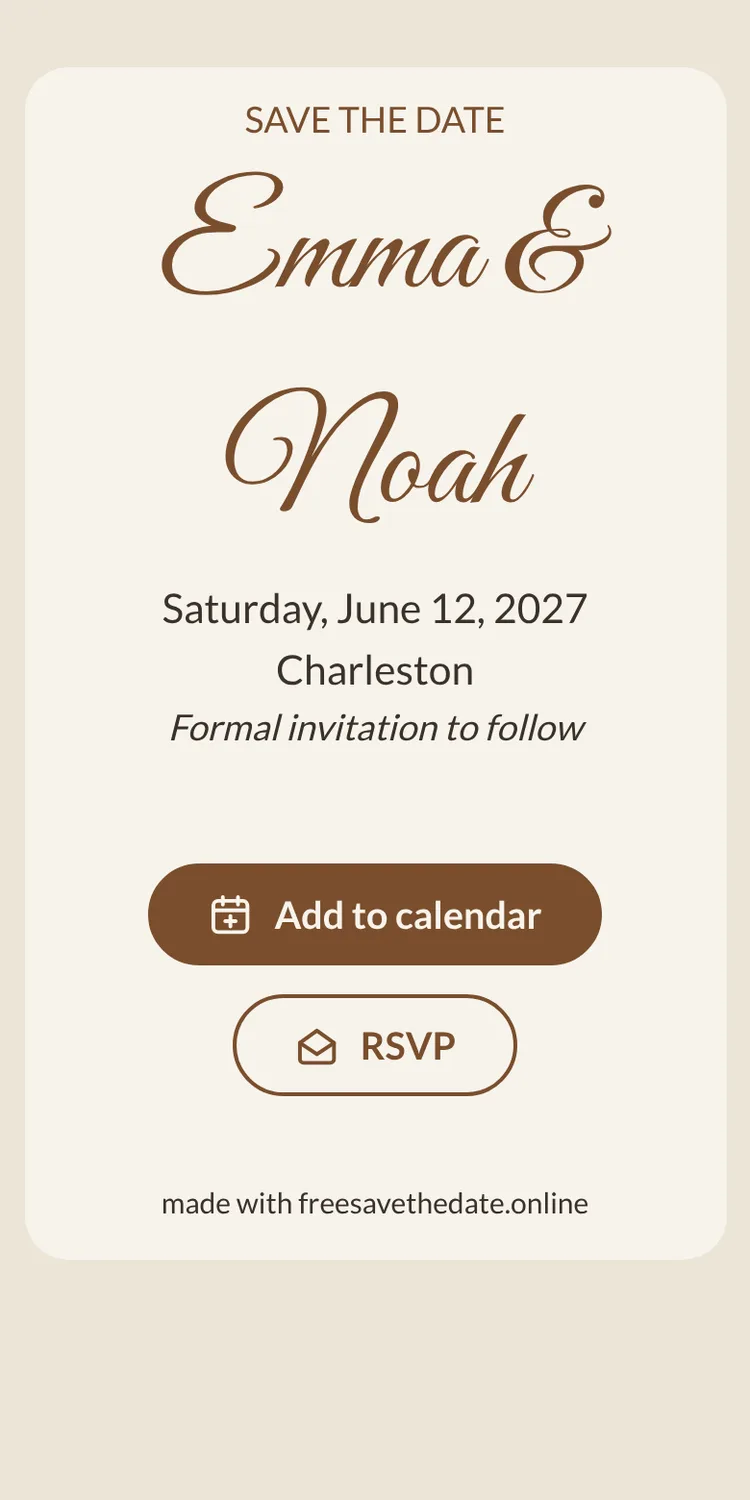
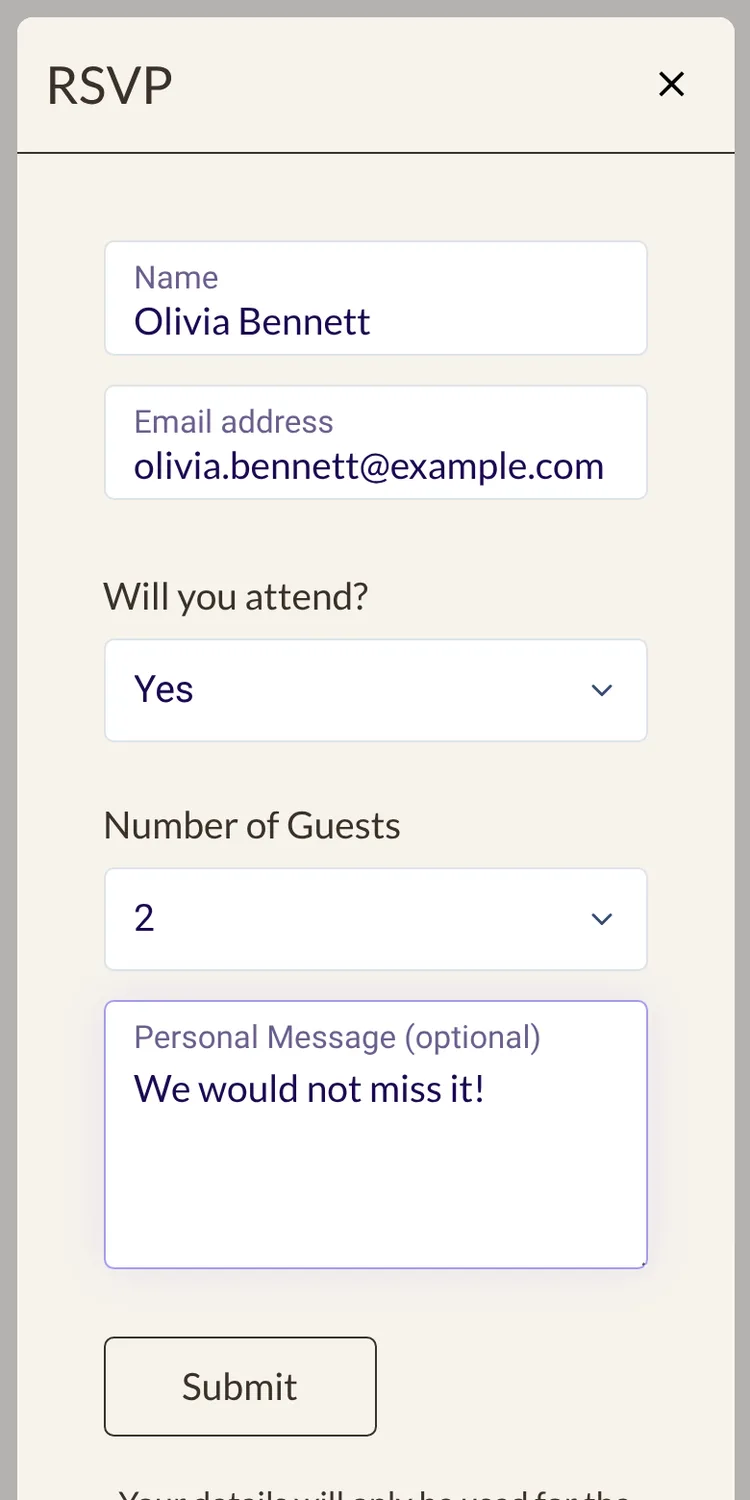
On a save the date from freesavethedate.online, the RSVP button sits right below your card, next to Add to calendar. Tapping it opens a short form:
- their name and email address,
- Will you attend? with Yes, No or Maybe,
- the number of guests,
- an optional personal message.
No app and no account are needed. Guests reply in their browser, in under a minute.
Where the replies go
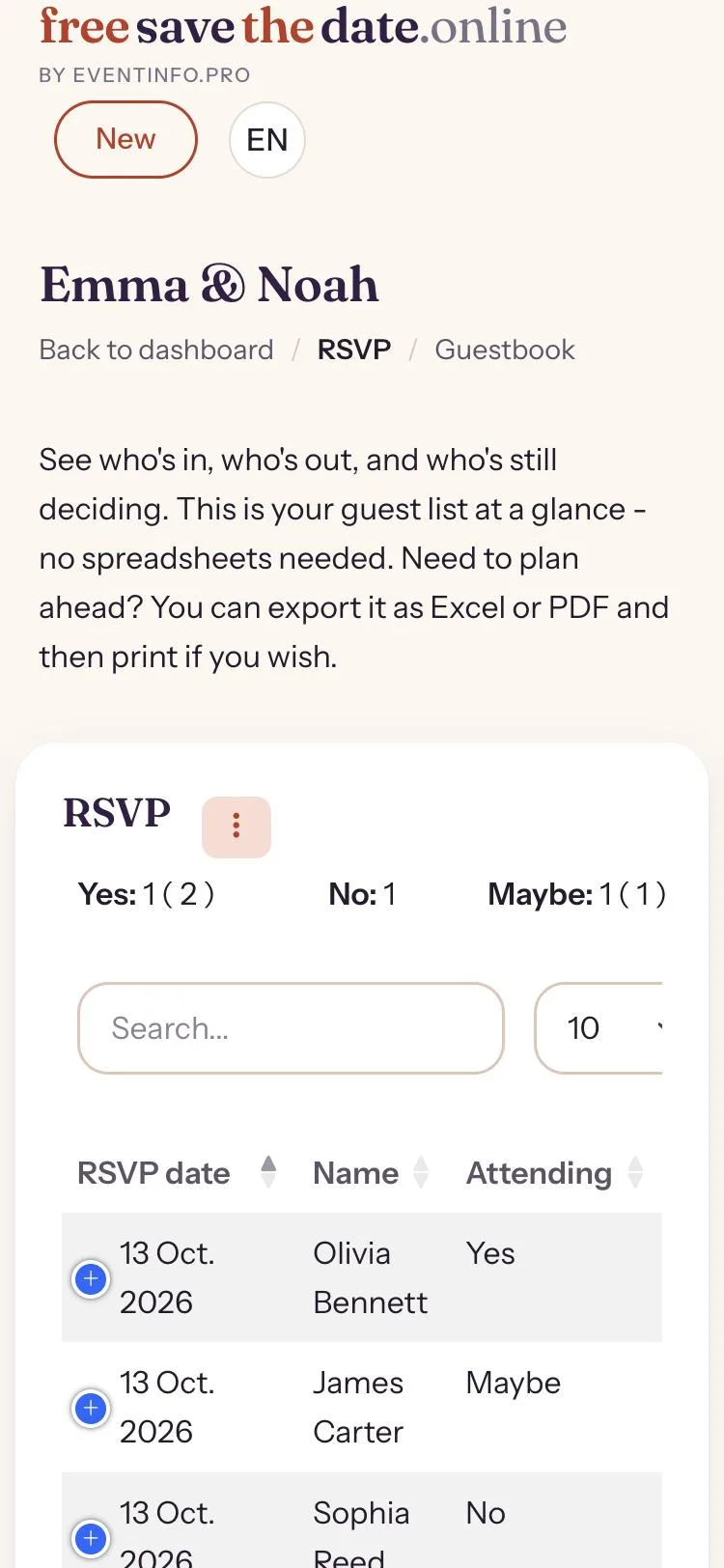
Every reply lands in your dashboard. You see who said yes, who said no and who is still unsure, with the number of guests per reply and any message they left. Filter the overview to see only the yeses, for example, when you need a quick count for the venue.

How to word the request
Make clear that this is a first check, not a final reply. A line on the card like “Let us know if you think you can make it” sets the right tone. Guests who answer Maybe are not letting you down; they are telling you they need more information first. Ask them again when the invitation goes out.
Early RSVP vs. the RSVP on the invitation
The early reply tells you roughly how many people to expect. The RSVP on the invitation confirms it, with a deadline, and often asks more: which parts of the day guests will attend, meal choices or dietary needs. The two work together, and the difference between both cards is explained in save the date vs. invitation. For that full invitation you can use Eventinfo.pro, the invitation service behind freesavethedate.online.
Combine the RSVP with the add to calendar button, so guests who say yes also have the date in their calendar. And to get the link to everyone, see how to send a save the date by WhatsApp or email. Making a save the date with RSVP takes a few minutes; here is how to make a free digital save the date.
Ready to share your date? On freesavethedate.online you make a digital save the date for free, with an add to calendar button and early RSVP built in. Pick one of the save the date templates or create your free save the date right away.
Questions about RSVP on a save the date
Yes. On a digital save the date you can add an RSVP button. Treat the answers as an early headcount; the formal RSVP follows with the invitation.
Their name and email address, whether they will attend (yes, no or maybe), the number of guests and an optional message.
No. Guests open the save the date in their browser and reply without signing up.
In your dashboard on freesavethedate.online, where you can see and filter all replies.