A fresh, springlike save the date
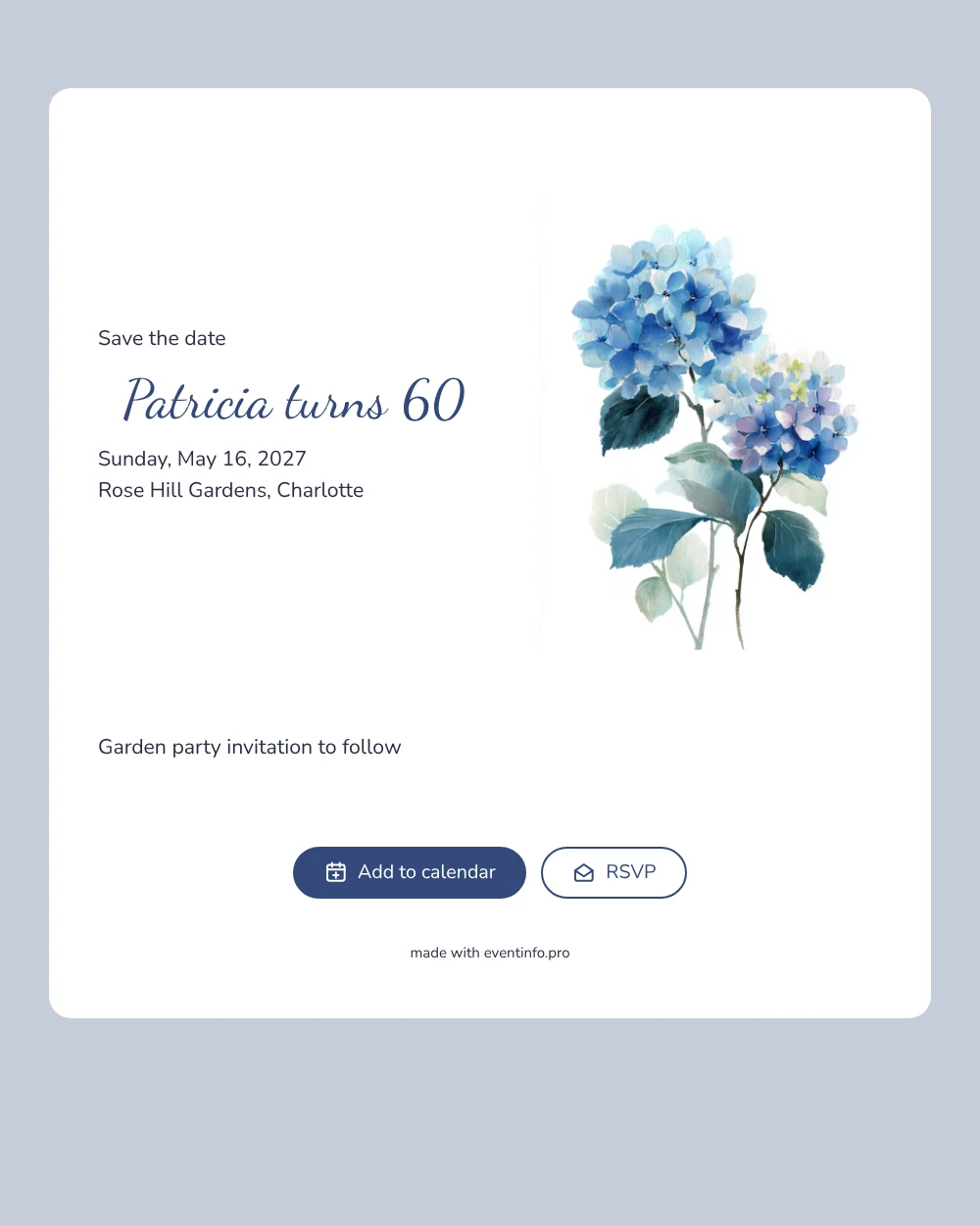
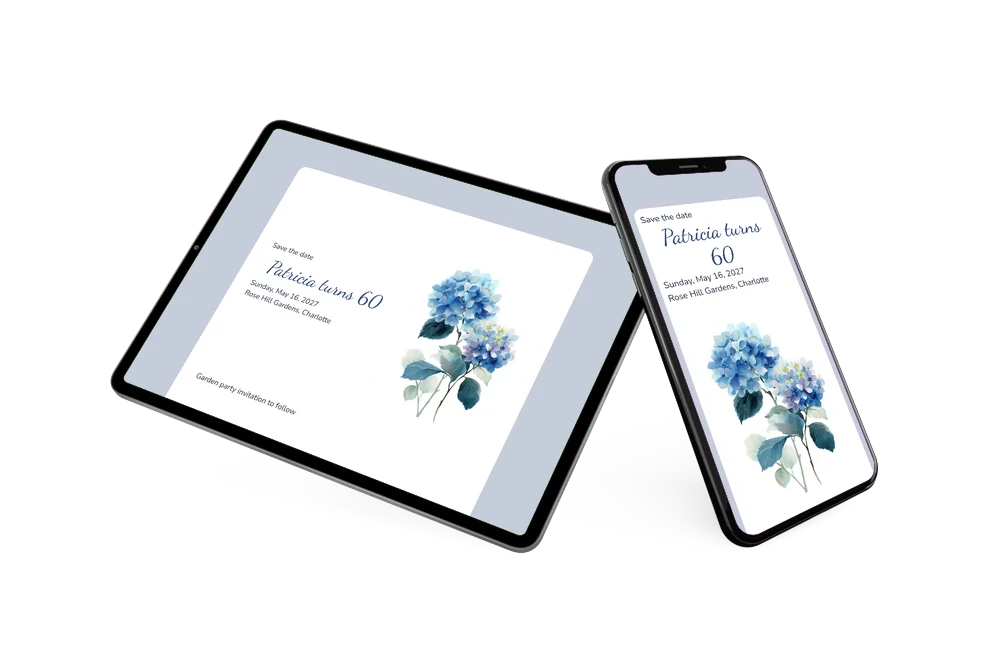
A birthday save the date is a simple online announcement that tells guests when and where a celebration will take place, long before the actual invitation. This one is made for a milestone. Watercolor hydrangeas in soft blue and purple fill the top of a white card set against a pale blue-gray background, and the name and age appear in flowing script in deep navy: Patricia turns 60. The look is gentle, a little nostalgic and full of flowers, ideal for a garden party, a lunch on the terrace or a celebration in a park or botanical garden.
Whether you are turning 60 yourself or organizing the party for your mother, partner or friend, sending a save the date early helps. Spring and summer weekends fill up fast, and family who live farther away need time to plan. Guests can save the day in their calendar, open the location on a map and use the RSVP button to say early whether they will come. For more ideas, read our tips on a milestone birthday save the date.
Create your own online save the date
Use this design as a starting point and create a fitting save the date within minutes.
Frequently asked questions
How quickly can I make this birthday save the date?
In a few minutes. Change the name and age, pick the date and enter the garden, restaurant or home address. The hydrangeas and the layout are ready, so all you do is fill in the details and share the link.
What can guests do with it?
They open the link, add the date to Google, Apple or Outlook calendar, open the location on a map and use the RSVP button to let you know early if they plan to attend. You see every answer in your dashboard.
Does the hydrangea design only suit a garden party?
It is clearly made with a garden in mind, but the soft flowers also suit a brunch, a high tea or a dinner indoors. The sample text says a garden party invitation will follow; you can change that line to whatever fits your plans.
Can I change the text, colors or picture?
Yes, all of it. Edit every line, adjust the colors or upload your own photo in place of the hydrangeas. Our guide on how to make a free digital save the date shows each step in the editor.
Is it really free?
Yes. Making and sharing this save the date on freesavethedate.online is free. When the plans are final, you can create the full birthday invitation on Eventinfo.pro.
All example invitations are fictional. Photos of people are AI-generated; illustrations are licensed or AI-generated.