A sunny, retro save the date
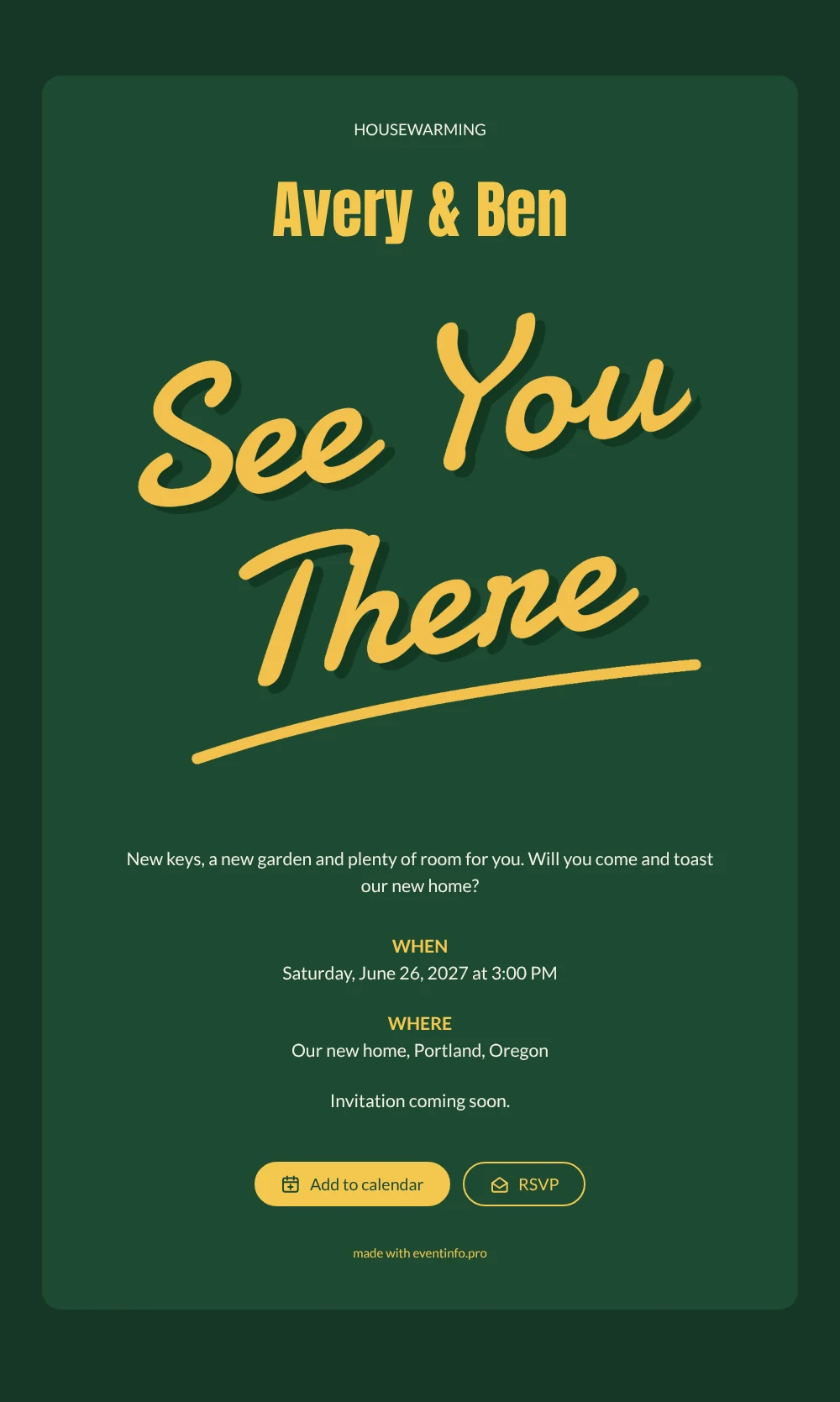
An online save the date is a short digital announcement that tells guests the date and place of your celebration before the actual invitation follows. This design does it with a lot of character. The card is a deep club green, and across the top the words “See You There” are painted in yellow brush lettering with a dark green shadow, like the pennant of an old sports club. Below, the cream text announces a housewarming: new keys, a new garden and plenty of room for friends. It suits anyone who has just moved and wants to celebrate outside, with a sunny, sporty retro feel.
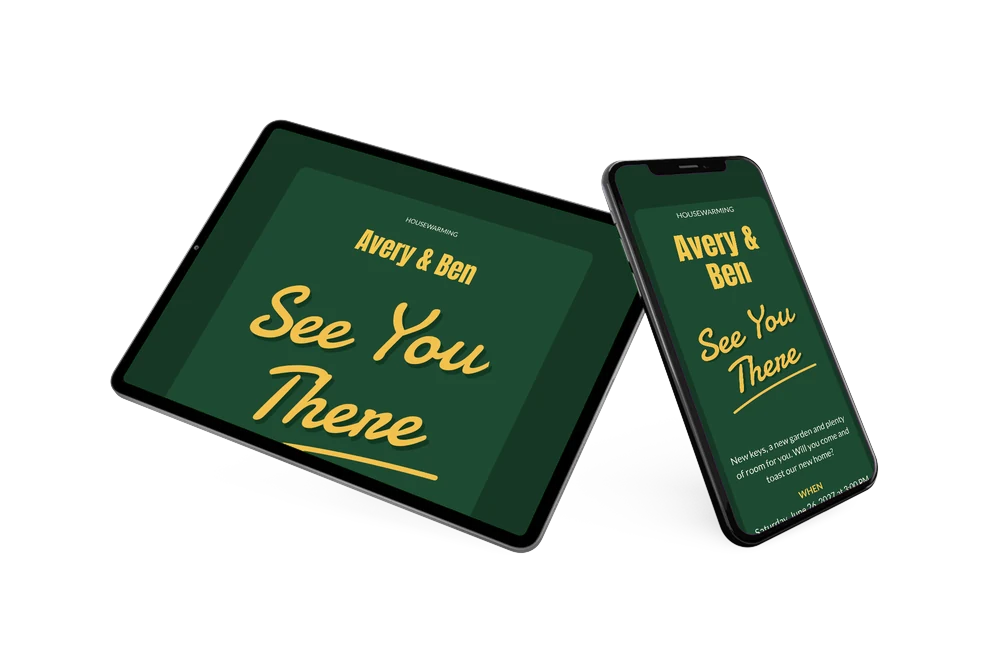
Moving takes months of planning, and so does getting everyone together afterwards. Share the date as soon as you know when the garden will be ready, so friends and family can keep that weekend free. Our tips on when to send save the dates help you pick the right moment. Guests can add the date to Google, Apple or Outlook, open your new address on a map and use the RSVP button to let you know early if they will come.
Create your own online save the date
Use this design as a starting point and create a fitting save the date within minutes.
Frequently asked questions
How quickly can I make this housewarming save the date?
In a few minutes. Replace the sample names, choose the date and type your new address. The green card and the yellow lettering are ready, so you only fill in your details and share the link.
What can guests do with it?
They save the date in their calendar, open the location on a map and use the RSVP button to say early whether they plan to come. You see every reply in your dashboard.
What gives this design its retro look?
The combination of deep green and warm yellow, the loose brush letters and the drop shadow behind them recall vintage sports jerseys and club banners. The rest of the card is kept simple, so the lettering does the talking.
Can I change the text and colors?
Yes. You can rewrite the welcome line, change the heading or the names, adjust the colors or upload a photo of your new home. Our guide on how to make a free digital save the date shows each step.
Is it free?
Yes, making and sharing this save the date on freesavethedate.online is free. When you are ready to send the full invitation with more details, you can create it on Eventinfo.pro.
All example invitations are fictional. Photos of people are AI-generated; illustrations are licensed or AI-generated.