An ornamental, heartfelt save the date
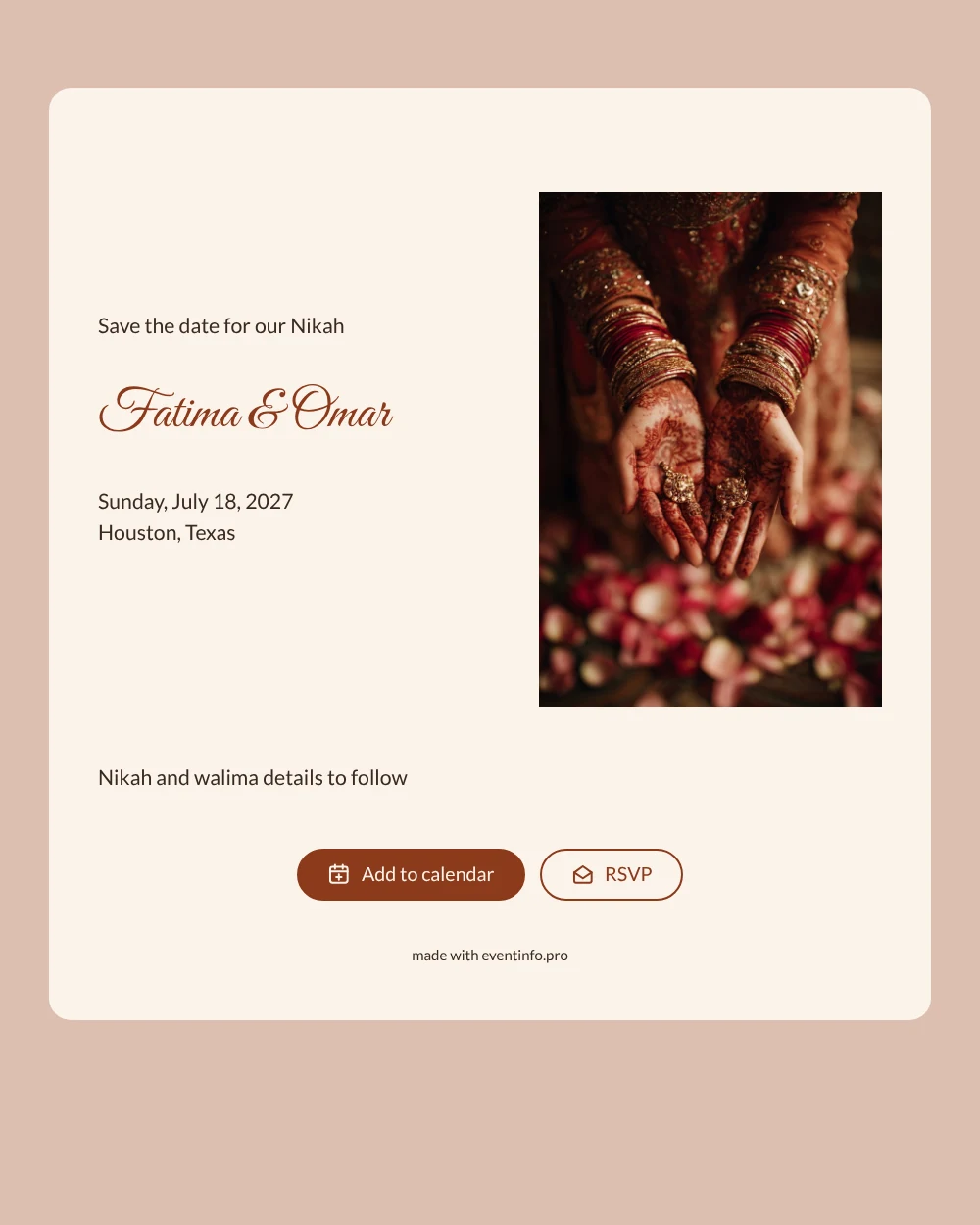
An online save the date is a digital early notice: it tells your guests the date and city of your wedding before the full invitation with all the details is ready. This design is made for a Nikah. A close-up shows two hands covered in fine henna patterns, gold bangles at the wrists and rose petals scattered around. The cream card, dusty rose background and deep rust-brown names in a flowing script feel warm and festive, with room for the words Save the date for our Nikah at the top.
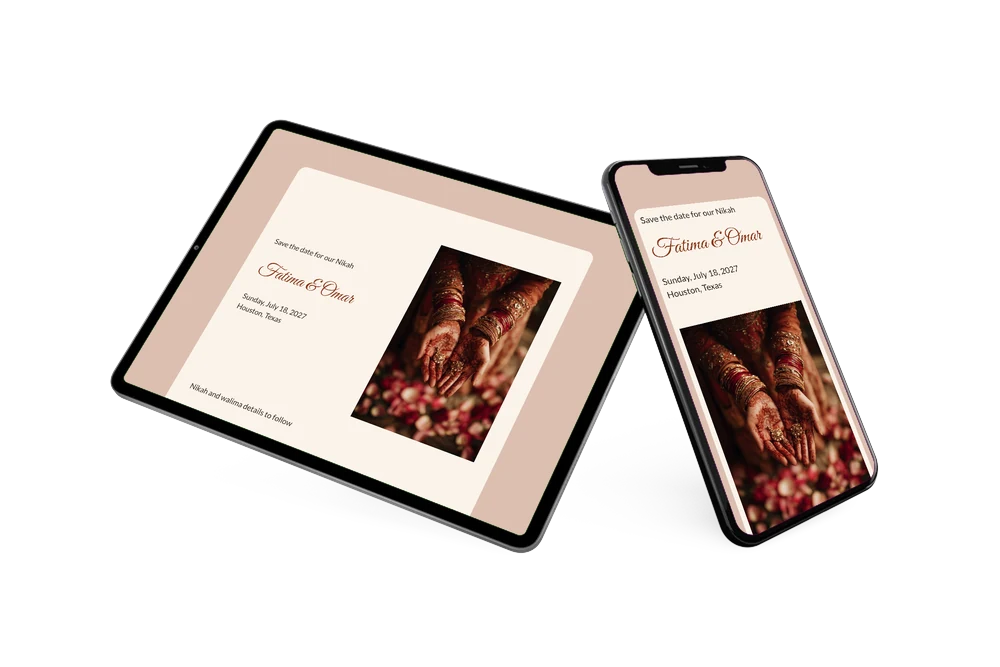
Many Nikah celebrations bring together a large family, often spread over several cities or countries. Sending the date early gives everyone time to plan travel and take days off. You share one link in the family group chat or by email; each guest can put the day in their calendar, find the venue on a map and use the RSVP button to say early on whether they can come. Read more about a save the date with RSVP and how those early replies help your planning.
Create your own online save the date
Use this design as a starting point and create a fitting save the date within minutes.
Frequently asked questions
How quickly can I make this save the date?
In a few minutes. Open the design, fill in your names, the date and the city, and the page is ready. You can share it the same day you settle on a date with both families.
What can our guests do with it?
They can add the date to Google, Apple or Outlook calendar, open the location for directions and tell you through the RSVP button whether they expect to attend. All answers appear in your dashboard.
Can I mention both the Nikah and the walima?
Yes. The sample text already says that details for the Nikah and walima will follow. You can keep that line, name both events, or rewrite it entirely, while the save the date itself shows one date and place.
Can I change the photo or the colours?
Yes. You can replace the henna photo with your own picture, adjust the colours and edit every line in the editor. Changes show up on the same link, even after sharing. For the complete programme you can later make an online wedding invitation on Eventinfo.pro.
Is it free to use?
Yes. Making and sharing a save the date on freesavethedate.online is free, including the RSVP replies in your dashboard.
All example invitations are fictional. Photos of people are AI-generated; illustrations are licensed or AI-generated.