A heartfelt, classic save the date
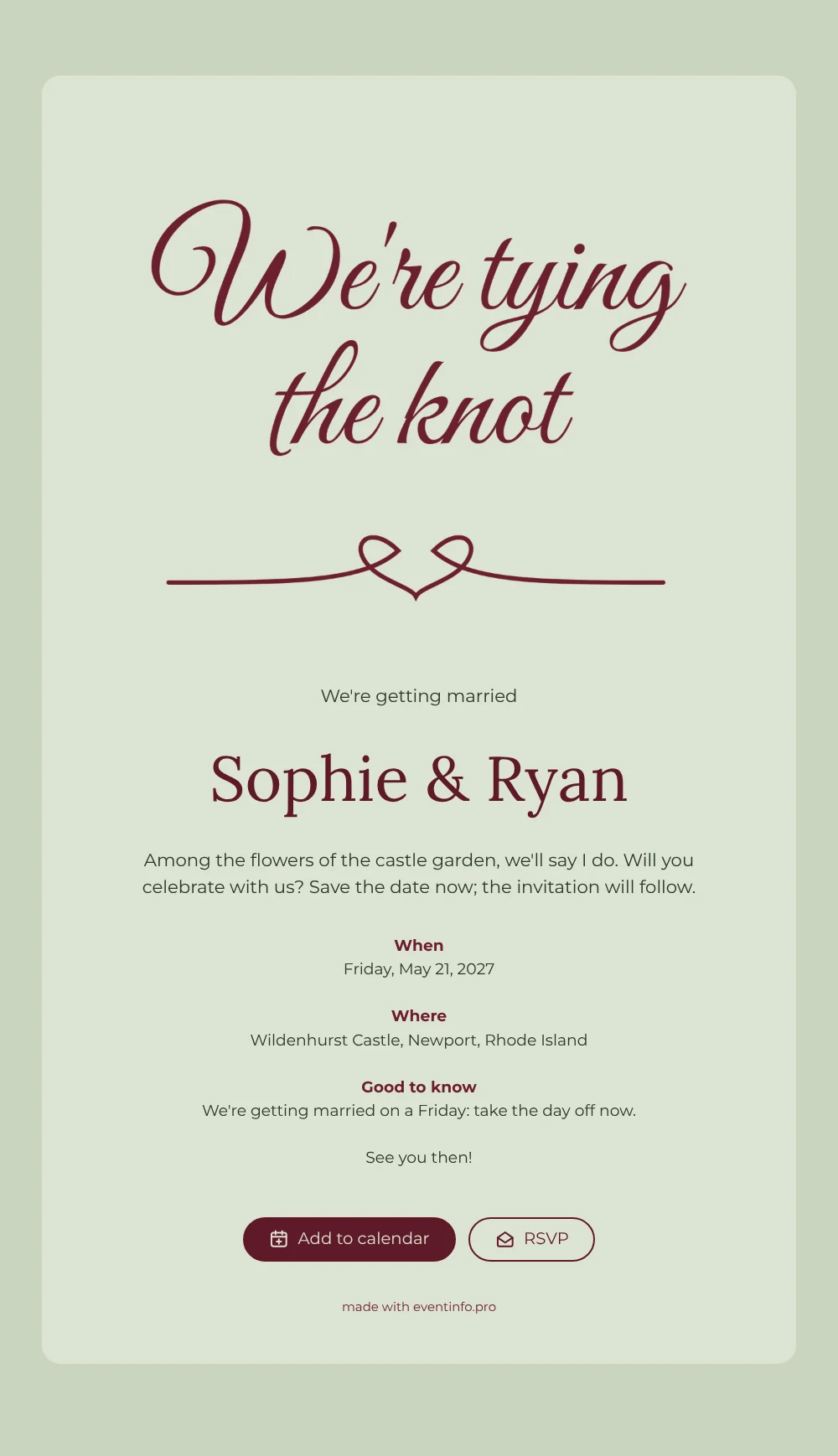
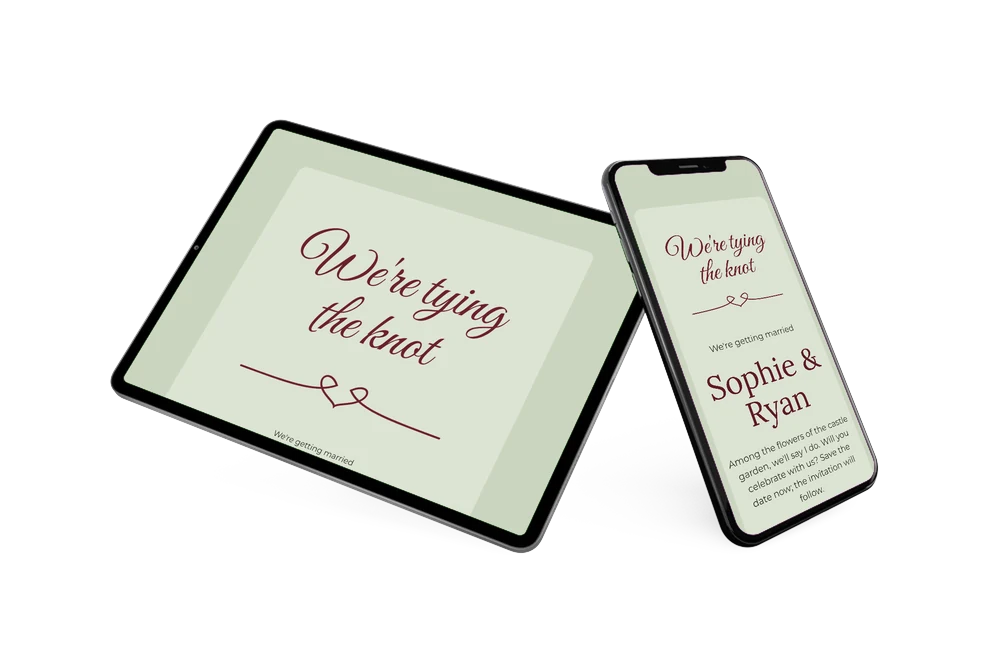
An online save the date is a short digital message that tells guests your wedding date and venue well before the formal invitation arrives. This design says it with a smile: “We’re tying the knot” in flowing burgundy calligraphy, with a flourish that loops into a little heart, set on a calm sage green card. Your names appear in the same deep burgundy, followed by a few warm lines about the day. It suits couples planning a classic, romantic wedding, perhaps in a castle garden among the flowers.
Below your names there is room for the essentials: when, where and a “Good to know” note. That last line is handy if you marry on a weekday, because guests can take the day off in good time. They add the date to their calendar, open the venue on a map and tap the RSVP button to let you know early whether they plan to come; you see the replies in your dashboard. The wedding invitation with all the details follows later.
Create your own online save the date
Use this design as a starting point and create a fitting save the date within minutes.
Frequently asked questions
How quickly can I make this save the date?
In a few minutes. Swap the sample names Sophie & Ryan for your own, adjust the short text, enter the date and the venue and share the link. The lettering, the sage green and the layout are ready to go.
What can guests do with it?
They open the link on their phone, save the date in Google, Apple or Outlook calendar, tap the venue for directions and reply with the RSVP button. Here is more on how guests add a save the date to their calendar.
Can I keep the “We’re tying the knot” lettering if I change the text?
Yes. The hand-lettered heading is part of the image, so it stays in place while you rewrite everything below it. Prefer a different look? You can replace the lettering with a photo of the two of you and keep the sage and burgundy colors.
Can I change the colors and wording?
Yes. In the editor you can edit every line, choose other colors and add or remove the “Good to know” note. For ideas, see what to include on a save the date.
Is it free?
Yes, making and sharing a save the date on freesavethedate.online is free. Later you can create the full invitation with more features on Eventinfo.pro.
All example invitations are fictional. Photos of people are AI-generated; illustrations are licensed or AI-generated.