A casual, handwritten save the date
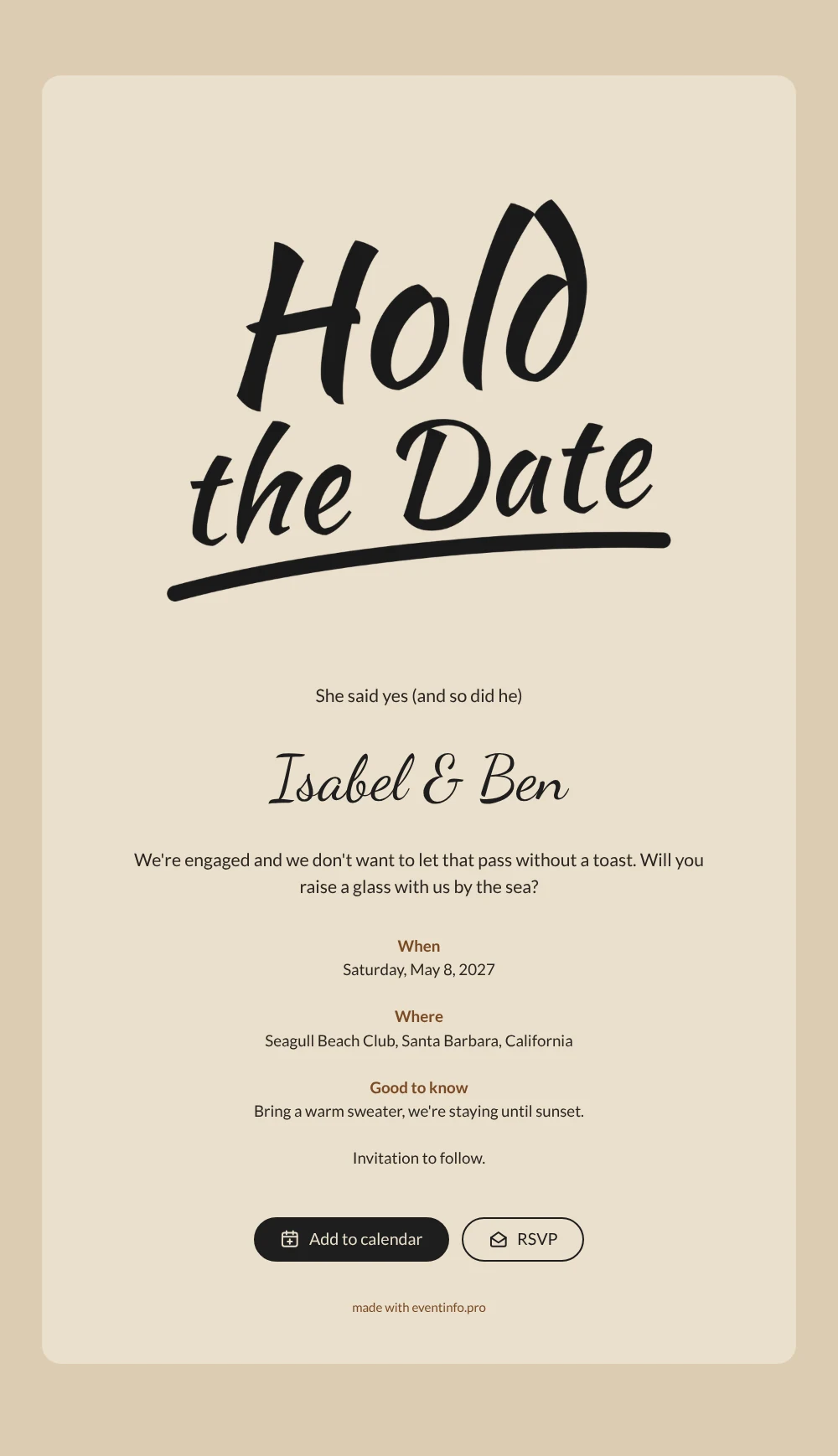
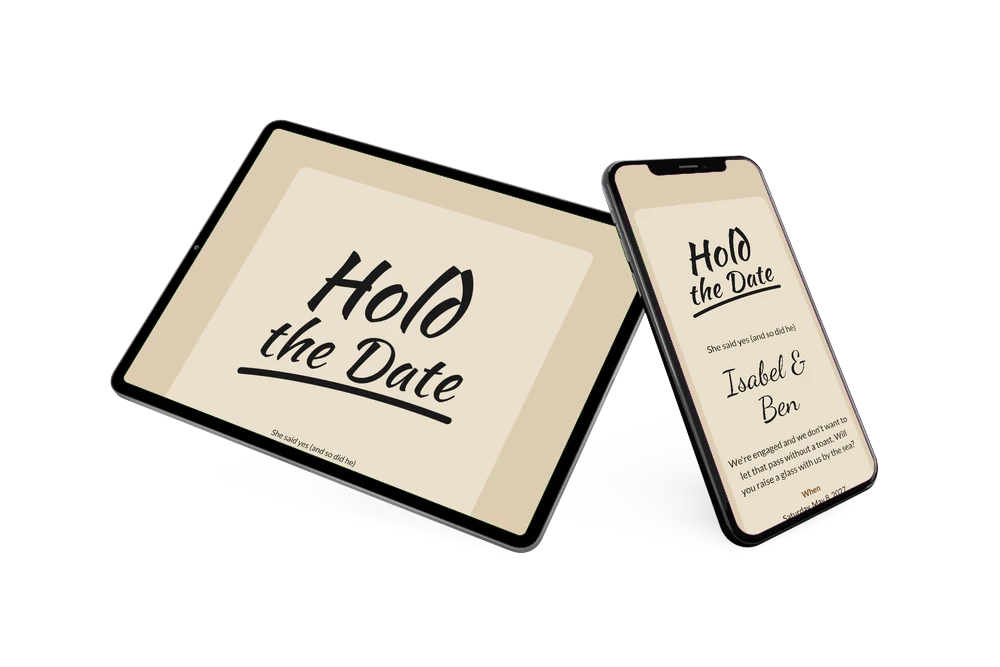
An online save the date is a short web page that tells friends and family the date and place of a celebration before the invitation itself goes out. This design announces an engagement party with ‘Hold the Date’ in loose black brush lettering, finished with a hand-drawn underline. It sits on a calm, sandy background that feels like a day at the beach. The look is personal and modern, ideal for couples who want to celebrate their engagement with a toast rather than a formal dinner.
The sample text sets the tone: ‘She said yes (and so did he)’, followed by an invitation to raise a glass by the sea and a tip to bring a warm sweater, because you are staying until sunset. Guests can add the date to Google, Apple or Outlook, open the beach club on a map and RSVP early. When the plans are complete, turn it into a full online event invitation.
Create your own online save the date
Use this design as a starting point and create a fitting save the date within minutes.
Frequently asked questions
How quickly can I make this engagement save the date?
In a few minutes. Replace Isabel & Ben with your names, choose the date and the venue, and adjust the short message if you want. The lettering and colours are already in place.
What can our guests do with it?
They can put the party in their calendar, find the location on a map and let you know through the RSVP button whether they are coming. You see every reply in your dashboard.
Why does the lettering say ‘Hold the Date’?
‘Hold the date’ means the same as ‘save the date’: please keep this day free. It just sounds a little more casual, which suits an engagement party. If you prefer the classic wording, you can replace the lettering with your own image.
Can I change the colours or the text?
Yes. Every line, the colours and the image can be adjusted in the editor, and you can still make changes on the same link after sharing. The black lettering works best on light colours like sand, cream or soft pastels. Need a step-by-step guide? Read how to make a free digital save the date.
Is it free?
Yes. Creating and sharing your save the date on freesavethedate.online is free. For a complete invitation with more features, continue on Eventinfo.pro.
All example invitations are fictional. Photos of people are AI-generated; illustrations are licensed or AI-generated.