A serene, reverent save the date
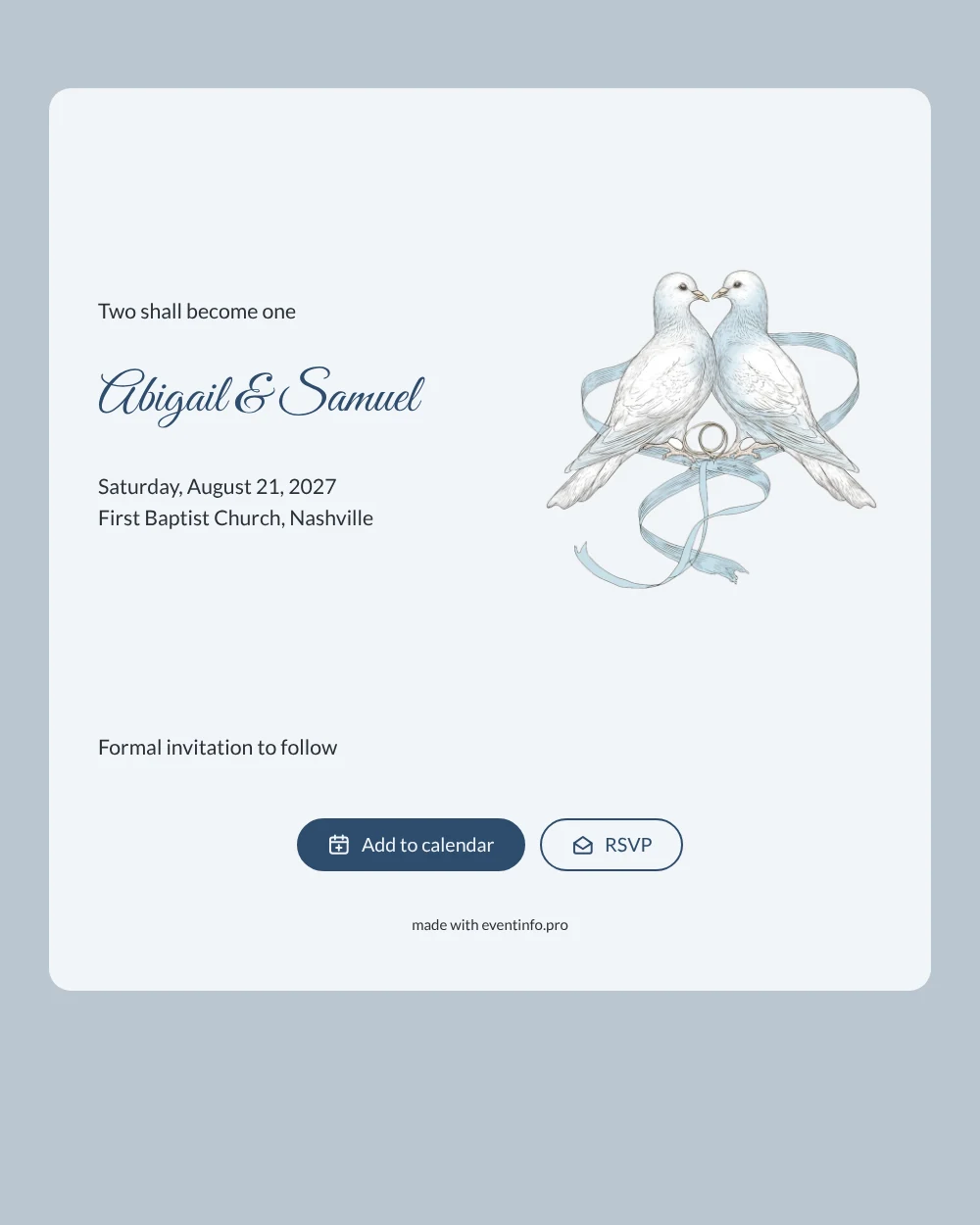
An online save the date is a short digital announcement that tells guests your wedding date and place long before the formal invitation goes out. This design keeps that first message gentle: a fine line drawing of two doves holding intertwined wedding rings, set on a pale blue card with your names in deep blue script. Above them sits the line “Two shall become one”, which makes it a natural choice for couples who marry in church and want their faith to be part of the very first word about the day.
Send it as soon as the church and the date are confirmed, so family and friends can keep the day free. Guests add the date to their Google, Apple or Outlook calendar, open the church on a map and use the RSVP button to let you know early whether they plan to come. You see every reply in your dashboard. Once the date is out, the full wedding invitation with the program and all the details can follow later.
Create your own online save the date
Use this design as a starting point and create a fitting save the date within minutes.
Frequently asked questions
How long does it take to make this save the date?
Usually just a few minutes. Replace the sample names Abigail & Samuel with your own, enter the date and the name of your church, and check the preview. The doves, the colors and the layout are already in place, so there is nothing to design from scratch.
What can guests do with it?
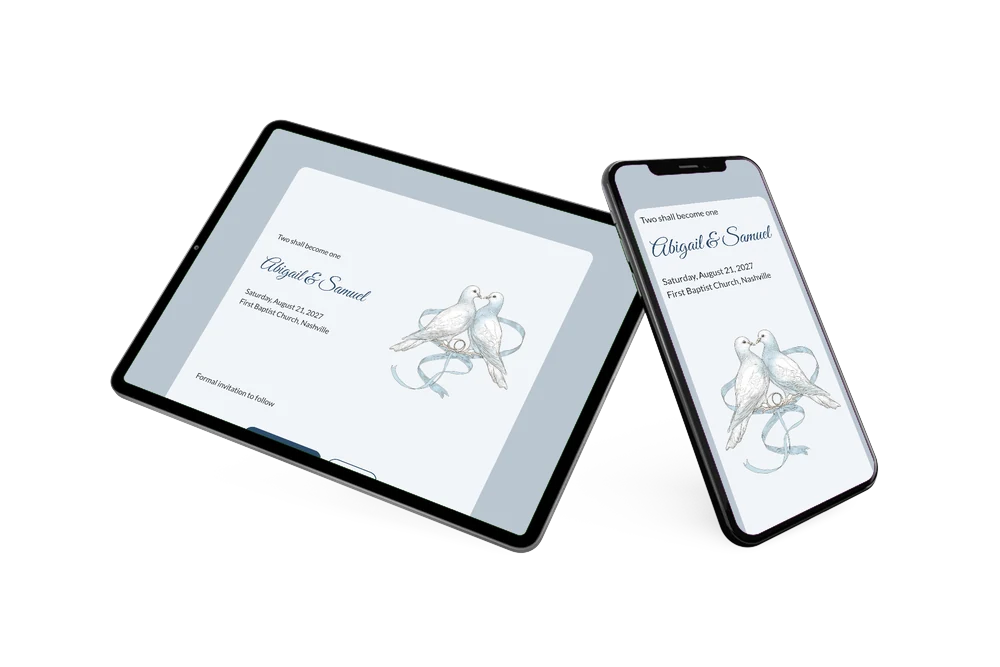
They open the link on their phone, save the date in their own calendar, tap the location for directions to the church and use the RSVP button to say whether they expect to attend. Read more about how a save the date with RSVP works.
Is this design only suitable for a church wedding?
The opening line “Two shall become one” comes from Scripture and gives the card a clearly Christian tone, but the doves and rings themselves suit any wedding. For a civil ceremony you can simply replace that line with words of your own and keep the soft blue look.
Can I change the text and colors?
Yes. In the editor you can adjust every line, choose other colors and swap the illustration for a photo of your own. Not sure what to mention? These tips on what to include on a save the date help you keep it short and clear.
Is it free?
Yes, making and sharing a save the date on freesavethedate.online is free. Later on you can create the full invitation with more features on Eventinfo.pro.
All example invitations are fictional. Photos of people are AI-generated; illustrations are licensed or AI-generated.