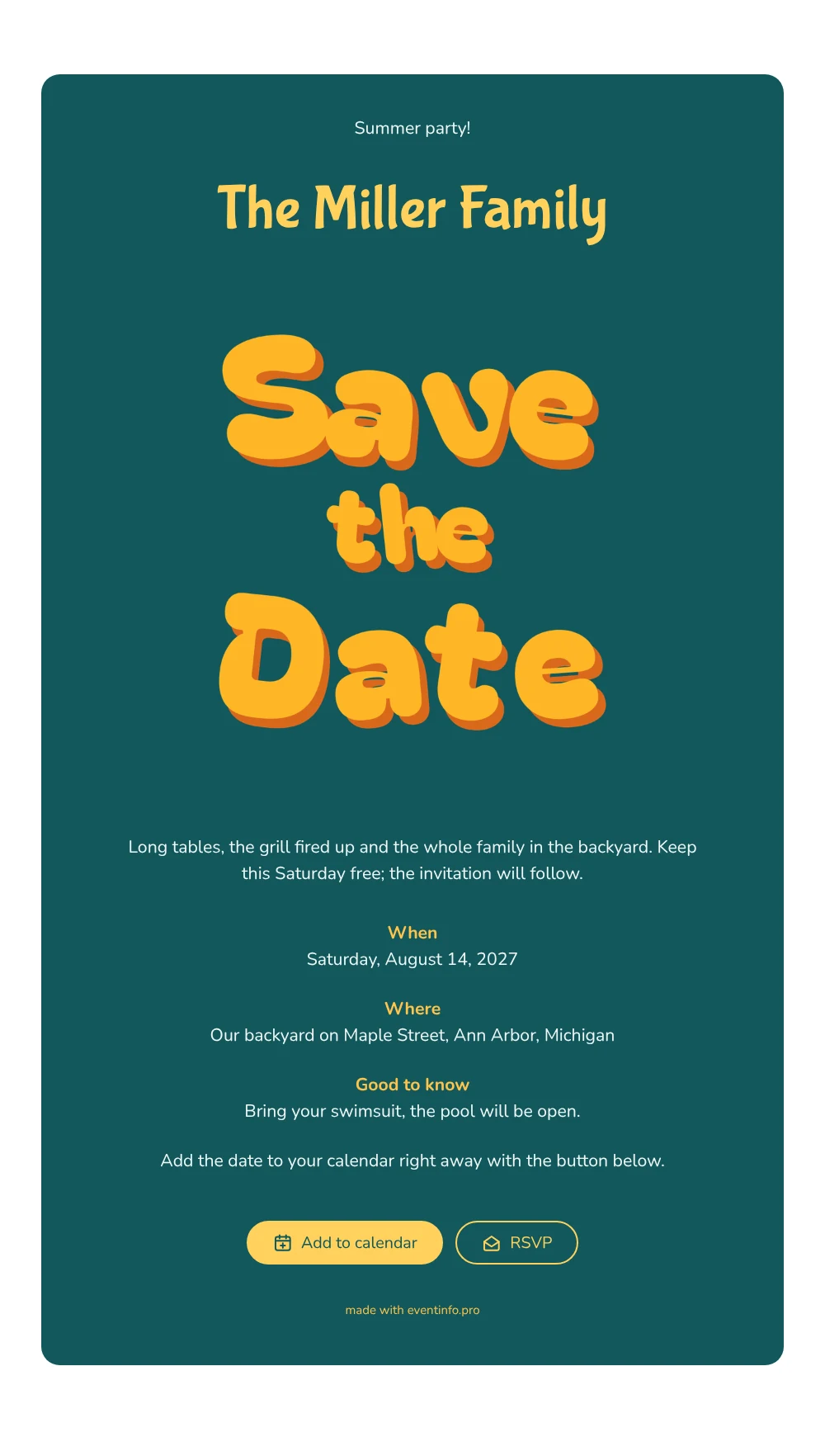
A bright, playful save the date
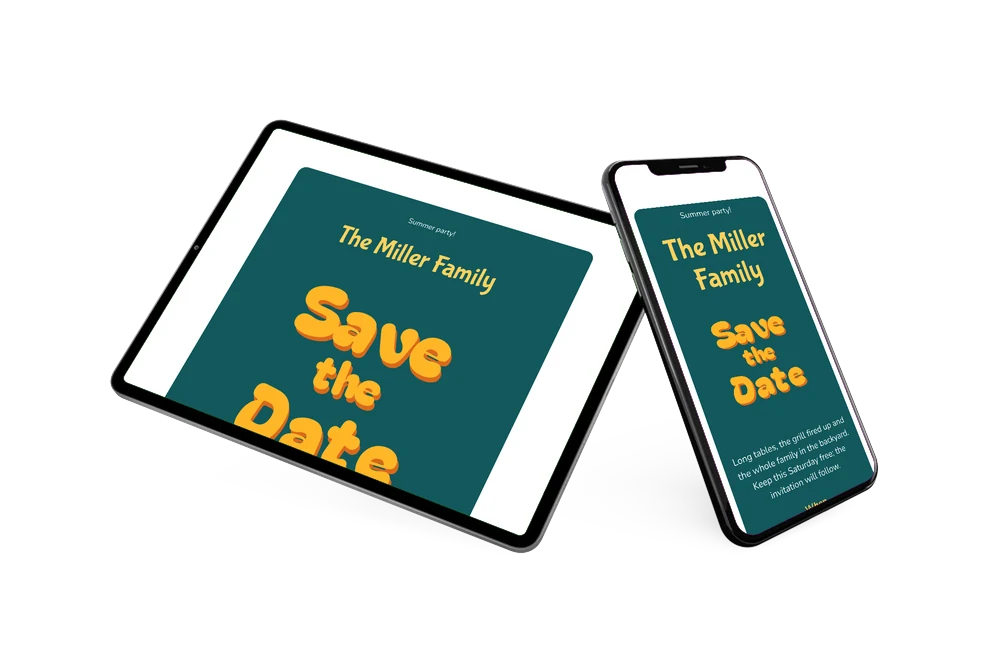
An online save the date is a short web page that tells guests the date and place of a get-together well before the invitation arrives. This one is made for summer: “Save the Date” in round, sunny yellow bubble letters with an orange shadow, set on a deep teal card where the yellow really pops. Below it sit a “Summer party!” heading, the family name and a short line about long tables, the grill and everyone together in the backyard. It suits a family garden party, a neighborhood barbecue or any relaxed summer gathering.
Summer weekends fill up fast, so sending the date early helps everyone keep that Saturday free. The card itself already invites guests to add the date to their calendar with the button below it, and they can also open the address on a map and use the RSVP button to say whether they are coming. Read more about how to add a save the date to the calendar.
Create your own online save the date
Use this design as a starting point and create a fitting save the date within minutes.
Frequently asked questions
How quickly can I make this save the date?
In a few minutes. Enter your family name, the date and the address, check the preview and share the link. The heading, the short message and the practical “Good to know” section are already filled in as an example.
What can guests do with it?
They add the date to Google, Apple or Outlook in one tap, open the location on a map and reply early through the RSVP button. You see all replies in your dashboard, handy when you work out how many chairs and burgers you need.
Why yellow letters on teal?
Yellow bubble letters would disappear on white, but on a deep teal they glow like sunshine. The contrast makes the card feel cheerful and summery at a glance, and the light text below stays easy to read.
Can I change the text, colors and image?
Yes. In the editor you rewrite every line, adjust the colors and swap the lettering for a photo of your garden or family. The swimsuit tip is just an example; replace it with whatever your guests need to know. Later you can make a full online event invitation on Eventinfo.pro.
Is it free?
Yes, making and sharing a save the date on freesavethedate.online is free. The full invitation with more features can follow on Eventinfo.pro.
All example invitations are fictional. Photos of people are AI-generated; illustrations are licensed or AI-generated.