A poised, affectionate save the date
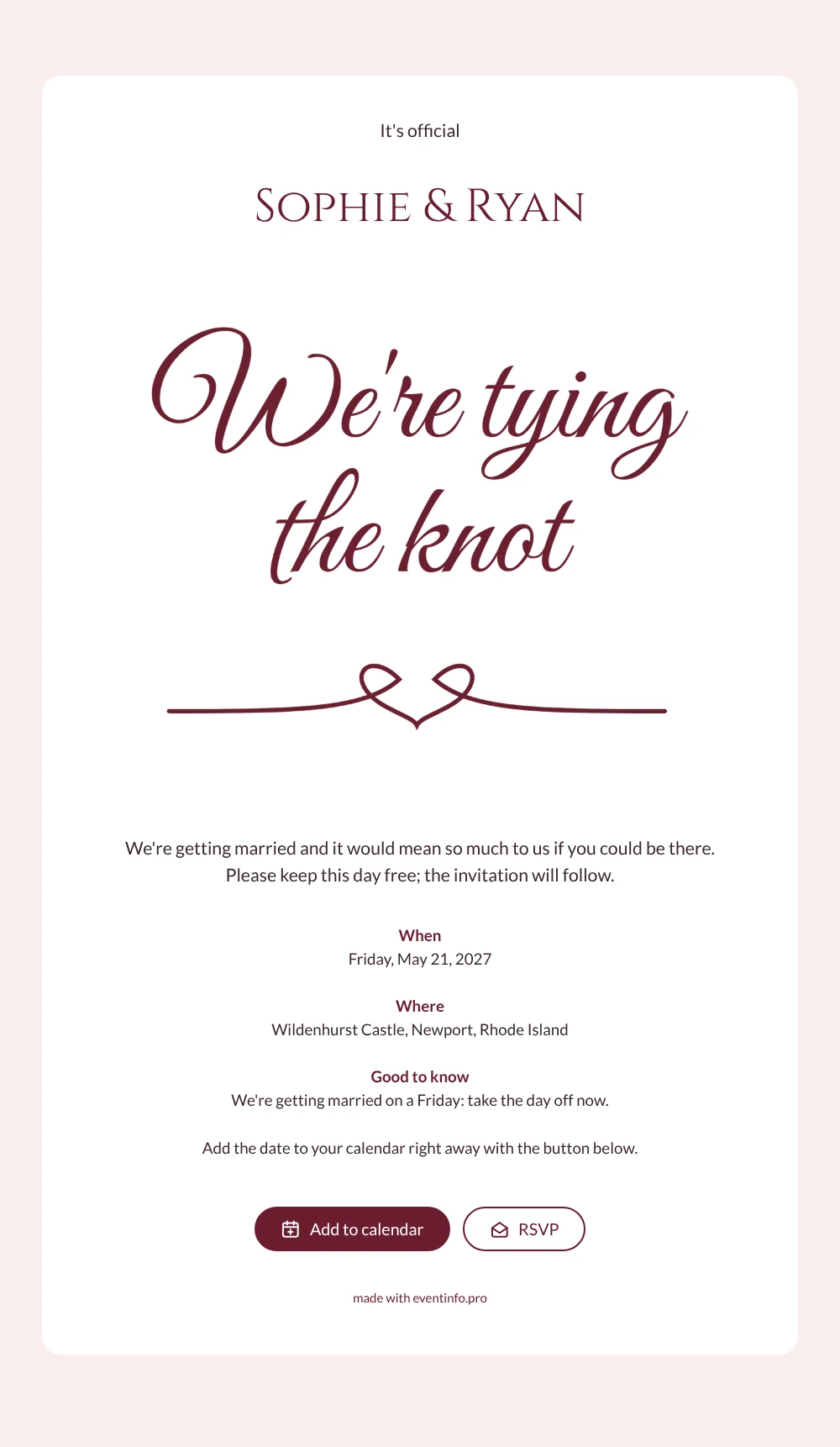
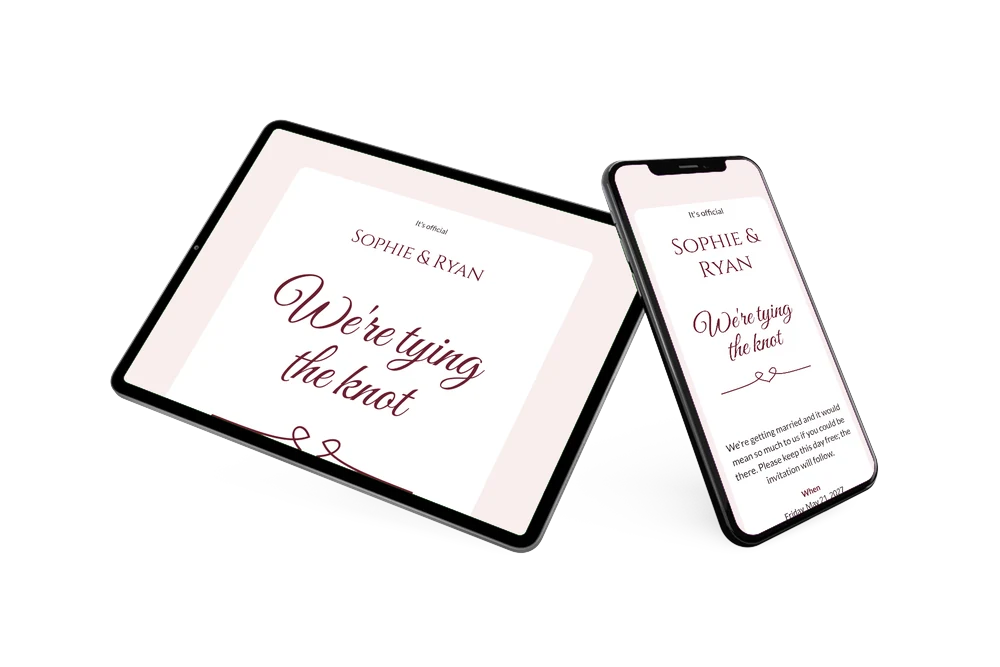
An online save the date is a digital first announcement that tells guests your wedding date and place long before the formal invitation. This design opens with hand-lettered calligraphy reading “We’re tying the knot” in burgundy, with a flourish that loops into a heart-shaped knot. Below it sit your names, a short personal message and clear blocks for when, where and good to know, all on a crisp white card against a soft blush background.
It suits couples planning a classic wedding who want the first message to feel personal. The example even reminds guests that the wedding is on a Friday, so they can take the day off in time. Guests open the page from one link and can add the save the date to their calendar in Google, Apple or Outlook, open the venue on a map and use the RSVP button to let you know early.
Create your own online save the date
Use this design as a starting point and create a fitting save the date within minutes.
Frequently asked questions
How quickly can I make this save the date?
In a few minutes. Choose the design, enter your names, the date and the venue, adjust the personal message and share the link. The lettering and layout are ready.
What can my guests do with it?
They add the date to their calendar with one tap, open the route to the venue and reply with the RSVP button. Every answer appears in your dashboard.
What is the good to know block for?
It holds one practical tip. In the example it says the wedding falls on a Friday, so guests can request leave now. You can replace it with anything useful, such as a hint about overnight stays or travel.
Can I change the text and the image?
Yes. Rewrite every line, adjust the colours or replace the lettering with a photo of the two of you. Later you can continue with a full online wedding invitation on Eventinfo.pro.
Is it free?
Yes, making and sharing this save the date on freesavethedate.online is free. If something changes after sending, guests see the update on the same link.
All example invitations are fictional. Photos of people are AI-generated; illustrations are licensed or AI-generated.