A stylish, celebratory save the date
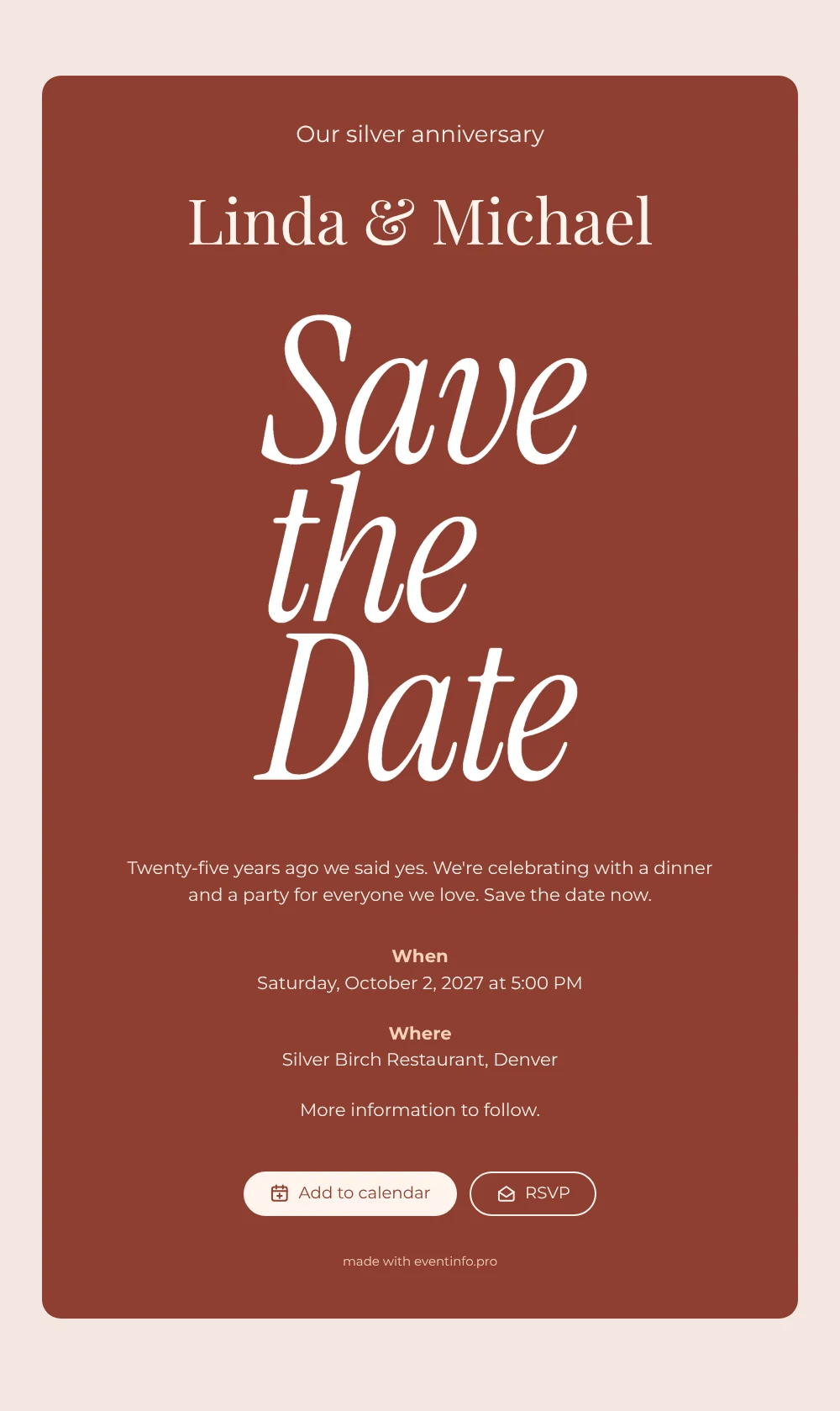
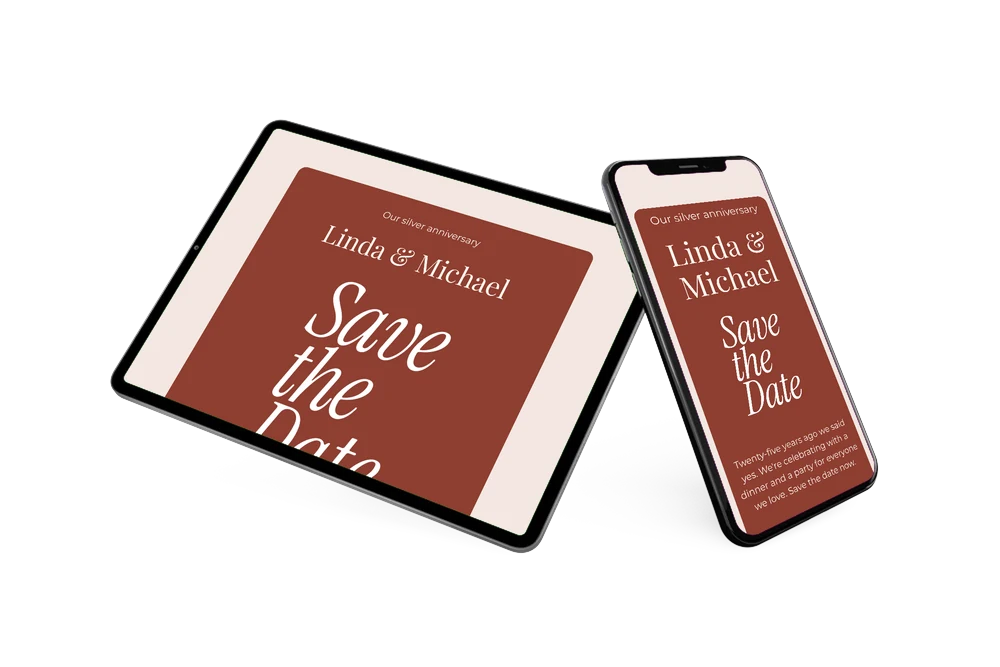
An online save the date is a short digital announcement that lets guests reserve the date and place of your celebration before the full invitation arrives. In this design, a white italic “Save the Date” lights up against a rich brick-red card, with your names and the details in soft cream. The card opens with “Our silver anniversary” and a few warm lines about saying yes twenty-five years ago, which makes it a natural choice for couples celebrating their silver wedding anniversary with a dinner and a party.
Below the personal message, guests find a clear When and Where, followed by a note that more information will follow. From there they can add the date to their calendar, open the restaurant or venue on a map and tell you via the RSVP button whether they will be there. Find out how those early replies help you plan the dinner in our tips on a save the date with RSVP.
Create your own online save the date
Use this design as a starting point and create a fitting save the date within minutes.
Frequently asked questions
How long does it take to make this anniversary save the date?
A few minutes. Change the names, the date and the venue, and adjust the short message if you like. The lettering, the colours and the layout are ready to use.
What can our guests do with it?
They can add the date to their Google, Apple or Outlook calendar, open the location in their maps app and use the RSVP button to let you know early whether they are coming. You see every answer in your dashboard.
Why a red card for a silver anniversary?
The deep brick red makes the white lettering stand out and gives the card a warm, festive feel, while the white script quietly hints at silver. If you prefer a different colour, for a ruby or golden anniversary for example, you can change it in the editor.
Can I rewrite the message and change the colours?
Yes. Every line is editable, from the opening to the closing note, and so are the colours and the image. Our guide on how to make a free digital save the date walks you through the steps.
Is it free?
Yes, making and sharing a save the date on freesavethedate.online is free. The full invitation with more features can be created later on Eventinfo.pro.
All example invitations are fictional. Photos of people are AI-generated; illustrations are licensed or AI-generated.