A traditional, joyful save the date
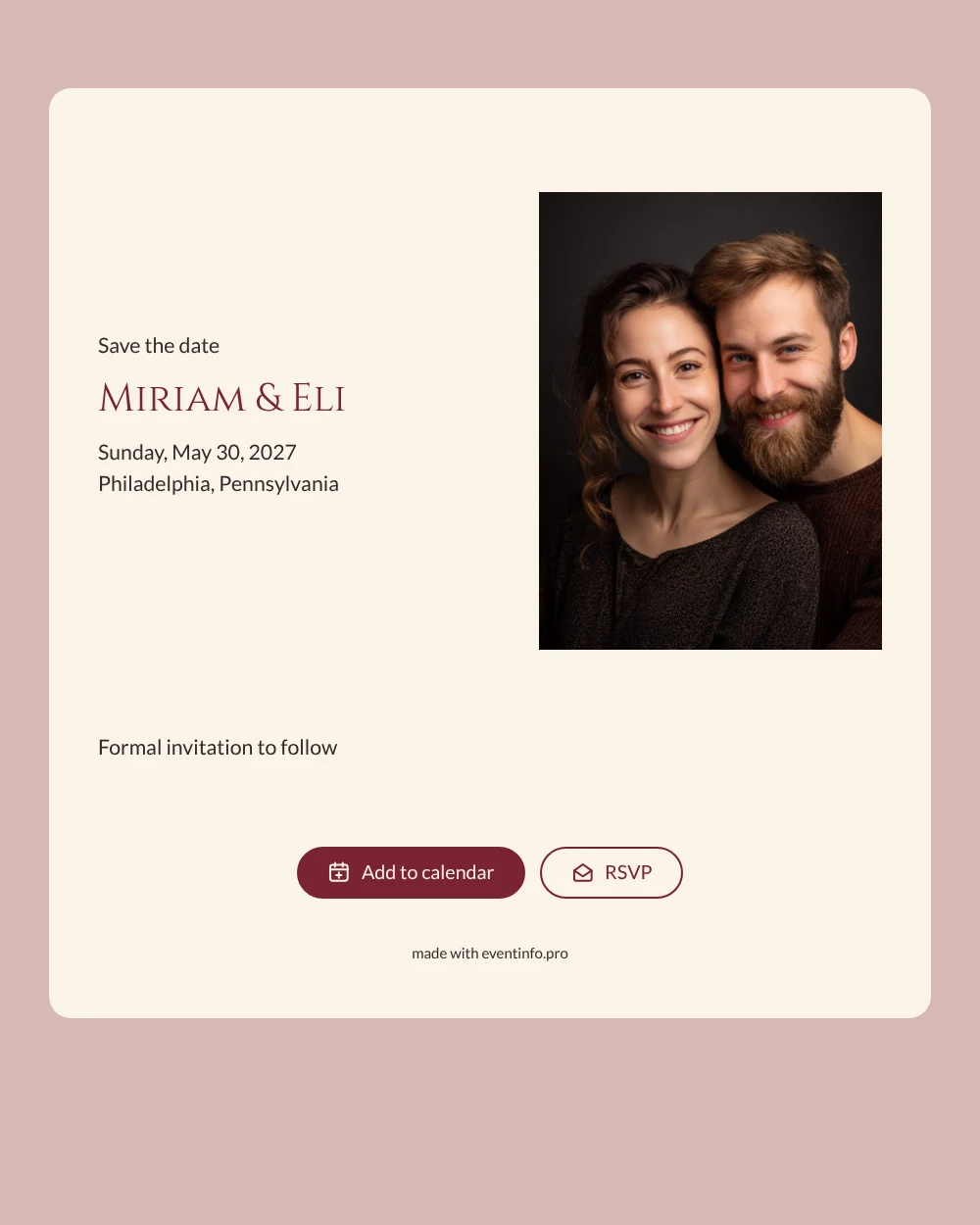
An online save the date is a digital first notice of your wedding: the names, the date and the place, sent to guests well before the invitation itself. This design takes its cue from the ketubah, the marriage contract that many couples have beautifully lettered and framed. The card is the color of cream parchment, the names are set in stately capitals in a deep wine red, and a soft dusty rose surrounds it all. At the centre sits a photo: a laughing couple, cheek to cheek, against a dark studio background. It suits couples planning a Jewish wedding who love tradition but want the announcement to feel personal.
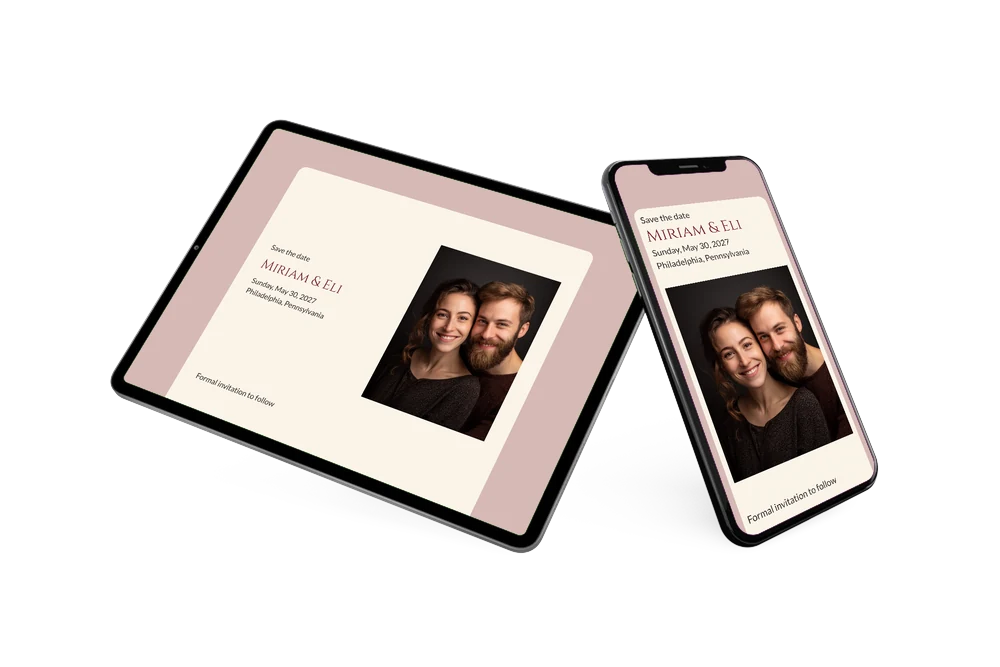
Share it once the date and venue are fixed, especially when relatives live abroad or have to plan around busy family calendars. Guests open the link, see your photo and the details, and add the date to their calendar in Google, Apple or Outlook. With the RSVP button they can tell you early whether they will be under the chuppah with you, and the location opens on a map with directions.
Create your own online save the date
Use this design as a starting point and create a fitting save the date within minutes.
Frequently asked questions
How quickly can I make this save the date?
Within minutes. Upload your own portrait in place of the sample photo, type your names, choose the date and add the venue. The ketubah-style layout, the colors and the lettering are already in place.
What can guests do with the link?
They can add the wedding to their calendar, open the location on a map and use the RSVP button to let you know early whether they plan to come. You see all replies together in your dashboard.
Which photo works best in this design?
A close portrait with a dark or plain background, like the sample, looks best against the cream card and the wine red names. An engagement photo or a relaxed snapshot of the two of you laughing works well too.
Can I change the wording?
Yes, every line can be edited, from the closing note to the date format, and you can adjust the colors if you like. Our step-by-step guide on how to make a free digital save the date walks you through the editor.
Does it cost anything?
No. Making and sharing this save the date on freesavethedate.online is free. Later, you can create the full invitation with more details on Eventinfo.pro.
All example invitations are fictional. Photos of people are AI-generated; illustrations are licensed or AI-generated.